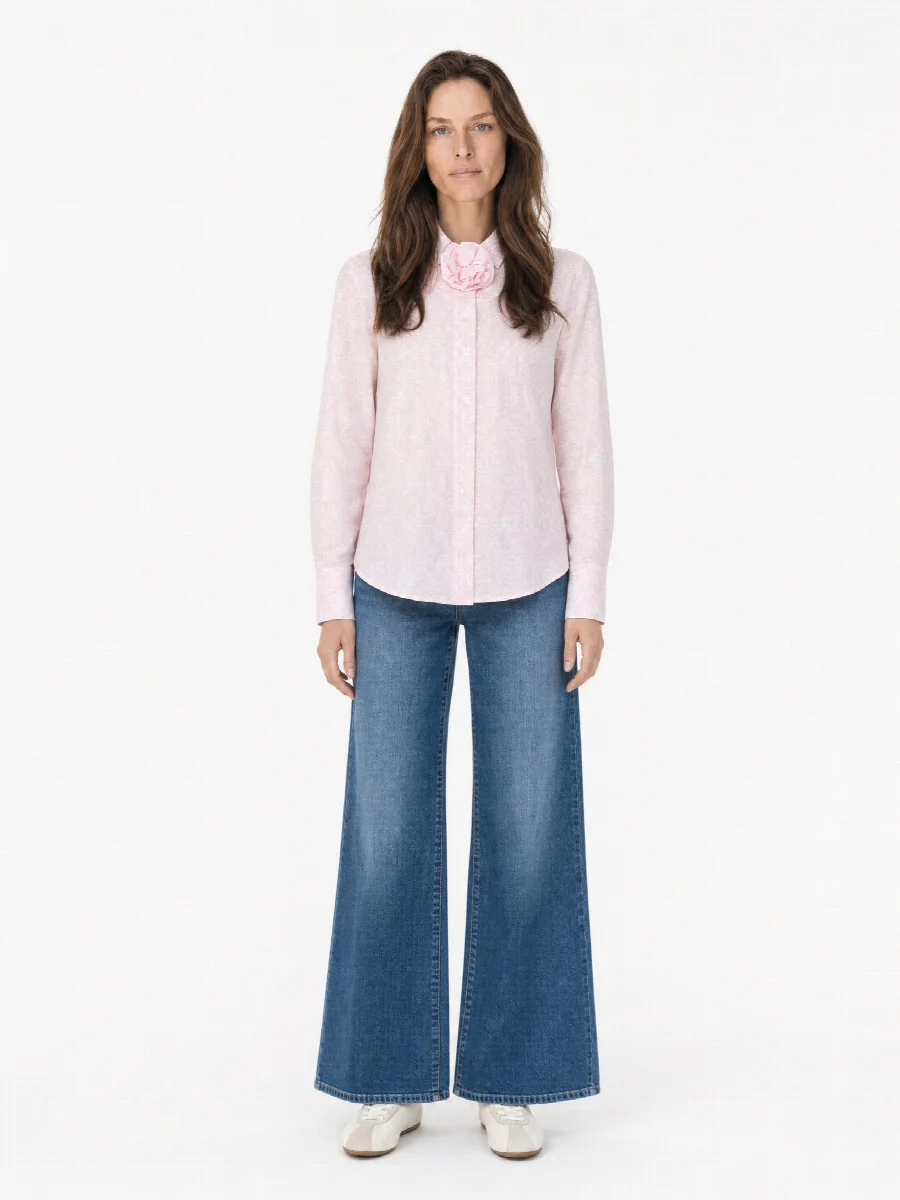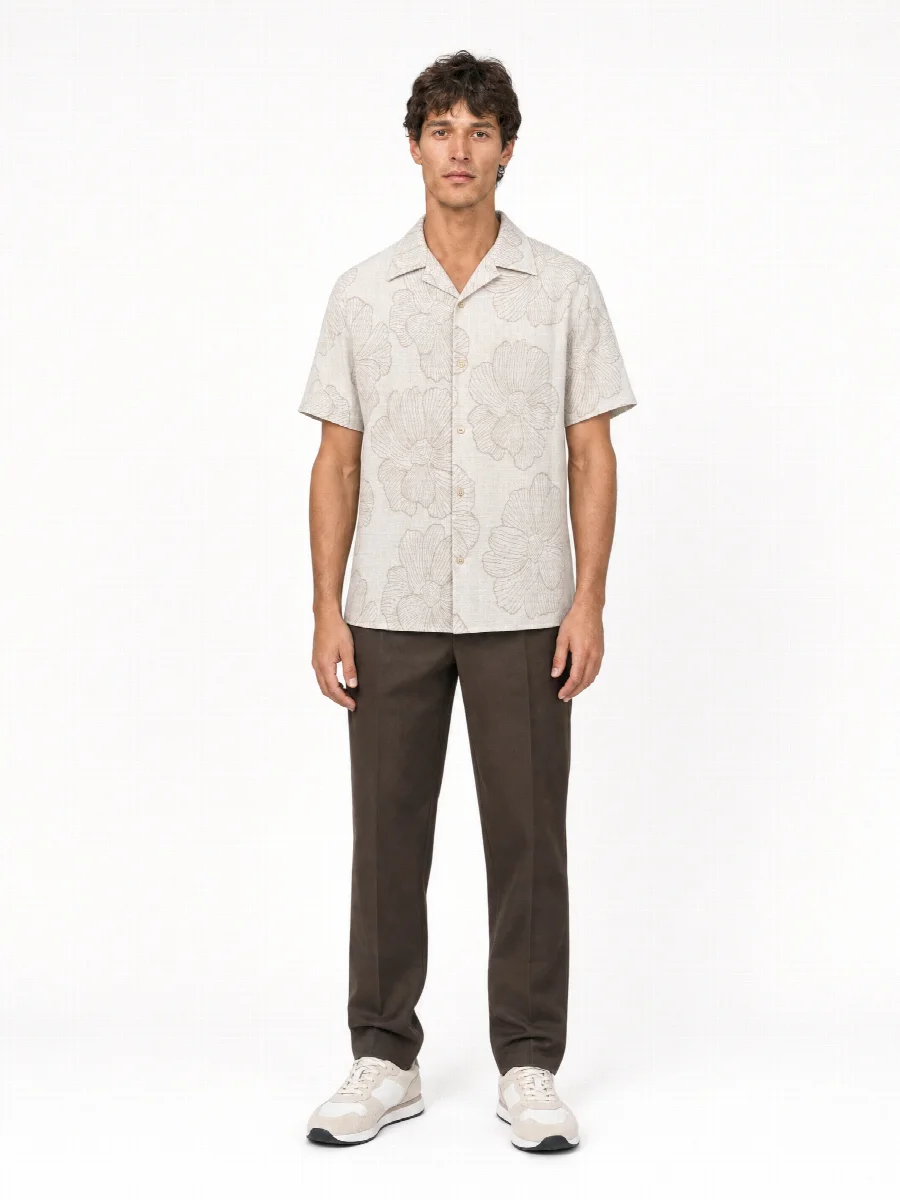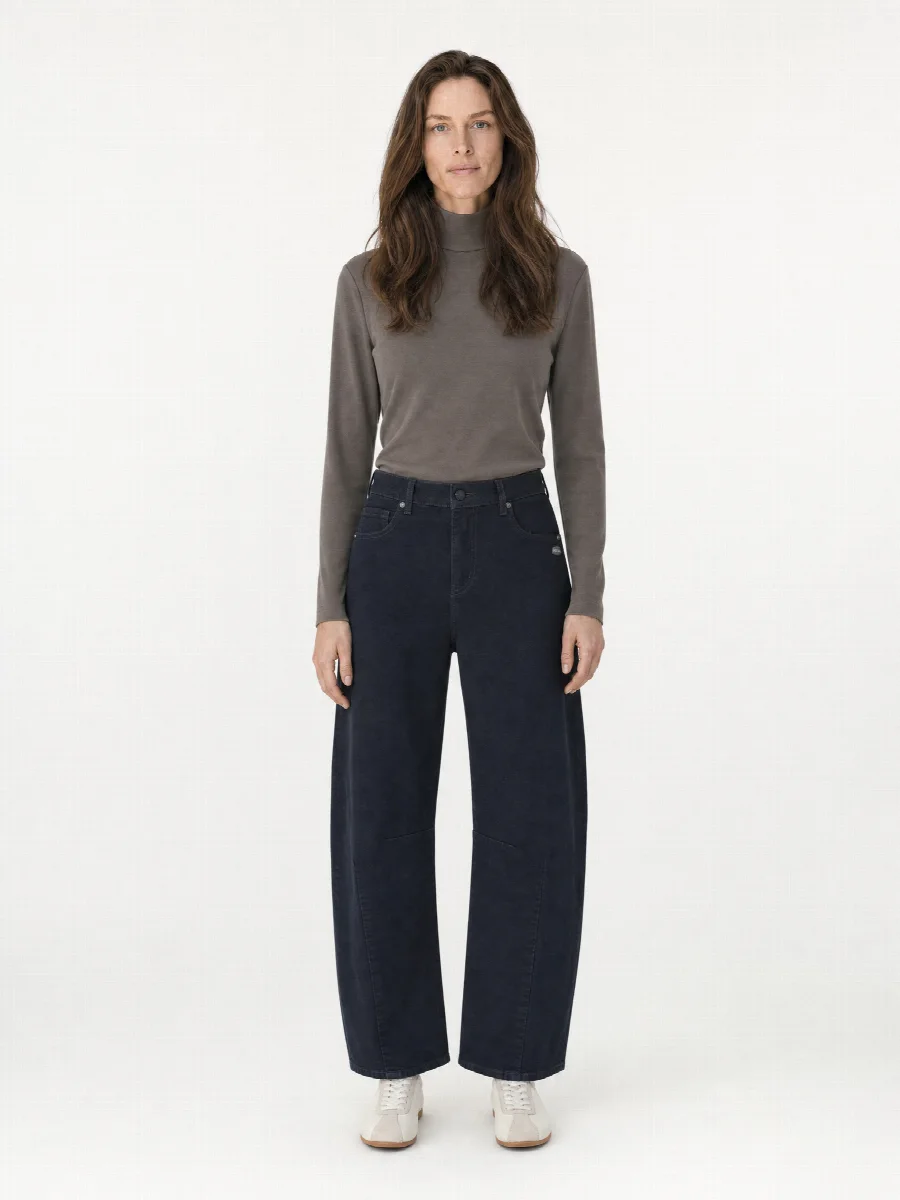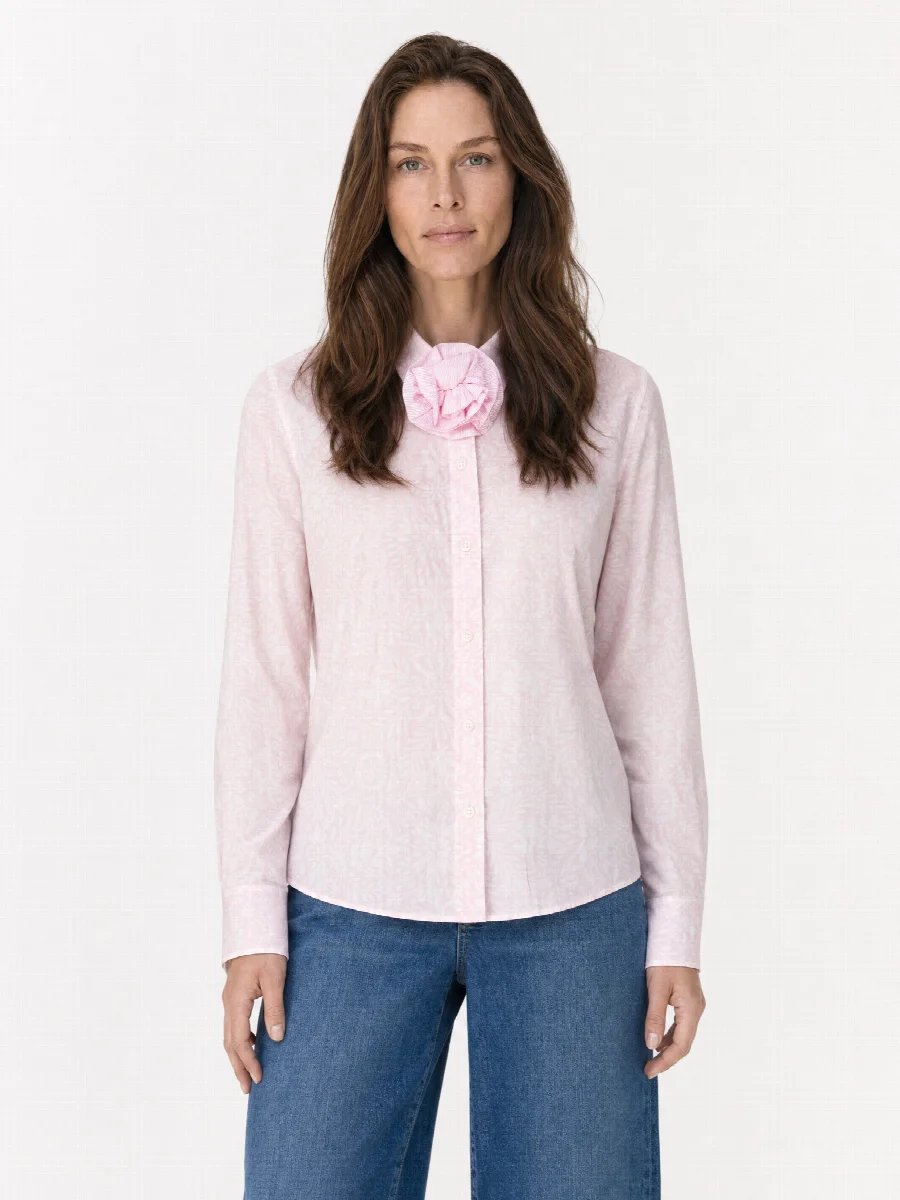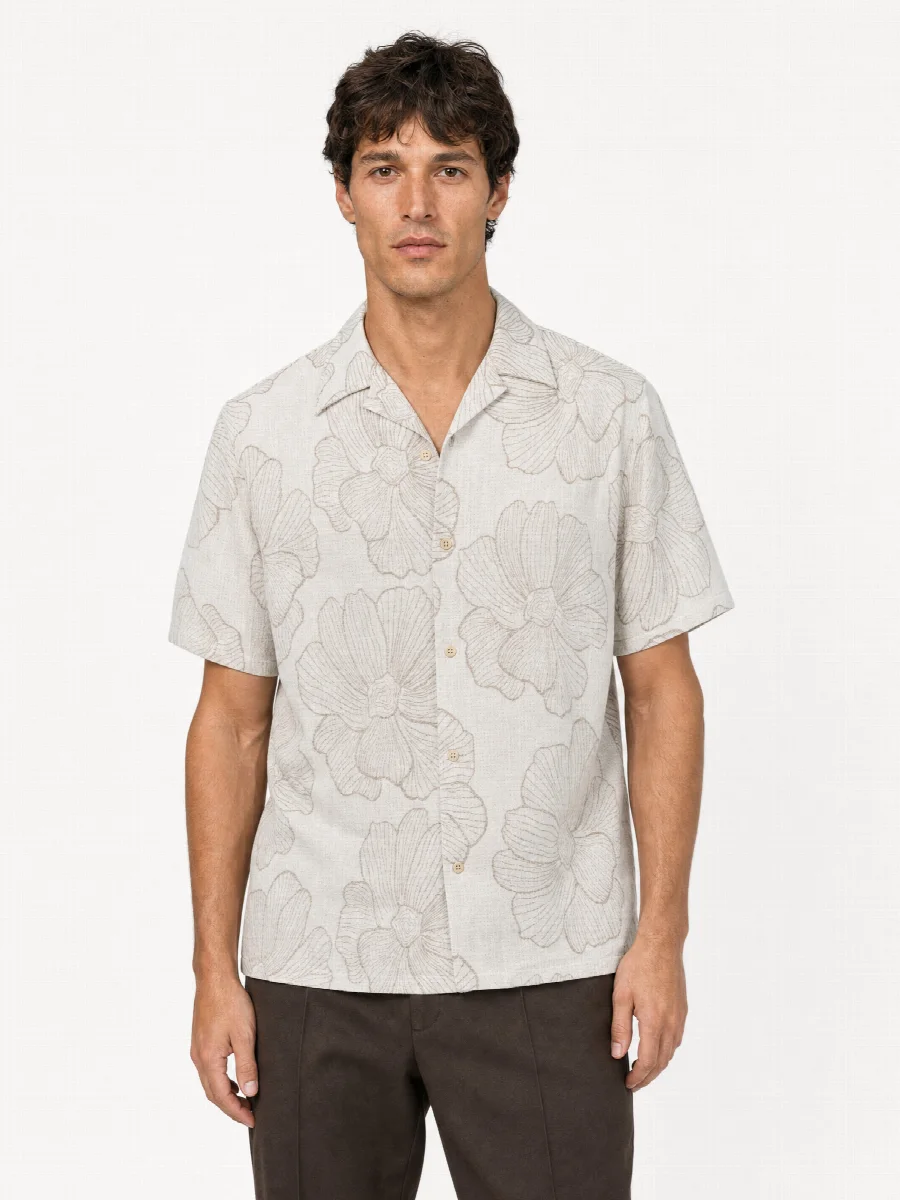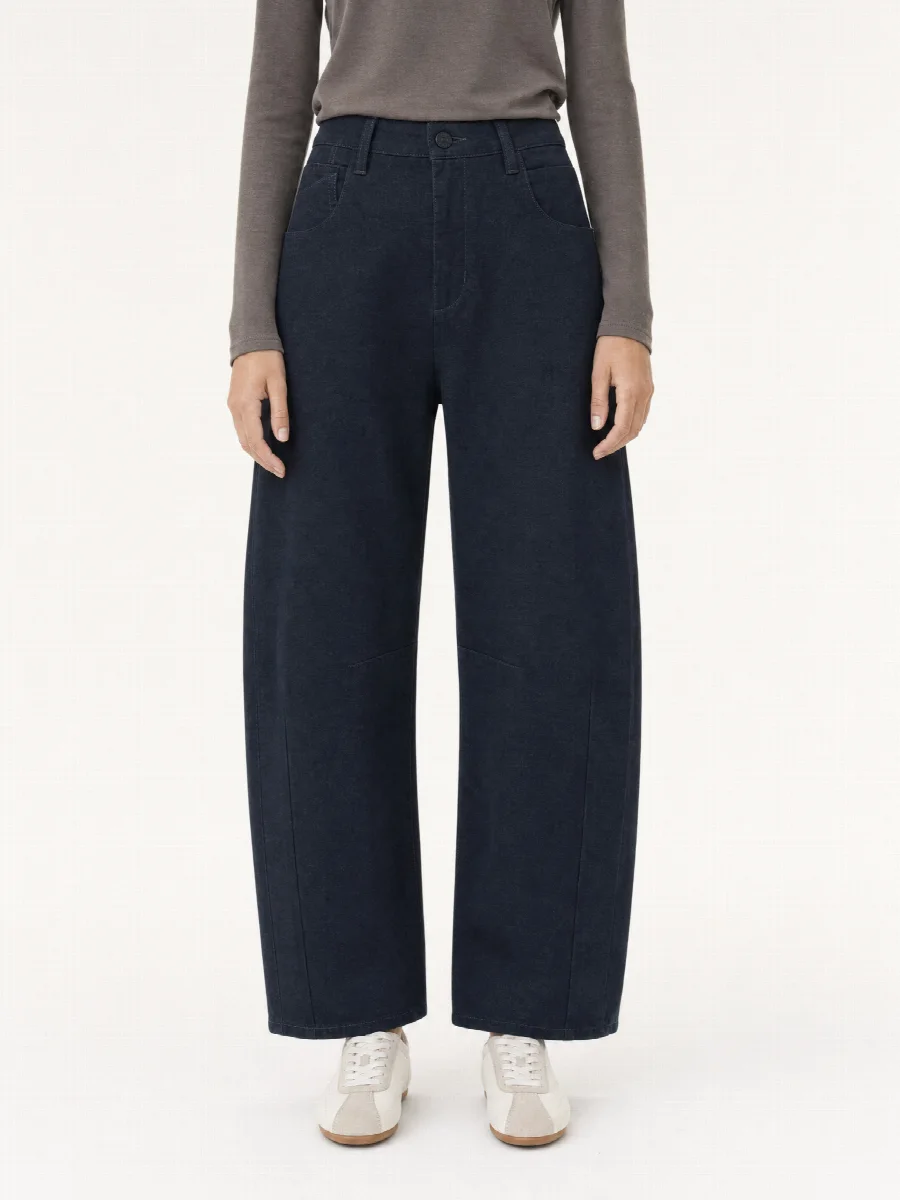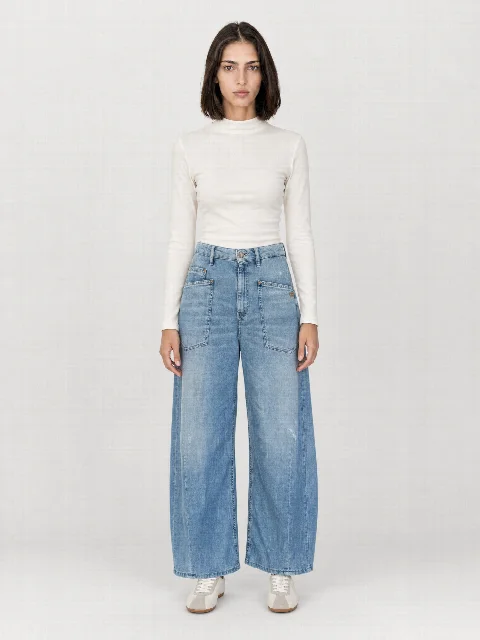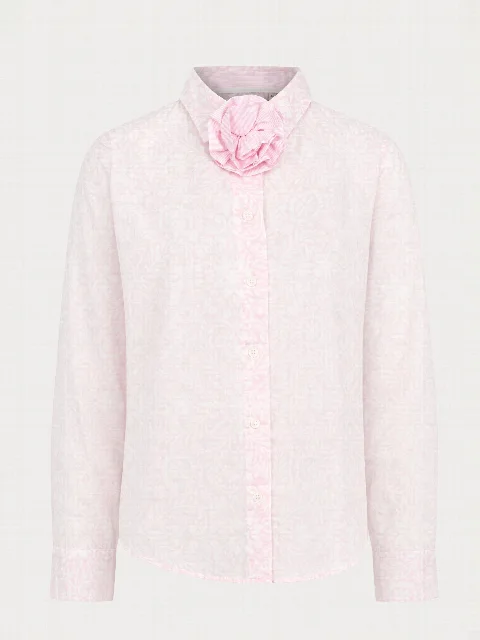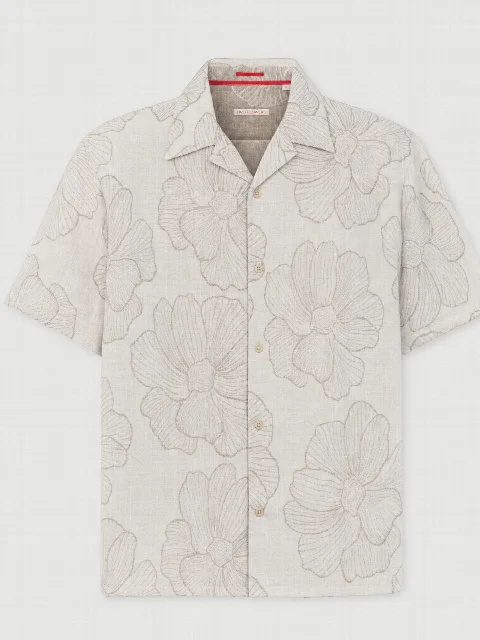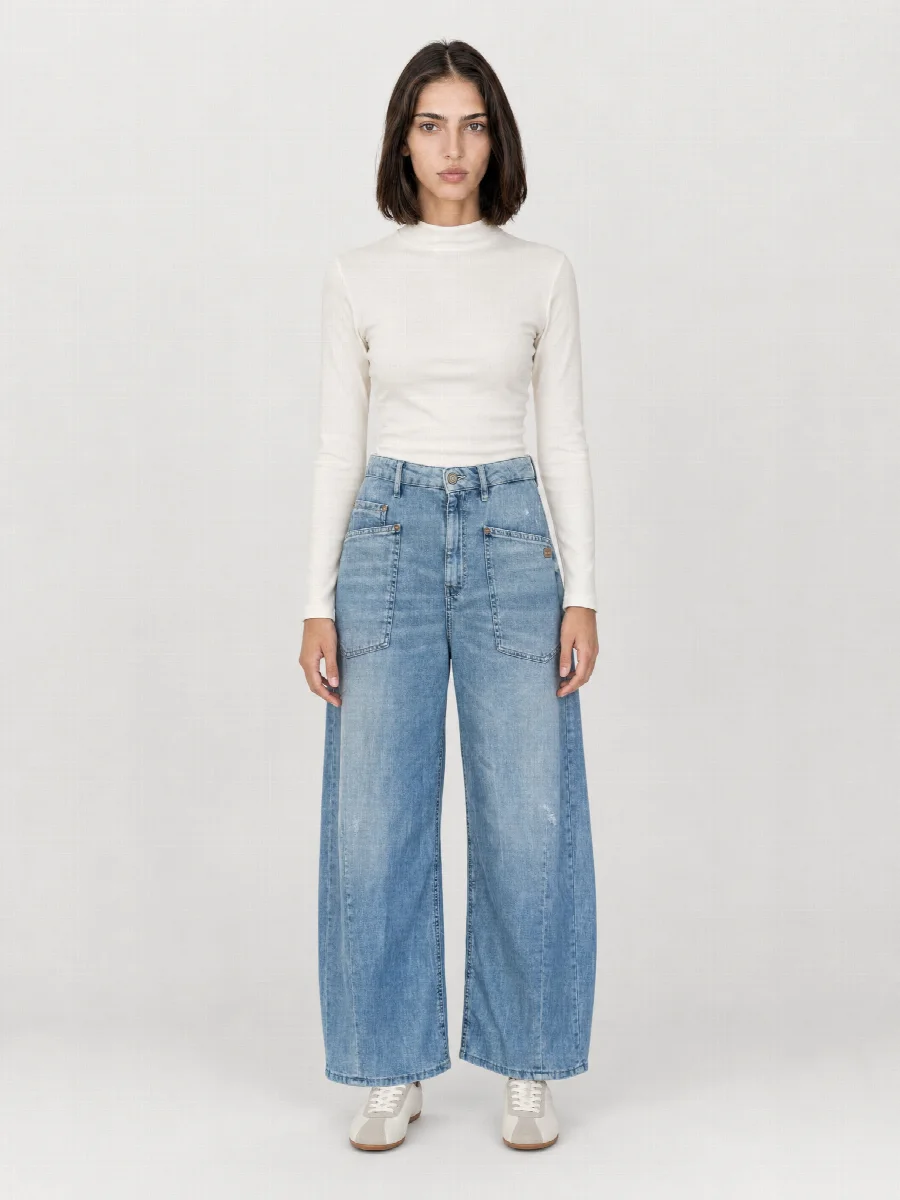
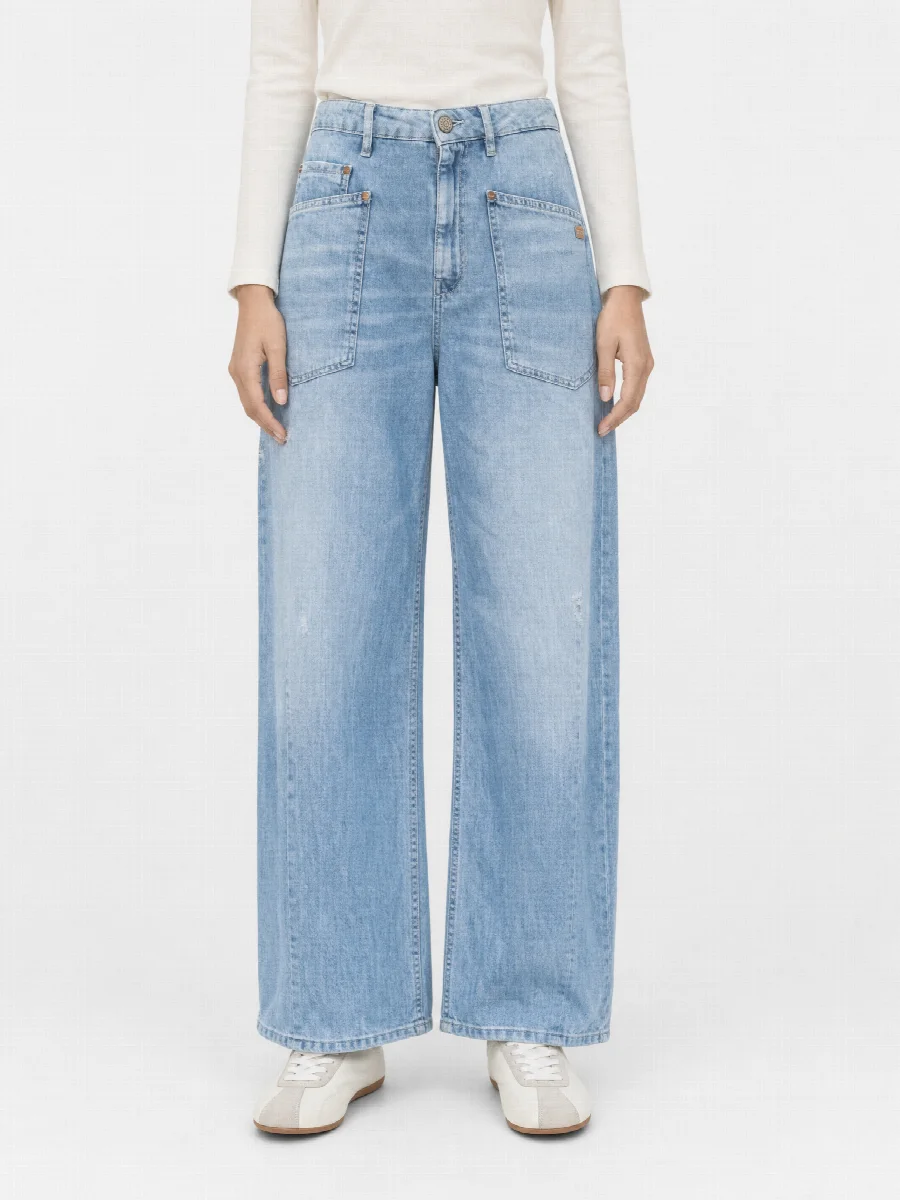
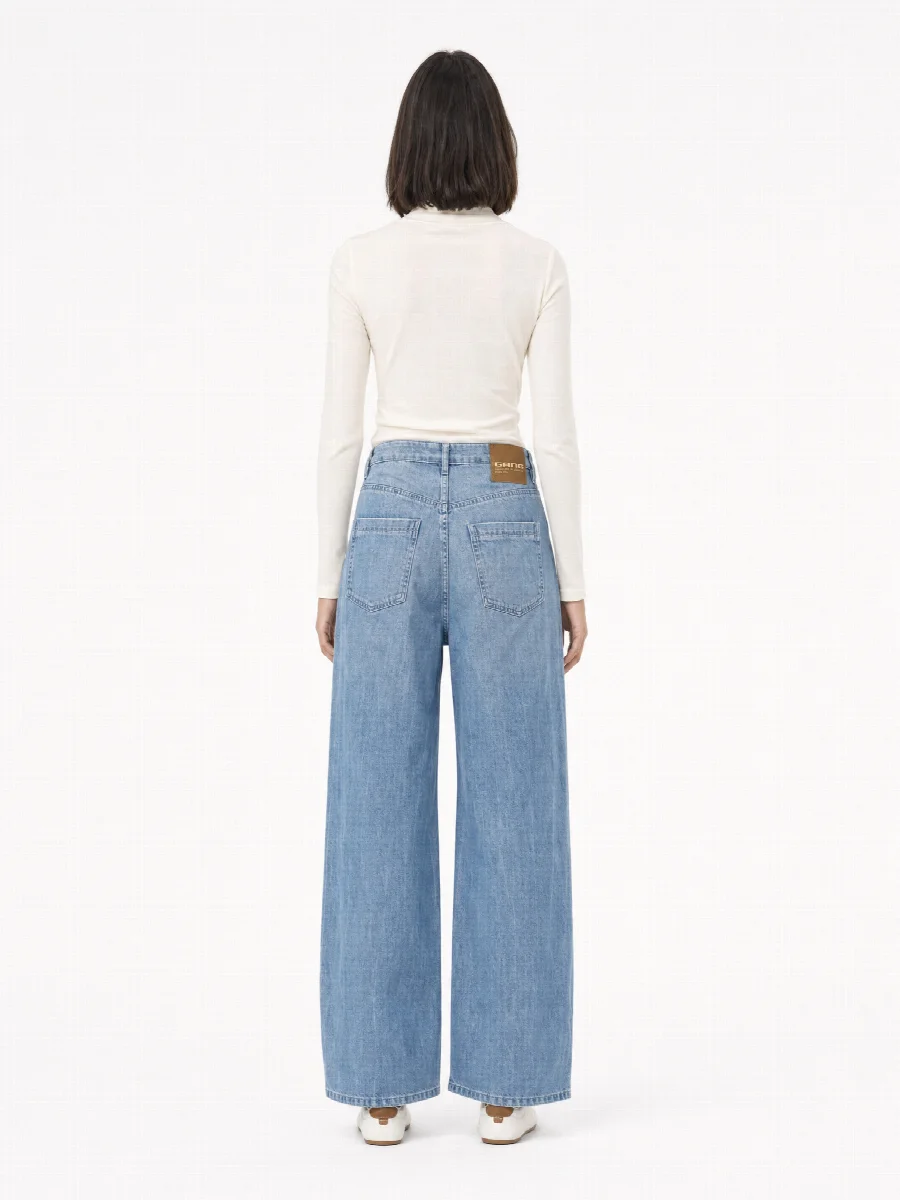
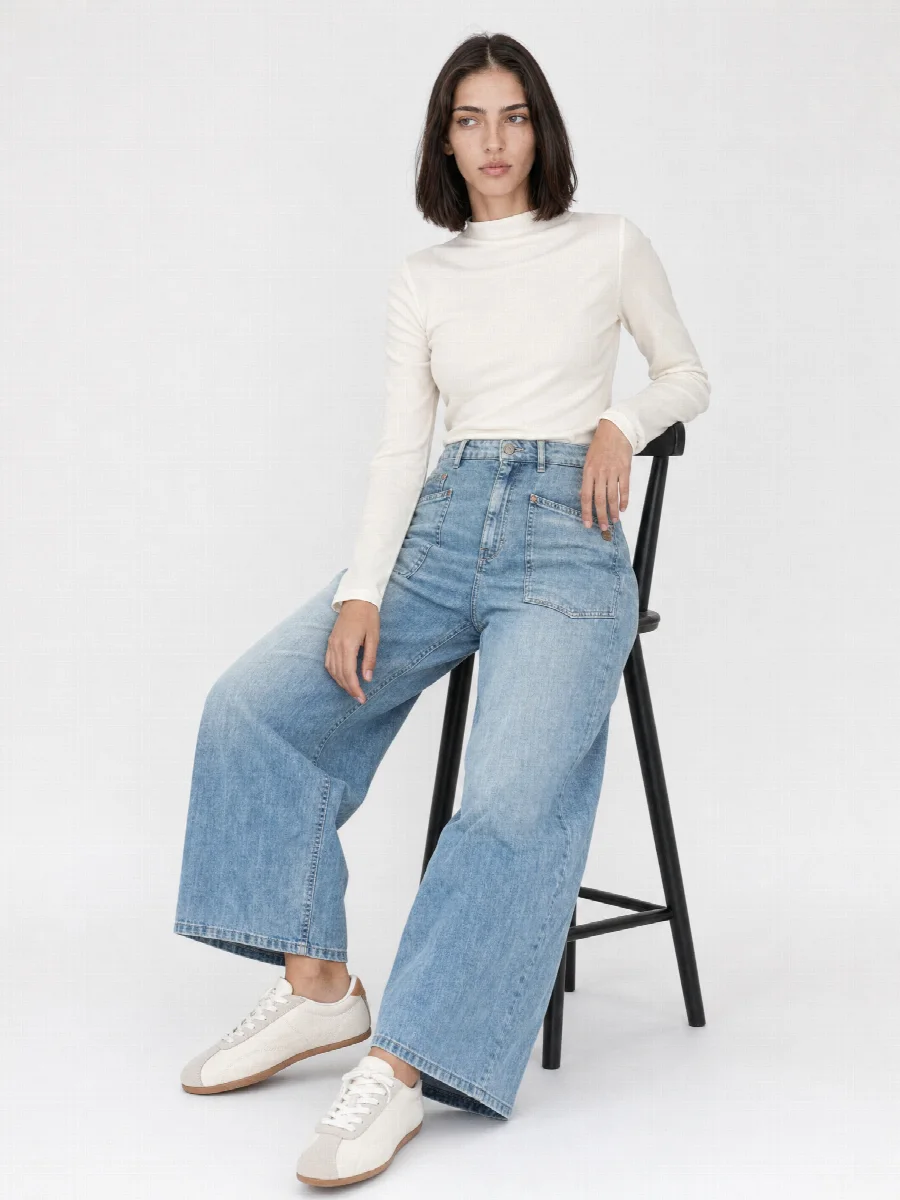
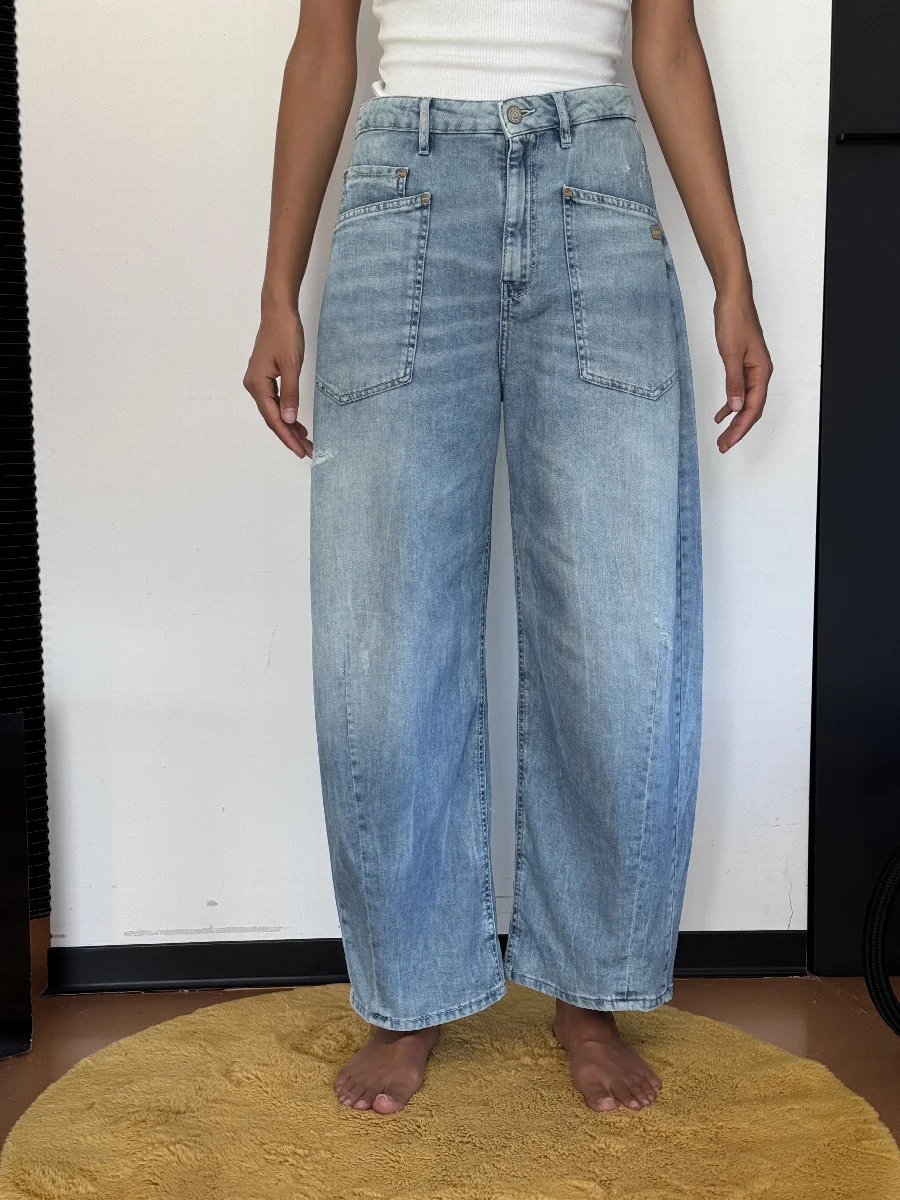
What are AI model photos?
AI model photos are product images in which a virtual model wears your garment. Instead of booking a model, photographer and studio, you photograph the product with your phone from the front, from the back and in detail. The studio recognises cut, colour, material, length and branding and creates images that look like they come from an e-commerce shoot.
Model photos without a shoot help whenever the studio date does not fit your schedule. The sample is only in house for two days, pre-orders start next week, a replenishment arrives in the middle of the season. You photograph the product as soon as it is there and have on-model images shortly afterwards.
How to tell ultra-realistic AI images of clothing on a model
An AI image looks real when a photographer would find nothing wrong with it. That is what the studio sets are designed for.
- Drape: the fabric falls the way its material demands. Denim holds its shape differently from viscose.
- Fit: waistband, shoulder and hem sit where they sit on your product.
- Skin: natural texture instead of a smooth surface, with a calm expression like in a catalogue.
- Light: fixed lighting setups as in a photo studio, so colour and shadows come out the same for every product.
Which shots are created?
Six model shots are possible per product. From the same photos you can also create ghost mannequin, flat lay, material macro and mood images.
- Full body front: the main image for category and product page
- Front crop: focus on cut and fit
- Front detail: buttons, pockets, fabric, label
- Full body back, back crop and back detail
One virtual model for the whole collection
In the library you choose from 136 models, 60 women and 76 men, and from 13 studio and editorial sets. You save model, set and shots as a preset. Face, figure and light then stay the same across every product, just like a regular model who comes into the studio every season.
Products that arrive weeks later still match the rest.
Showing fit and size honestly
The model wears your product the way it looks in your photos. The studio takes length, width and cut from the photo, for example whether trousers are ankle length or a jacket ends at the hip. During upload you see the detected length and can correct it.
A model image shows the fit on one figure. It does not replace a size chart. Add details such as inside leg or back length on the product page, so your customer’s expectations match the piece that arrives.
Styling and outfit
To keep your product in focus, the studio adds matching pieces such as a T-shirt, trousers or shoes from curated outfits. You can also combine your own pieces, for example your jeans with your top. Photograph the product the way it should be shown, for example a shirt open or buttoned.
Where the limits are
- Highly reflective materials such as patent, metallic or sequins need particularly good photos and a careful look at the result.
- Very small details such as fine embossing or tiny print do not always come out exactly.
- Check every image before publishing. The studio checks the first model image of every product automatically, and you can have any image regenerated with a short description.
- An AI model cannot replace real people from your brand.
AI model photos or a real model shoot?
| Real model shoot | AI model photos | |
|---|---|---|
| Lead time | Planning, booking, shoot date | immediate |
| People involved | Model, photographer, styling, retouching | you with your phone |
| Samples | must be at the studio on the shoot date | photographed as soon as they arrive |
| Replenishments | new shoot needed | any time in the same look |
| Cost | Day rates and retouching | from €0.90 excl. VAT per image |
| Strong for | Campaign, location, real people | Pre-orders, large ranges, everyday product images |
Our recommendation for B2B and campaigns
We run our own photo studio in Munich, which still does real shoots today, on-model as well as packshot, ghost mannequin and still life. For B2B pre-orders, line sheets, sample collections and large ranges that need to go online fast, the AI Studio is ideal. For the B2C campaign or the hero image of a season, a real shoot can be the right choice.
Many brands combine both. The everyday product images are created at the computer, the campaign in front of the camera. Which mix suits you is your decision.
How an AI model photo is created
- Photograph
Shoot the product laid flat, hanging or worn: front, back, detail.
- Choose a model
Choose from 136 models and 13 sets and save them as a preset.
- Create
Select the shots. The image set is ready within a few minutes.