1. Home
  2. Features
  3. Ghost Mannequin
Feature · Ghost Mannequin

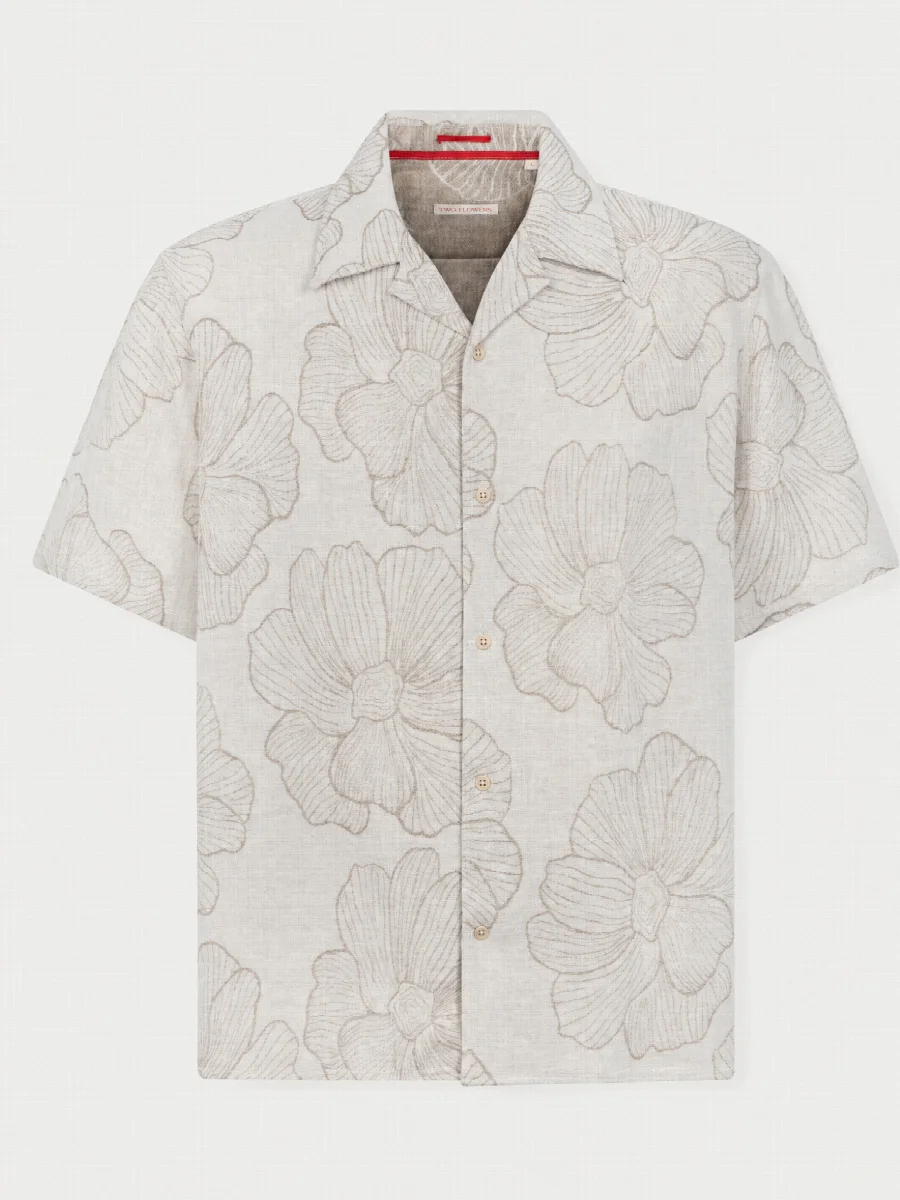
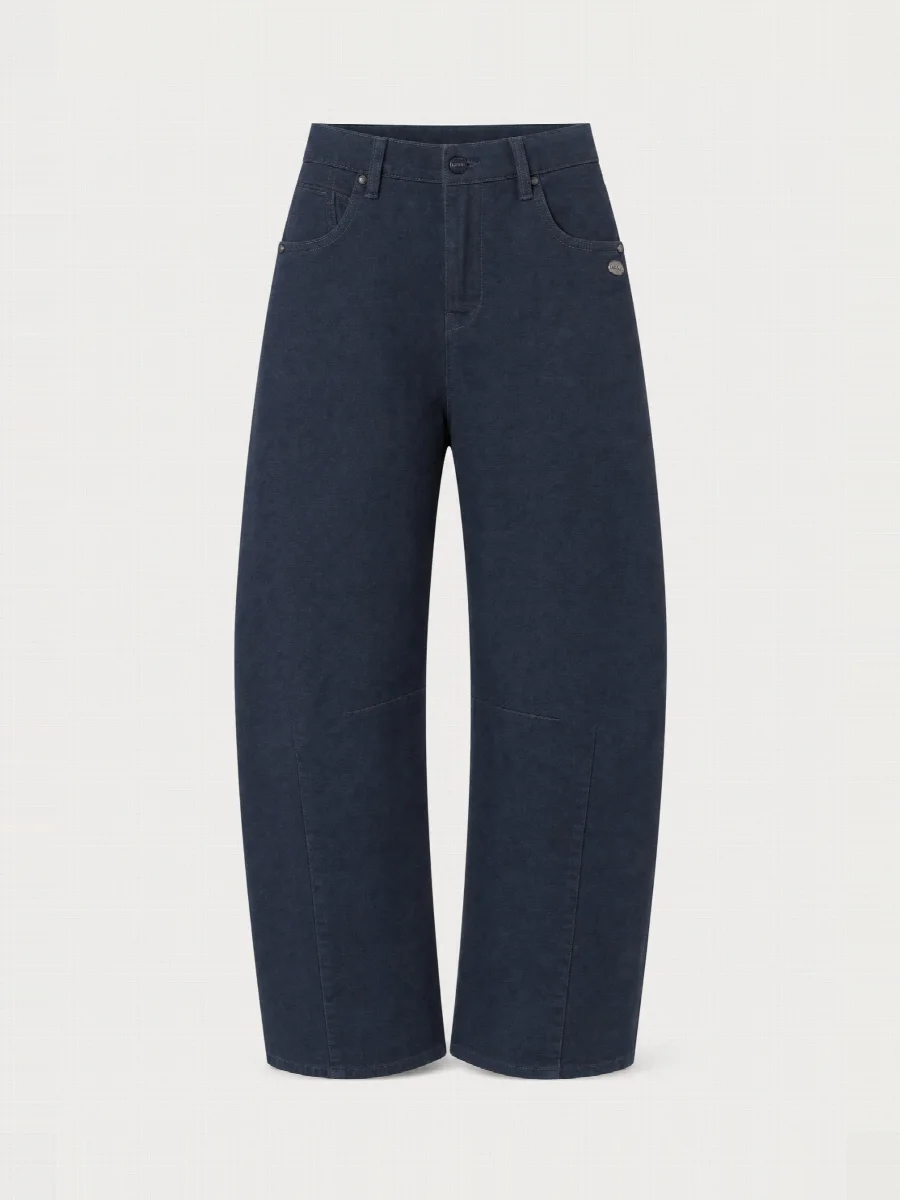
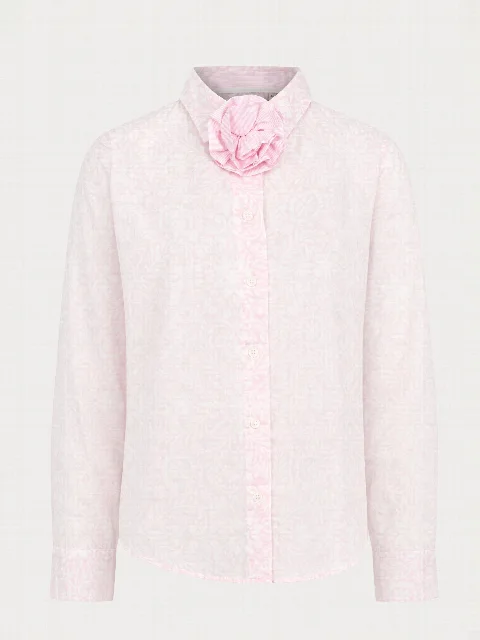
Ghost mannequin with AI: hollowman images without a mannequin.

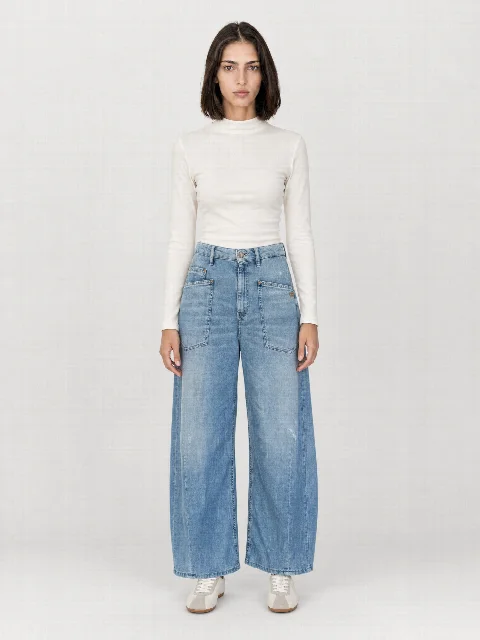
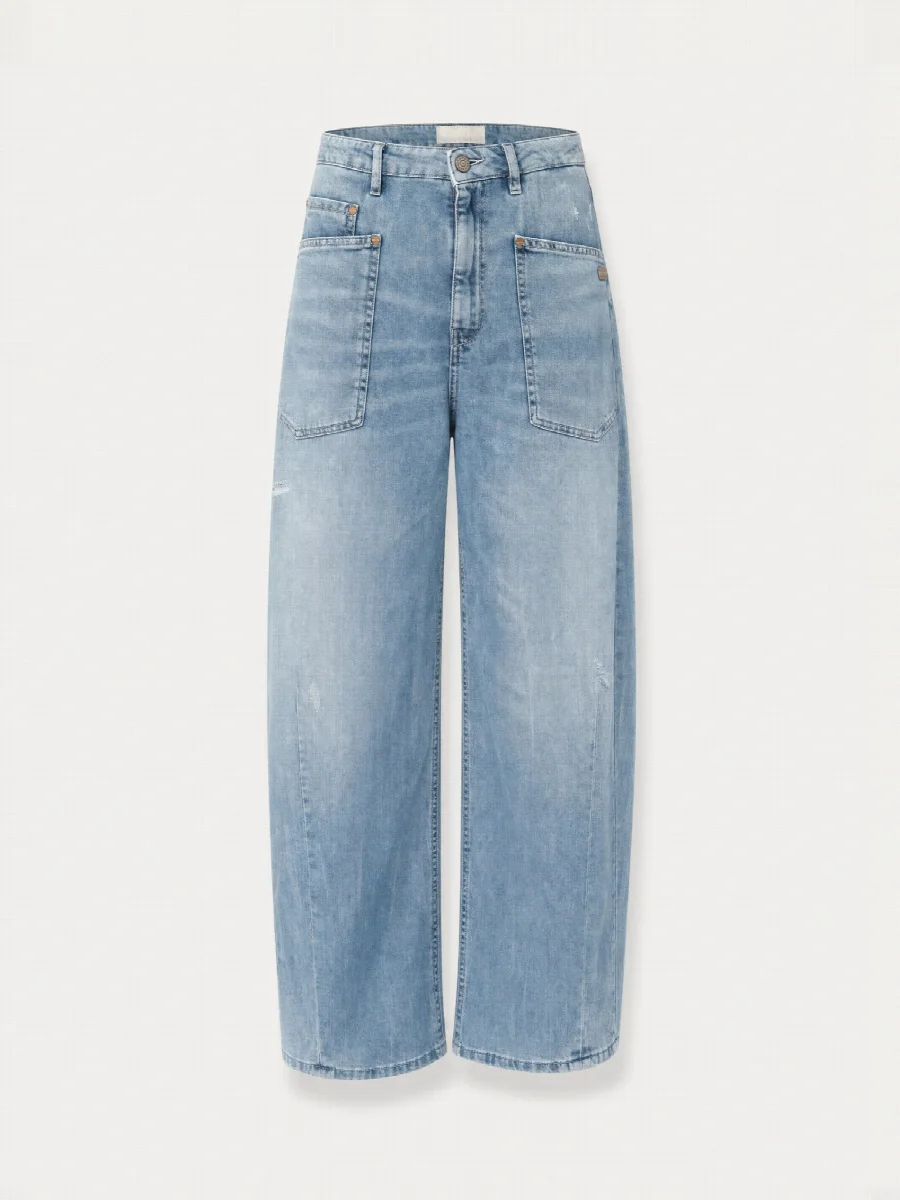
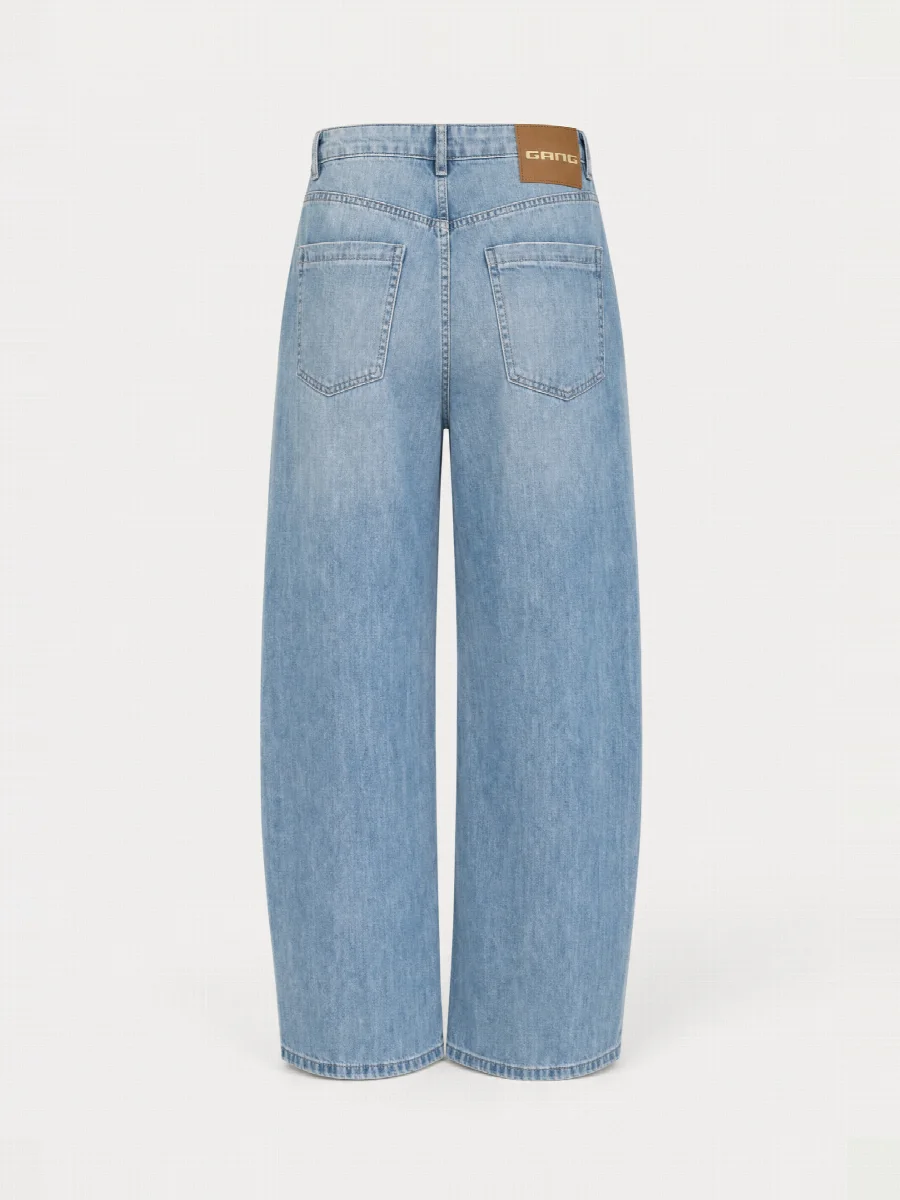
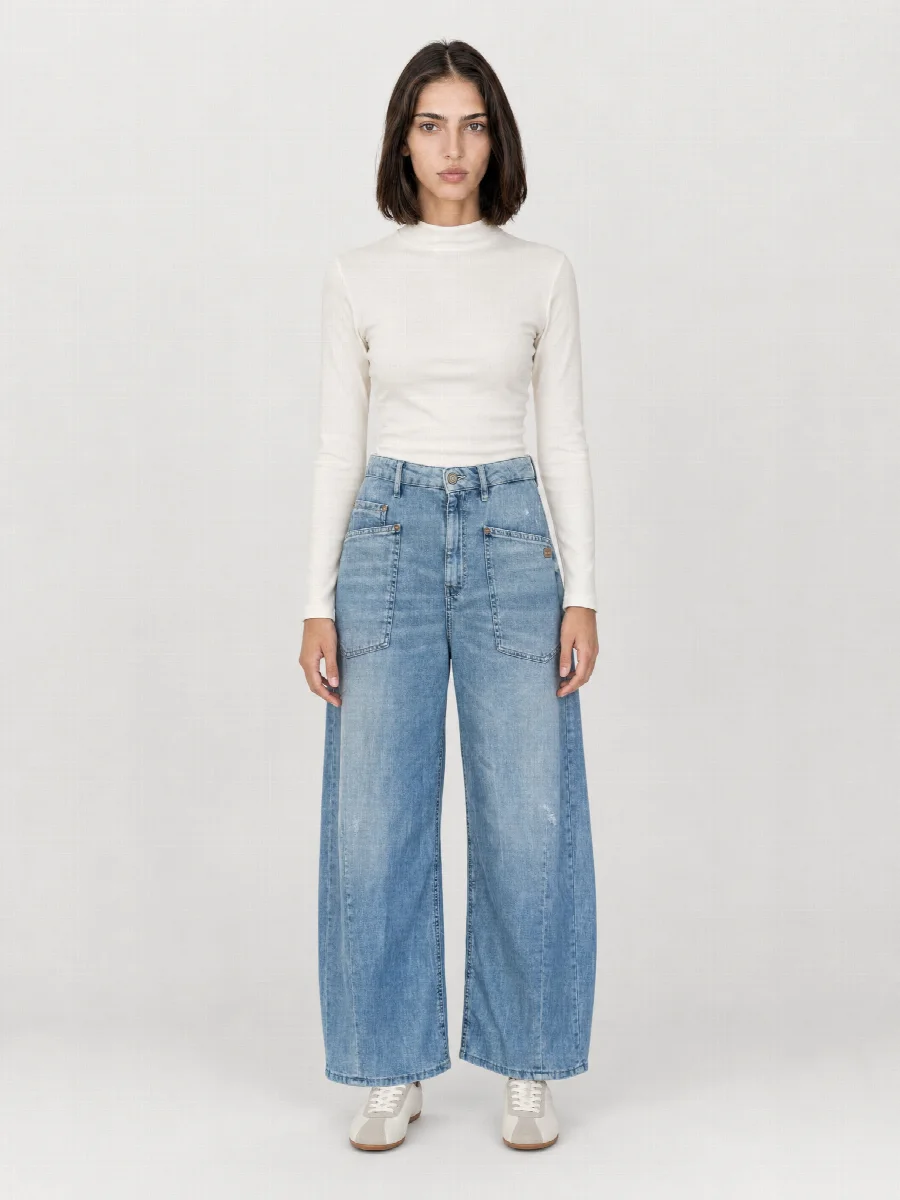
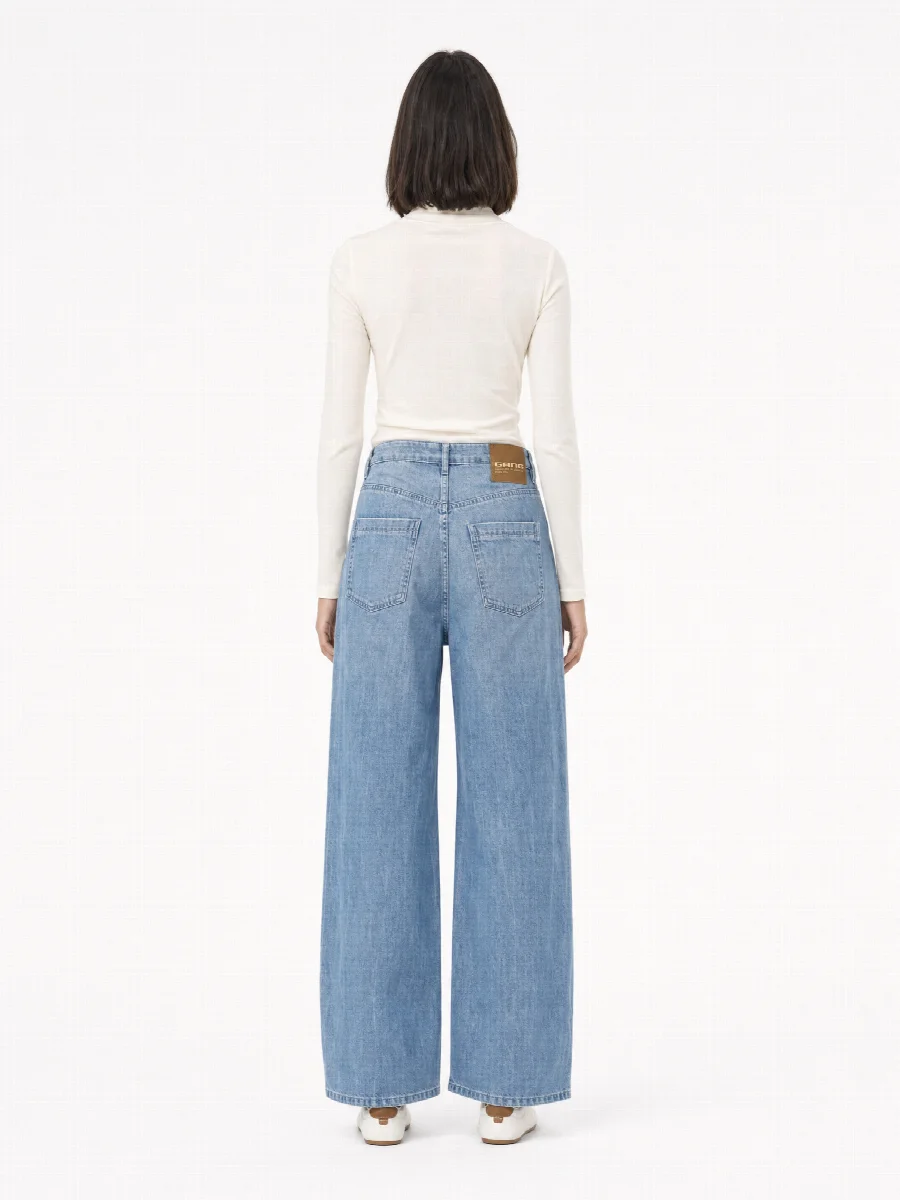
Ghost mannequin with AI means that STYLEPOT STUDIO creates hollowman images from 2-3 phone photos, in which the garment holds its shape as if it were being worn, but without a person and without a mannequin. You get front and back views on a light off-white, with no retouching and matching your model images.

Ghost Mannequin · Ghost mannequin frontGhost Mannequin · Ghost mannequin backGhost Mannequin · Full body frontGhost Mannequin · Full body back
front + backin one go
0mannequins, stands, retouching
lightoff-white background, shop ready
2-3phone photos are enough
Example

From phone photo to hollowman.

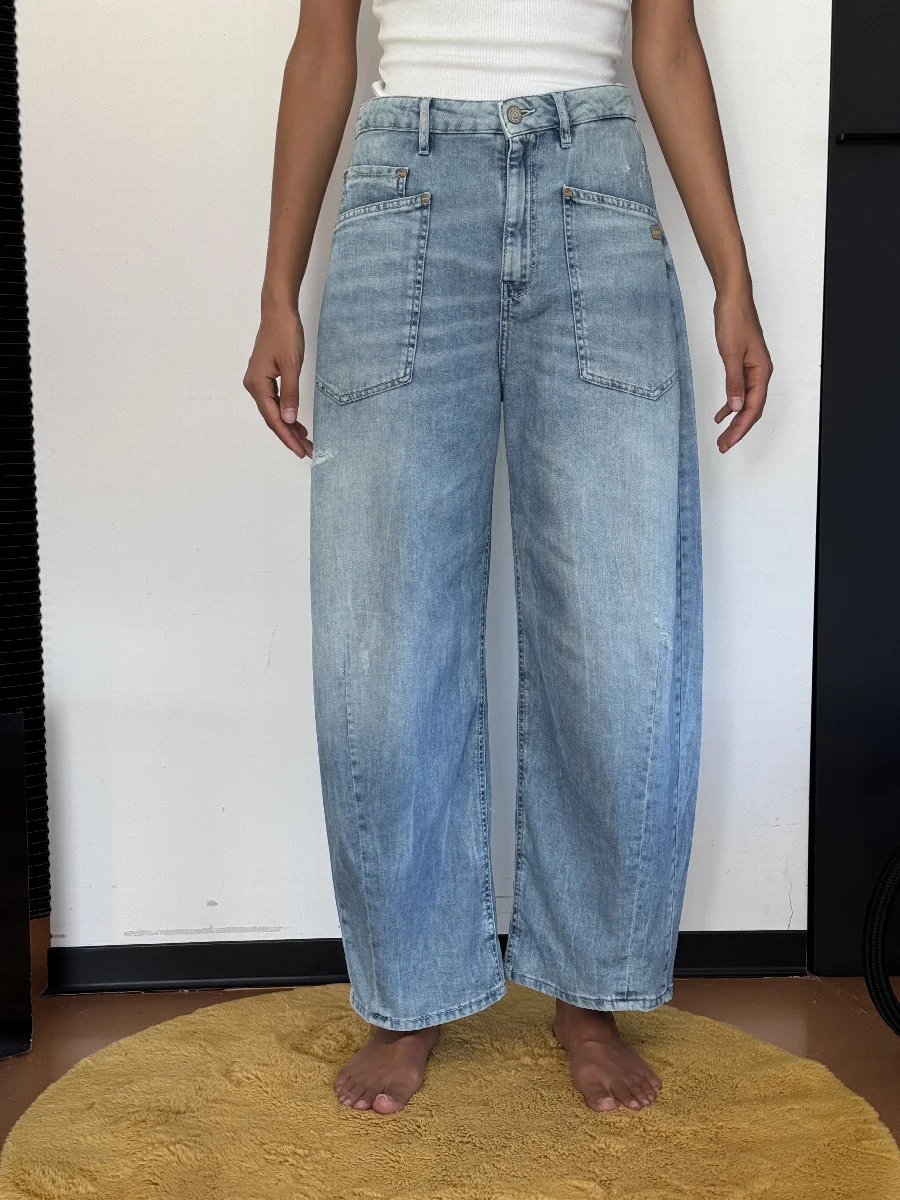
A pair of white jeans, photographed worn. From this, ghost mannequin front and back are created, matching the model images.

Before: smartphone photos
Smartphone photo: Ghost Mannequin
Ghost Mannequin · Ghost mannequin front
Ghost mannequin front
Ghost Mannequin · Ghost mannequin back
Ghost mannequin back
Ghost Mannequin · Full body front
Full body front
Ghost Mannequin · Full body back
Full body back

What is a ghost mannequin?

A ghost mannequin is a product image in which a garment looks three-dimensional, as if it were being worn, without a person or mannequin being visible. You see the shape of the shoulders, the collar and the drape of the fabric, but no body. Common names are hollowman, invisible mannequin and ghost mannequin. They all mean the same shot.

How a traditional ghost mannequin shoot works

We know the process from our photo studio in Munich, where we still shoot ghost mannequin images today. For each product it usually looks like this.

  1. Dress a mannequin in the product, often one with removable neck and chest pieces.
  2. Pin and align until shoulders, button placket and hem sit straight.
  3. Photograph the front view and the back view.
  4. Take a second shot of the inside collar and the inner back panel.
  5. In retouching, remove the mannequin, insert the inside collar, cut out the product and match the colour.

Ghost mannequin with AI from phone photos

In the studio you photograph the product laid flat, hanging or worn, front and back, plus one detail. The studio recognises cut, length, material and labels and creates the hollowman front and back from them. There is no mannequin to remove and no inside collar to insert from a second photo.

The background is the same for all images without a model, a light off-white to light grey. The ghost mannequin images are created in the same image set as the model images, with the same colour and the same light.

Ghost mannequin the traditional way and with AI compared

TraditionalSTYLEPOT STUDIO
EquipmentMannequin, studio, lighting, cameraPhone
Photos per productseveral per view2-3
Retouchingremove mannequin, insert collarnone
Time per productshoot plus retouchinga few minutes
Resultfront and backfront and back, matching the model images

When hollowman images pay off

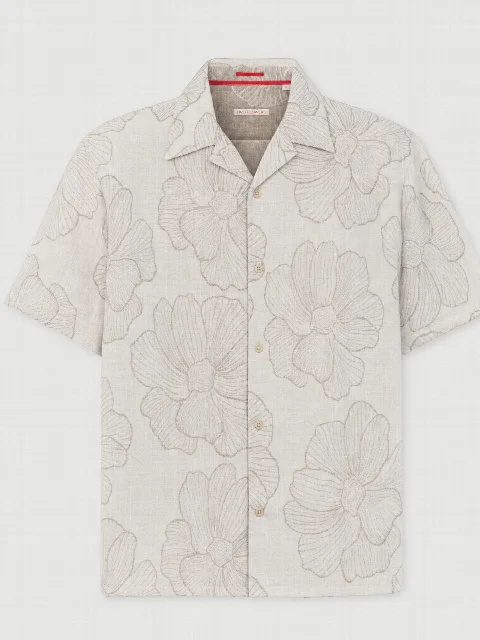
  • Marketplaces: many prefer images without a model. Check the current requirements, Amazon for example requires pure white for the main image.
  • Jackets and blazers: the shape shows most clearly without a model.
  • Shirts and blouses: collar and button placket are the centre of attention.
  • Category pages: as a consistent main image, the grid looks calm.
  • B2B: in the line sheet and the order tool, the retailer sees the piece without styling.

Checklist: phone photos for the ghost mannequin image

  1. Smooth out the product and fasten buttons or zips the way it should be shown.
  2. Photograph the whole front, straight on, with nothing cropped off.
  3. Do the same with the back, straight from behind.
  4. Add a detail with a clearly readable label or logo.
  5. Shoot in daylight by a window, without flash and without direct sun.
  6. Turn off filters and beauty mode.

What you should check

With shirts and jackets, take a close look at the collar area and where the sleeves are set in, as that is where you see whether the shape is right. Very shiny materials and very small details need particularly good photos. If you do not like an image, have it regenerated on its own and briefly describe what should change.

How a ghost mannequin image is made

  1. Photograph

    Product laid flat, hanging or worn, front and back.

  2. Upload

    The studio recognises cut, length, material and labels.

  3. Done

    Hollowman front and back on a light background, plus all on-model shots on request.
Results

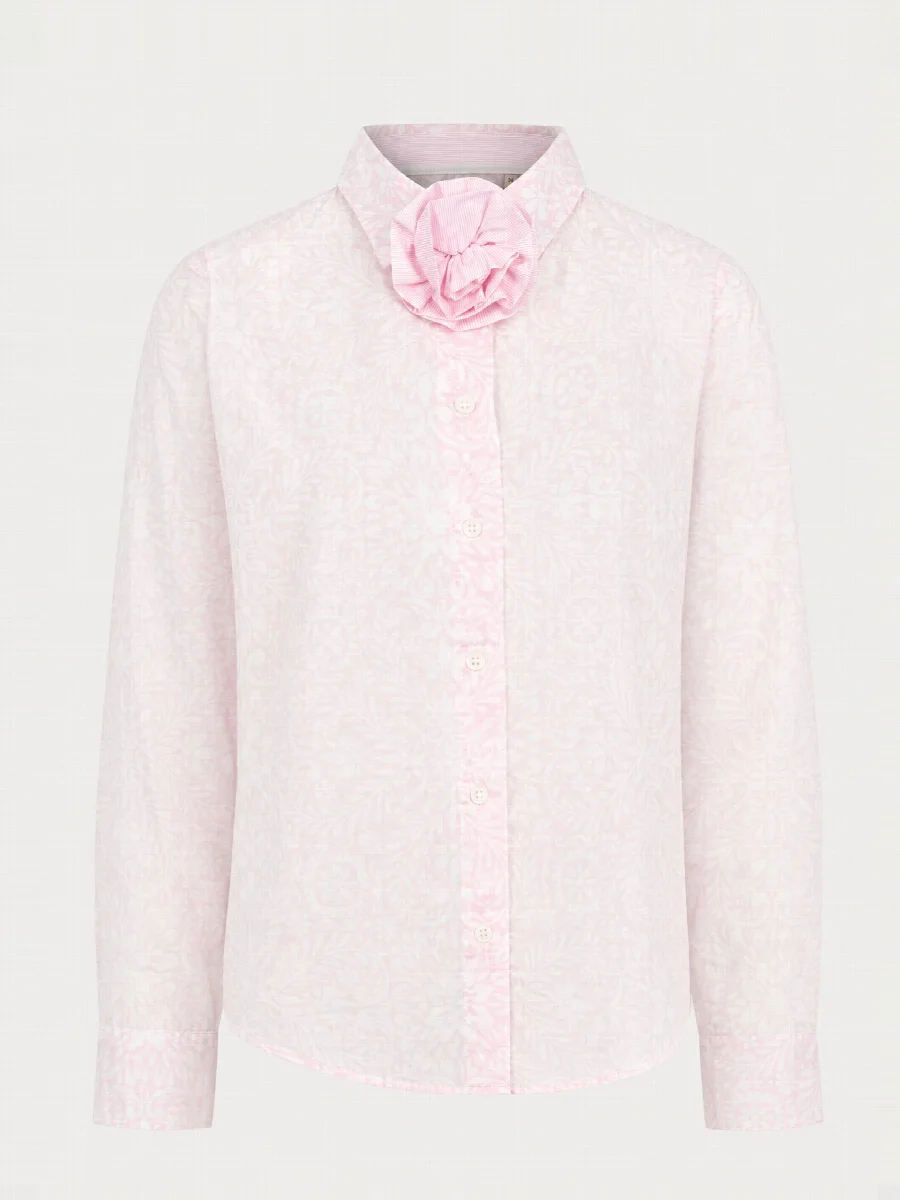
Ghost mannequin images from the studio

Ghost Mannequin · Ghost mannequin front
Ghost mannequin front
Ghost Mannequin · Ghost mannequin front
Ghost mannequin front
Ghost Mannequin · Ghost mannequin front
Ghost mannequin front
Ghost Mannequin · Ghost mannequin front
Ghost mannequin front
Ghost Mannequin · Ghost mannequin back
Ghost mannequin back
FAQ

Frequently asked questions

What is the difference between ghost mannequin and hollowman?

There is no difference, both terms mean the same shot. Hollowman, ghost mannequin and invisible mannequin all describe a product image in which the garment holds its shape as if it were being worn, without a person or mannequin being visible. Shops and marketplaces use the names interchangeably.

Do I need a shop mannequin?

No, you do not need a mannequin for a ghost mannequin with AI. Phone photos of the product are enough, laid flat, hanging or worn, front and back each, plus one detail. What matters is daylight, a fully visible product and a readable label. The studio replaces the background, but a calm surface helps with recognition.

Which background is used?

Ghost mannequin images are created on a light off-white to light grey, like in a photo studio. This background is always the same for all product images without a model, so your category pages look consistent. If a marketplace requires pure white for the main image, check the current requirements before uploading and choose the right shot as your main image.

Does it work for the back as well?

Yes, ghost mannequin front and back are created in the same image set. For this, upload a photo of the back, taken straight from behind and fully in frame. The studio takes pockets, yokes and labels on the back from this photo. Both views have the same light and the same background as the other shots.

Which products is ghost mannequin suited to?

Ghost mannequin is best suited to tops, jackets, blazers, shirts, trousers and jeans, where cut and shape matter. As the main image on category pages it creates a calm grid. On marketplaces that prefer images without a model, it is often the right main image, provided the background and format meet the requirements.

How much does a ghost mannequin image cost?

A ghost mannequin image from STYLEPOT STUDIO costs from €0.90 excl. VAT per finished image, charged to your credit. For each product you only choose the shots you need, for example ghost mannequin front and back without model images. You see the exact price before every start. There is no subscription, and new accounts receive €20 starting credit.

Your next product shoot starts with your phone.

Create an account, upload your product, download the image set. €20 starting credit is already there.

All people and product images on this website are AI generated with STYLEPOT STUDIO.

Product shoot from smartphone photos · €20 creditStart for free