The image problem of the pre-order
In wholesale you sell before you produce. The pre-order runs on the sample collection, and that is exactly when sales needs images: for the line sheet, the order tool, the B2B shop and emails to retailers. A traditional shoot is hard to plan at this point, because the samples arrive one by one and are gone again quickly.
Almost every sales team knows this: part of the collection has good images, part has phone photos taken at a desk, and some items appear only as a sketch in the catalogue. To the retailer that looks like half a collection.
From sample collection to order
Samples are often in house for only a few days. This way you have the images before the piece goes on the road, and items that arrive later get the same look as the first ones.
- Sample arrives: photograph front, back and one detail with your phone
- Create the item with its SKU in the Studio, the SKU becomes the file name
- Apply model, studio set and shots from your saved preset
- Start the whole sample collection in Collection Mode, the image sets run in the background
- Check the images and transfer them to STYLEPOT ORDER or download a ZIP for the line sheet
- The sample goes to the field sales team, the images stay for the whole season
Product images for wholesale and B2B pre-orders in the line sheet
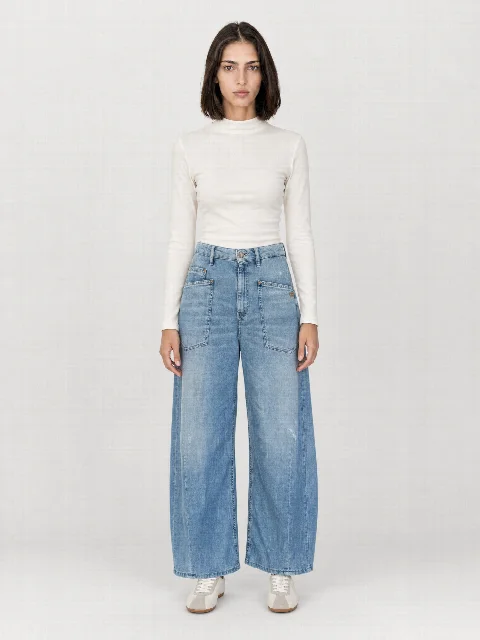
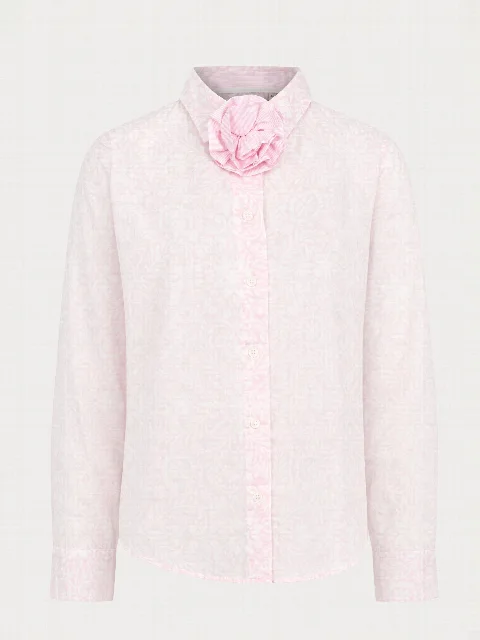
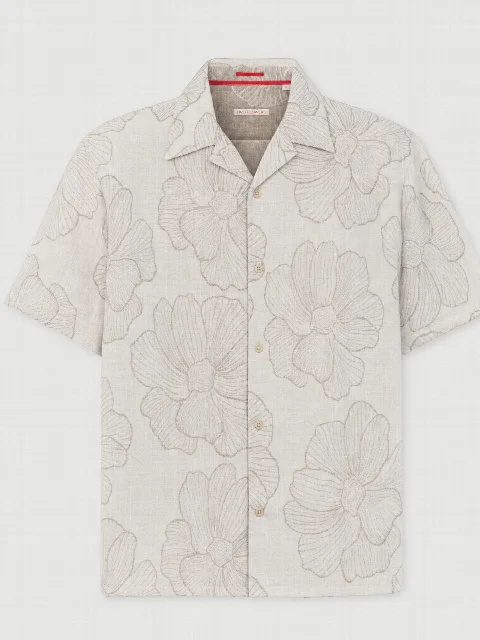
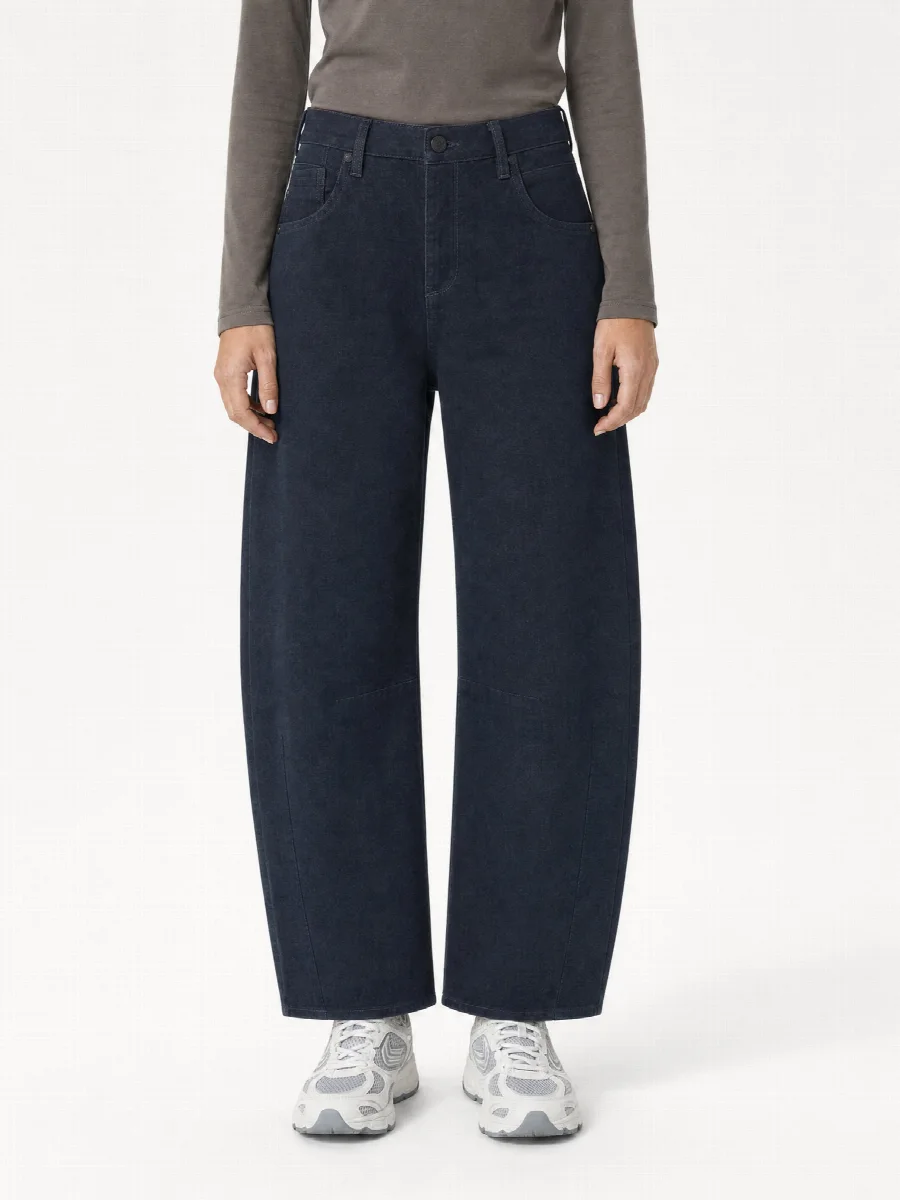
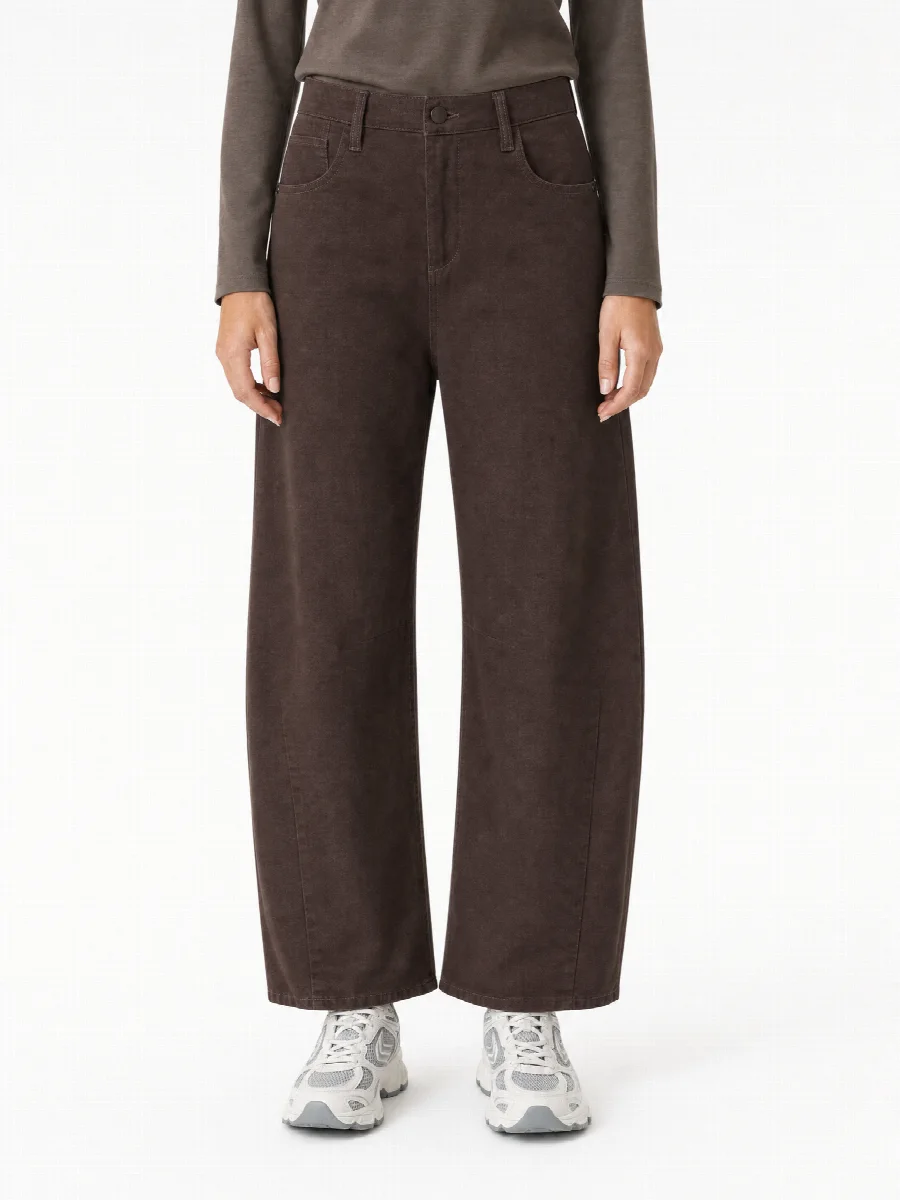
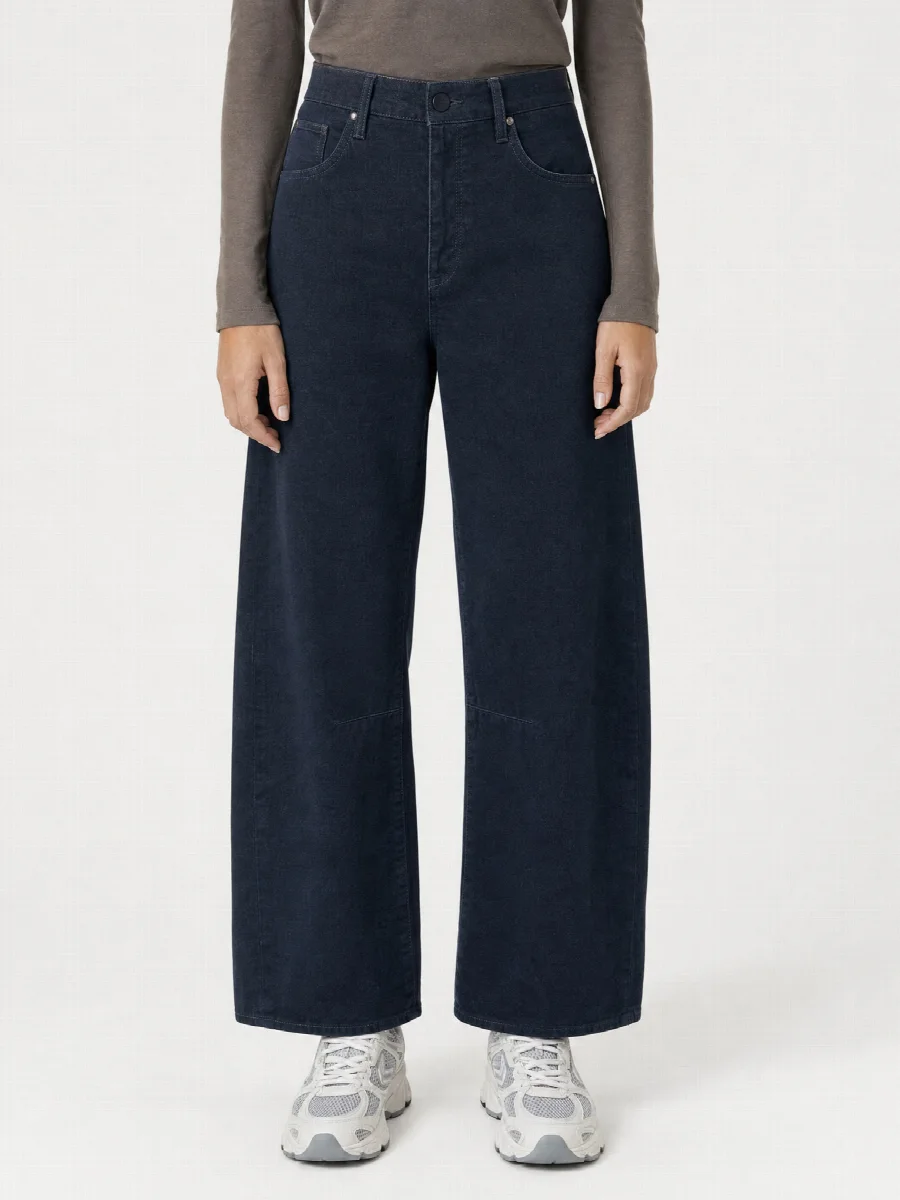
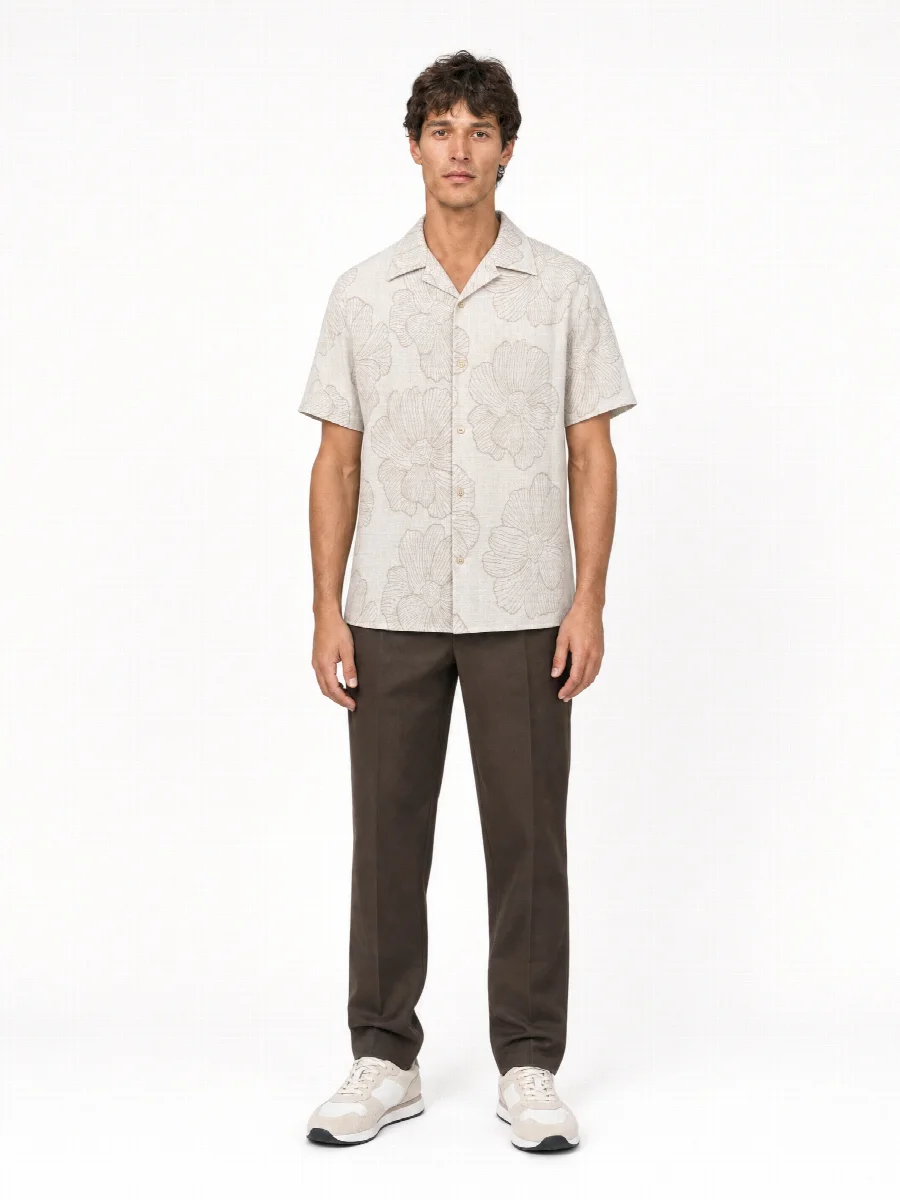
A line sheet lives on calm. All items in the same crop, on the same background and in the same order, so the retailer can compare styles and colours quickly. Ghost mannequin and flat lay on a light background work especially well for this, complemented by an on-model image for the fit.
For line sheets, pre-orders and sample collections the AI Studio is ideal. You get many images in a short time, and every item looks like the next, even if the samples arrive over several weeks. Colour variants are created with the same pose and the same light, so the retailer sees the real colour differences. For lookbooks you add mood images in an editorial set, with the same model.
| Use | Suitable shots |
|---|---|
| Line sheet | Ghost mannequin, flat lay, full body front |
| Order tool and B2B shop | Full body front and back, detail, colour variants |
| Lookbook | Mood images in an editorial set, in 2:3 or 3:4 |
| Retailers' shops | Complete image set in the format of each shop |
Directly in the order tool
With STYLEPOT ORDER the images are automatically assigned to item and colour in the order tool. Retailers see them directly in the B2B shop, and the field sales team has them at every appointment.
If you work with another order tool, an ERP or a PIM, you pass the images on via the open API and webhooks. With an API key you fetch image sets and images from your own system, and via webhook finished images are sent to your systems.
Retailers get the images for their own shop
Retailers who sell your goods online need images to do so. Often they get them too late or not at all, and then every retailer takes their own photos, in their own light and in front of their own background. Your brand then looks different in every shop.
If the image set is ready at pre-order, you can hand it to retailers with the order confirmation or on delivery. Every image set is available as a ZIP in 3:4, 2:3, 4:5 or 1:1, as JPG or PNG, with the SKU in the file name. For each image set you can create SEO titles, descriptions and alt texts that the retailer can reuse.
Sample and production goods
A sample is not always identical to the later production goods. If colour, length or a detail changes in production, you photograph the item again and create the image set with the same preset. It then matches the rest again. Items with highly reflective materials or very small details should be checked individually.
For the B2C campaign of the season, a real shoot in our Munich studio can be the right choice. Many brands combine both: the AI Studio for pre-order and line sheet, the real shoot for the campaign.