Product photography for fashion brands in the seasonal rhythm
A fashion brand works in seasons. The collection is developed, the first samples come out of production, sales starts the pre-order, and a few months later the goods need to be online in your own shop and with your retailers. Every one of these stages needs images, usually earlier than a shoot can be planned.
Then there are restocks, colours that arrive later and small in-between collections. Nobody likes booking a studio day for three new items. So they sit there, or they get a quick phone photo and then do not match the rest of the collection.
Photograph samples while they are in house
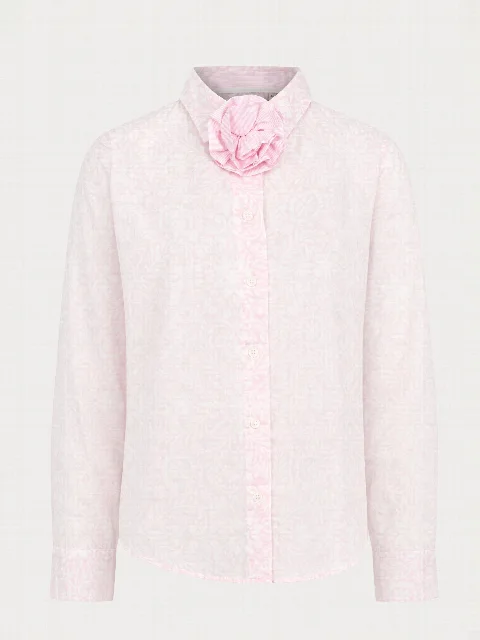
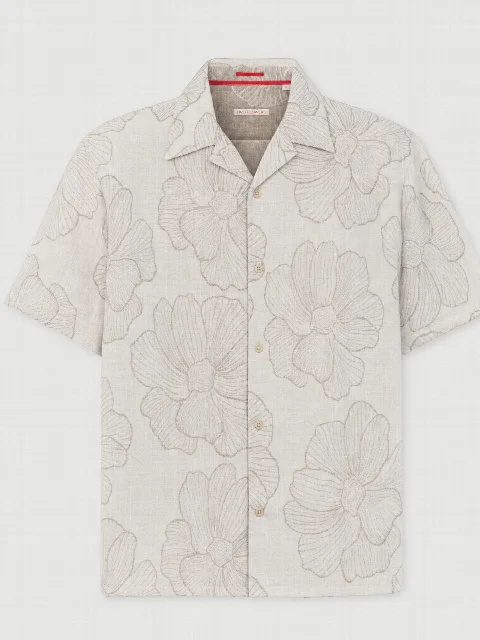
Samples are scarce. Often there are only one or two pieces per style and colour, and after a few days they go to the field sales team, the showroom or a trade fair. With the Studio you photograph each piece on the day it arrives: front, back and one detail, on the table, on a hanger or worn.
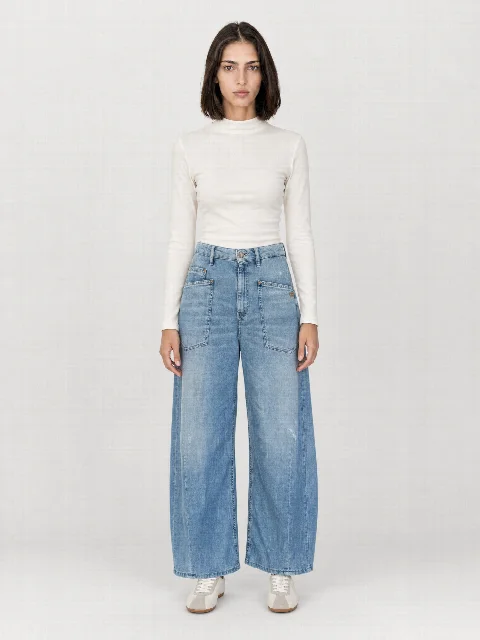
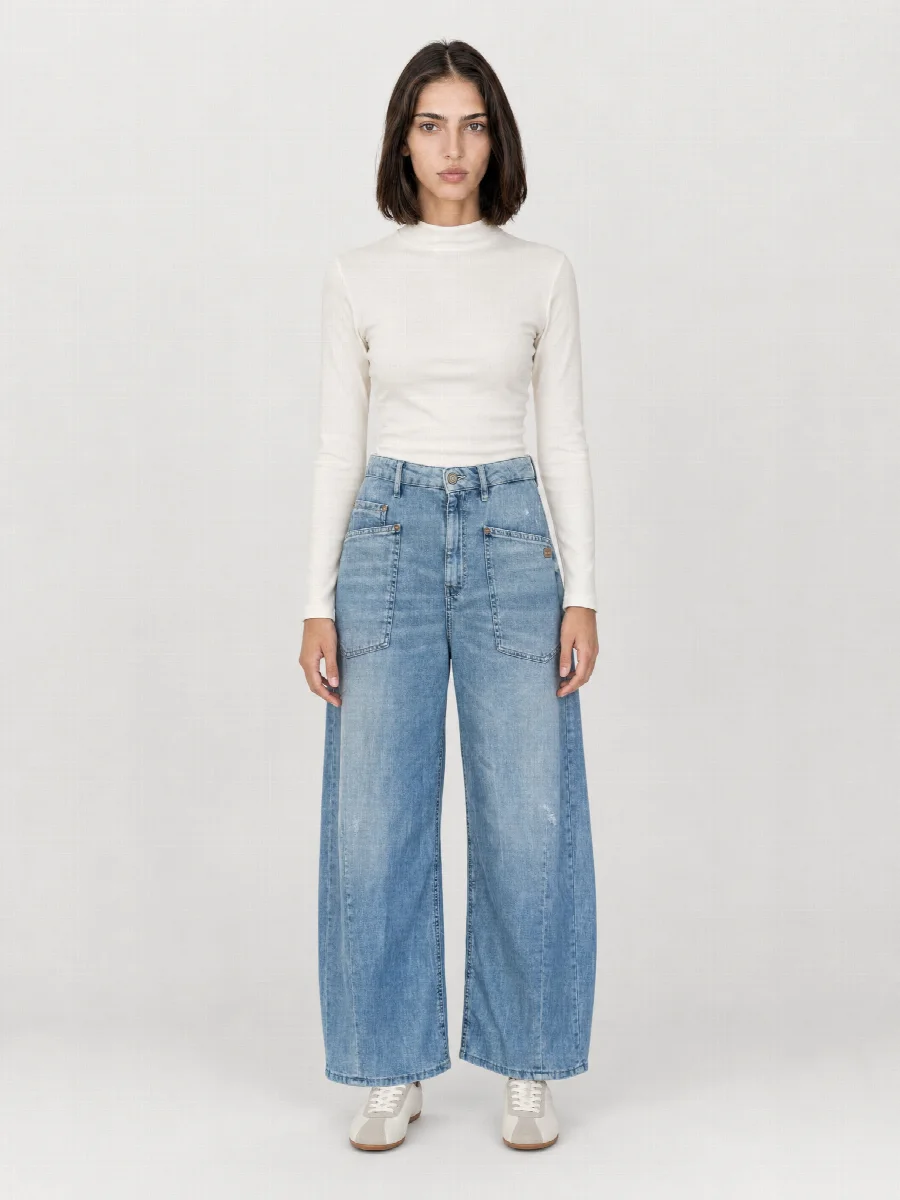
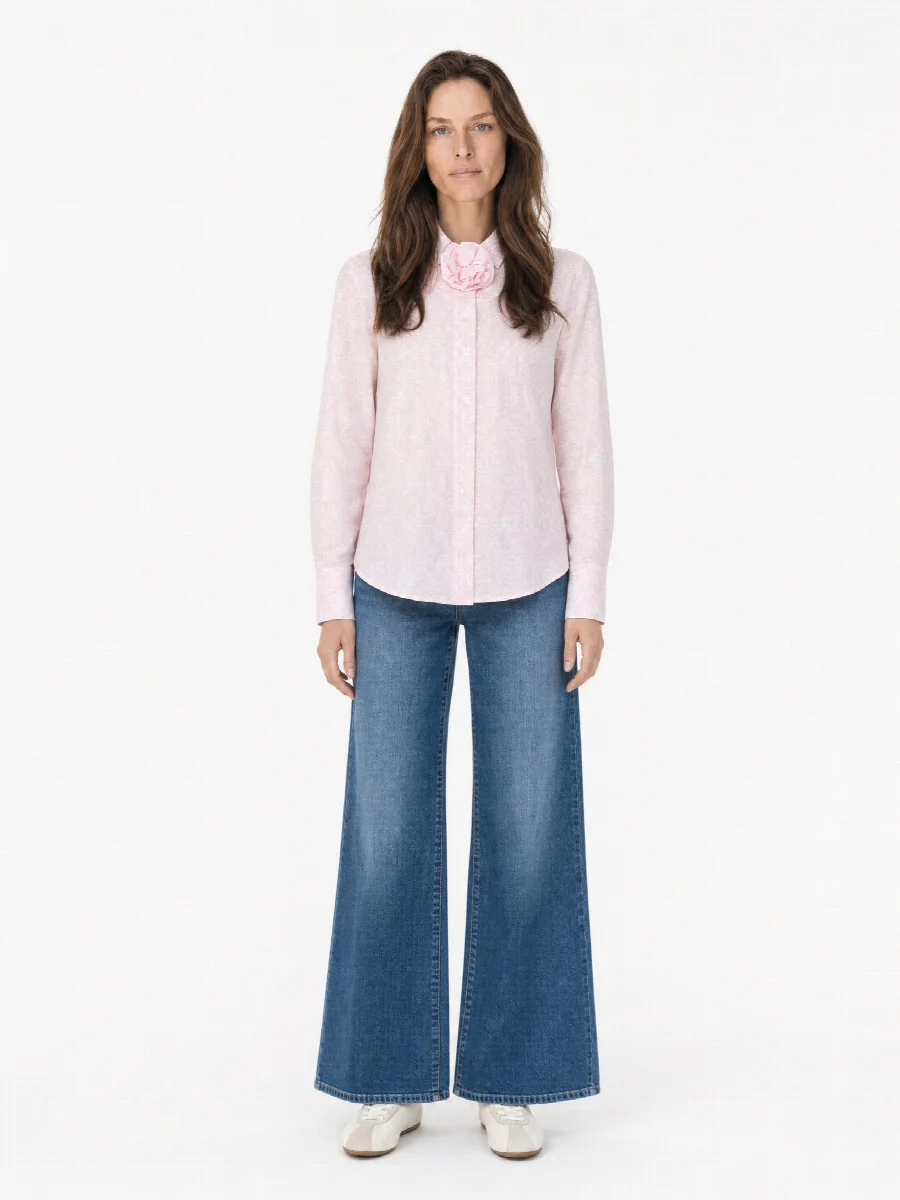
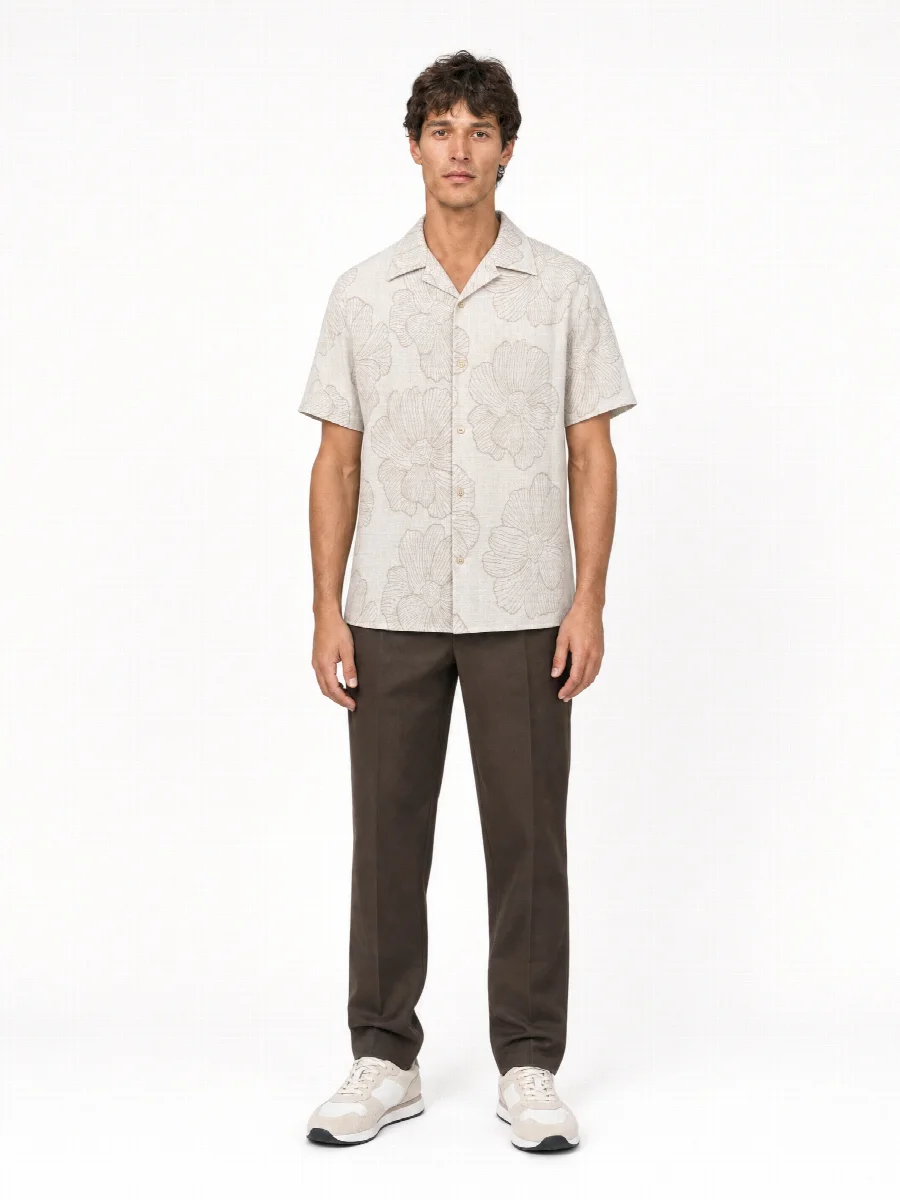
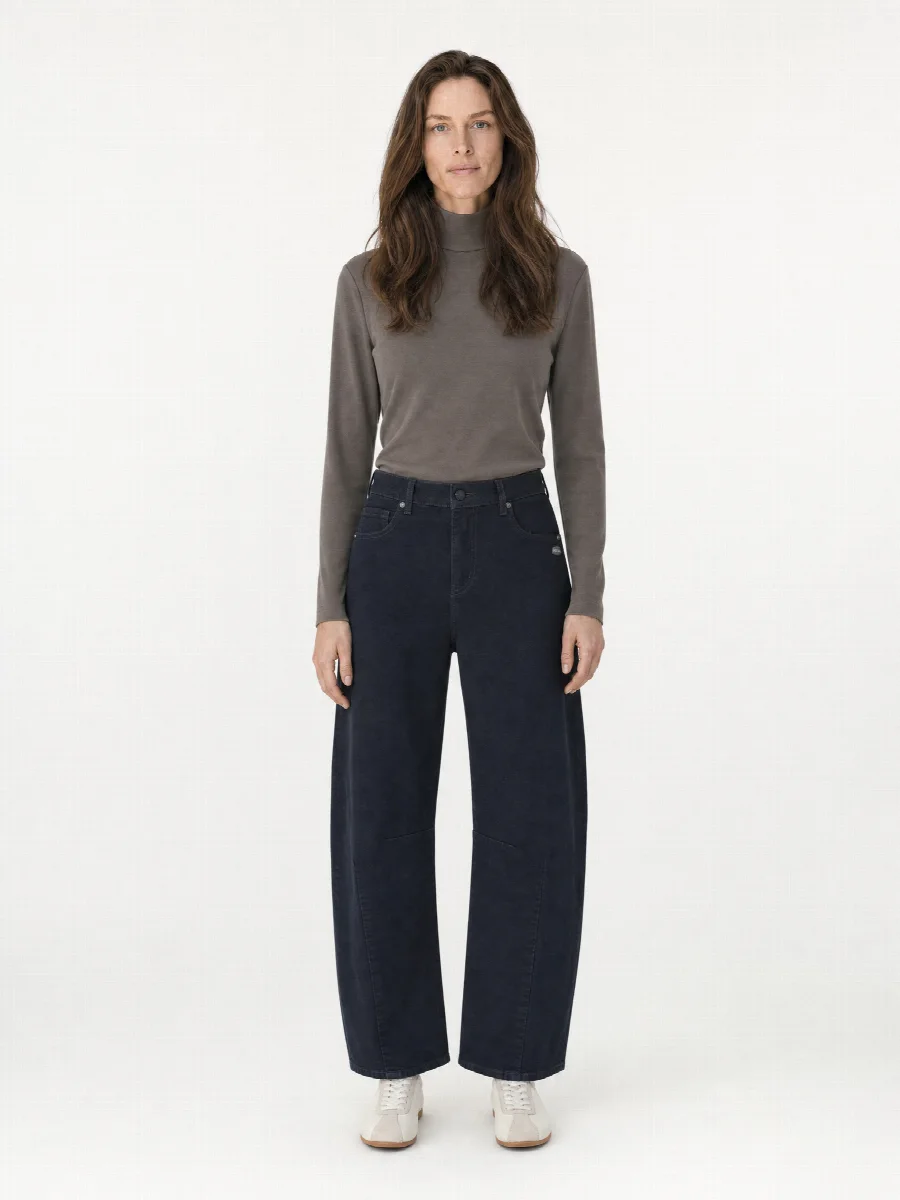
From these 2-3 photos you get the complete image set: full body front and back on the model, crop, detail, ghost mannequin, flat lay and, if you like, mood images in an editorial set. If an item comes in several colours, you upload photos per colour, and all colours get the same model, the same pose and the same light.
For B2B pre-orders and line sheets the AI Studio is ideal
In the pre-order, retailers decide from images what they order for the next season. At that point the goods often exist only as samples. This is exactly where the AI Studio plays to its strengths: you need many images in a short time, all in the same look, and before production runs.
With the same images you fill the line sheet, the order tool and the B2B shop. The field sales team shows the same collection at the appointment that the retailer later finds online.
One look across all collections
In the Studio you save model, studio set, outfit and shots as a preset. Every new item starts with it. Face, figure, light and crop stay the same, even if weeks pass between two items or a new season begins.
If you want to change the look, for example with a new model for next season, it is best to switch at the start of the season for all new items at once. That way two image styles never mix on your category pages.
| Channel | Typical shots | Suitable format |
|---|---|---|
| Your own online shop | Model front and back, crop, detail, mood | 3:4 or 4:5 |
| Order tool and B2B shop | Full body front, ghost mannequin, colour variants | 3:4 |
| Line sheet and lookbook | Ghost mannequin, flat lay, mood | 2:3 or 3:4 |
| Marketplaces | Packshot on a light background, model | 1:1 or as required |
| Social media and newsletter | Mood, flat lay | 4:5 |
Integration with STYLEPOT ORDER, Shopify, Shopware and API
You download finished image sets as a ZIP in 3:4, 2:3, 4:5 or 1:1, as JPG or PNG. The SKU you enter when creating the item becomes the file name. Or you transfer the images directly: to Shopify and Shopware to the matching product, to STYLEPOT ORDER assigned to item and colour. Via the open API and webhooks, images also go to ERP, PIM or your own systems. The Studio can also create SEO titles, descriptions and alt texts.
When a real shoot is the better choice
For the B2C campaign or the hero image of a season, a real shoot in our Munich studio can be the right choice. Real shoots still happen there today: packshot, ghost mannequin, model and still life. A campaign with a location, a story and real faces from your brand still belongs in front of the camera.
Highly reflective materials or very small details such as fine embossing also deserve a close look. Check those images individually and regenerate them if needed. You should label AI images in your shop. Many brands combine both: the AI Studio for pre-orders, line sheets and ongoing product images, the real shoot for the campaign.
How a season runs with the Studio
- Set the preset
Choose model, studio set, outfit and shots once and save them.
- Photograph samples
Every sample piece on arrival with your phone: front, back, detail.
- Start the collection
Create all items with their SKU and start them together.
- Distribute images
Send them to STYLEPOT ORDER, Shopify or Shopware, or download a ZIP for line sheets and retailers.