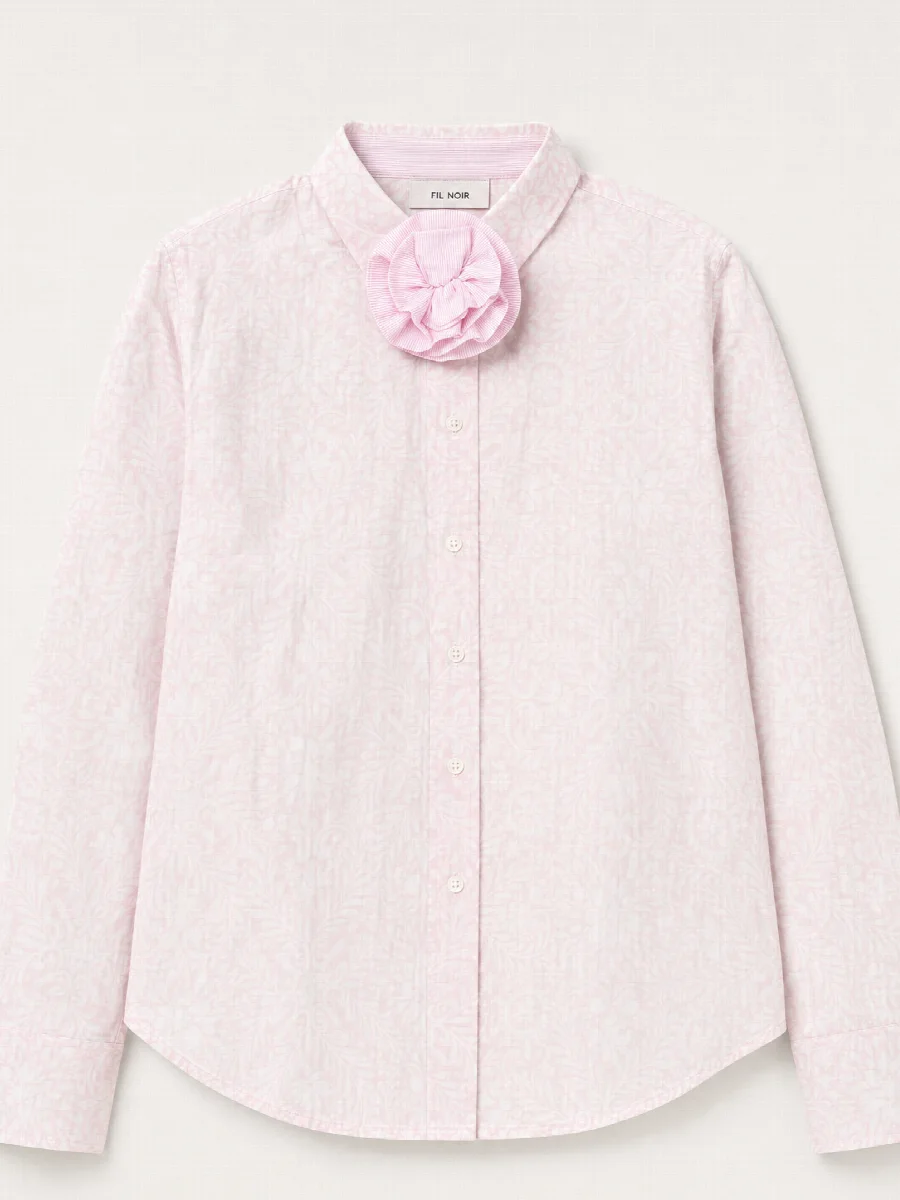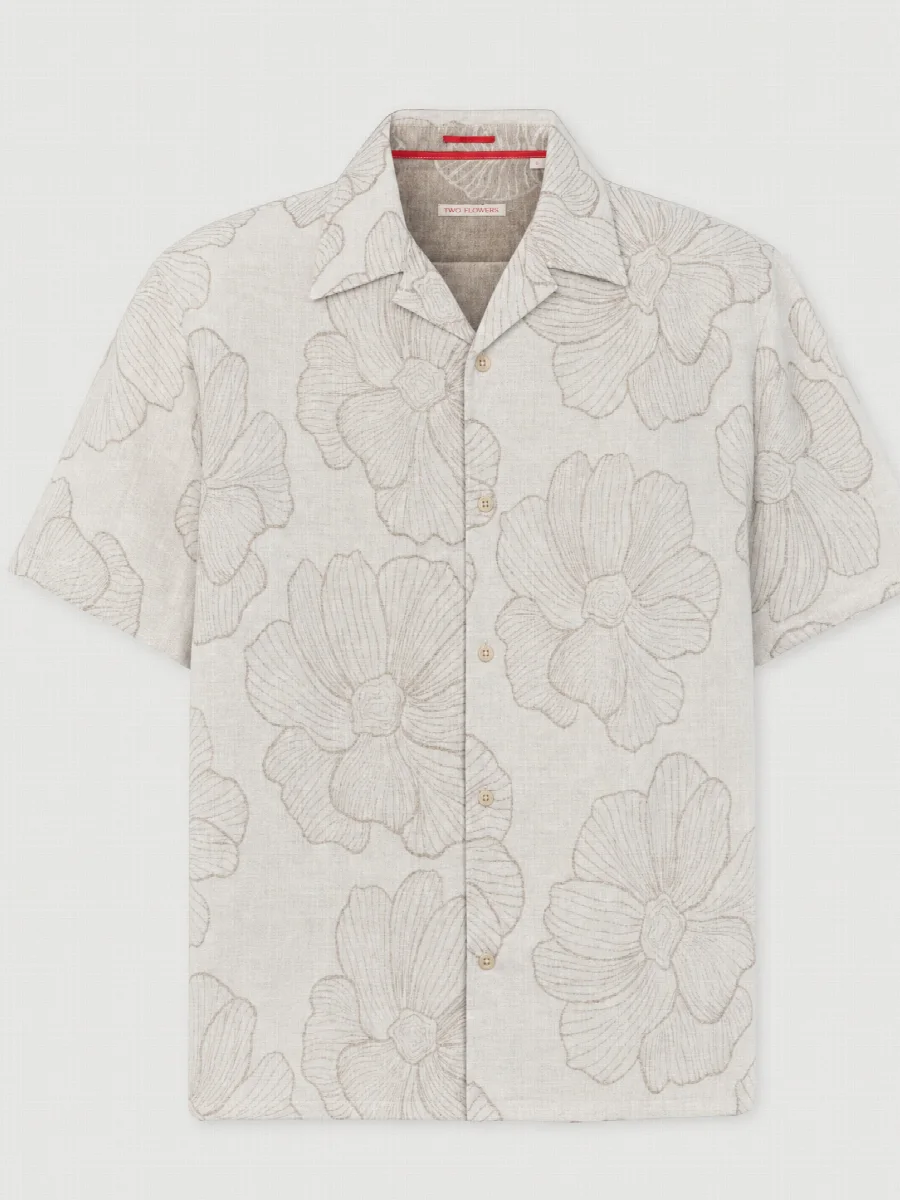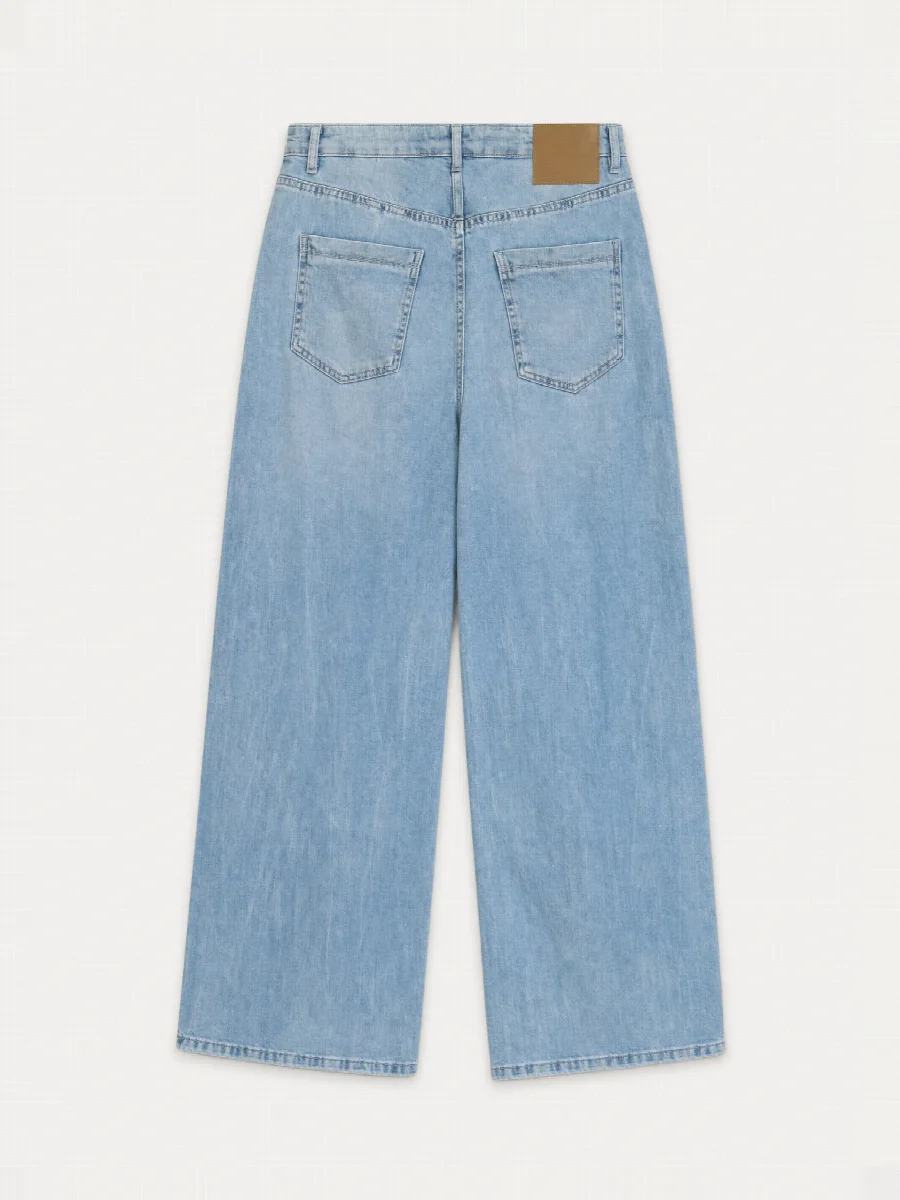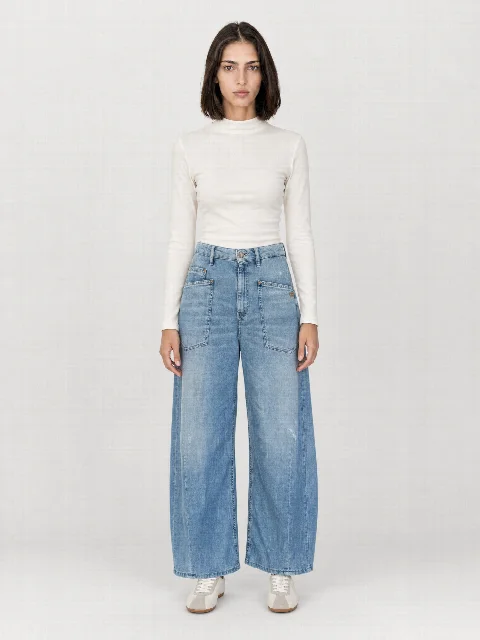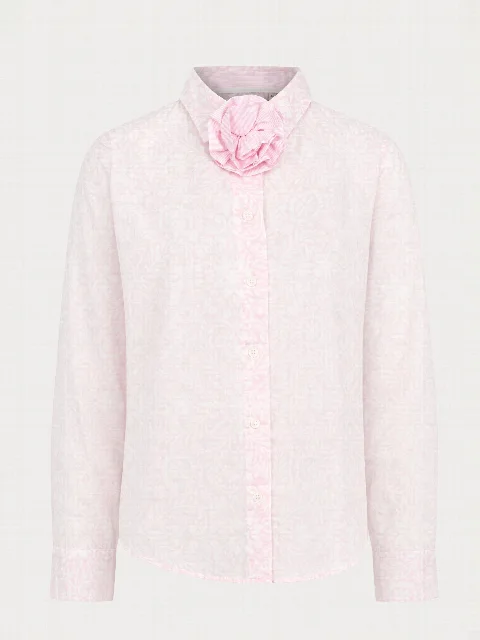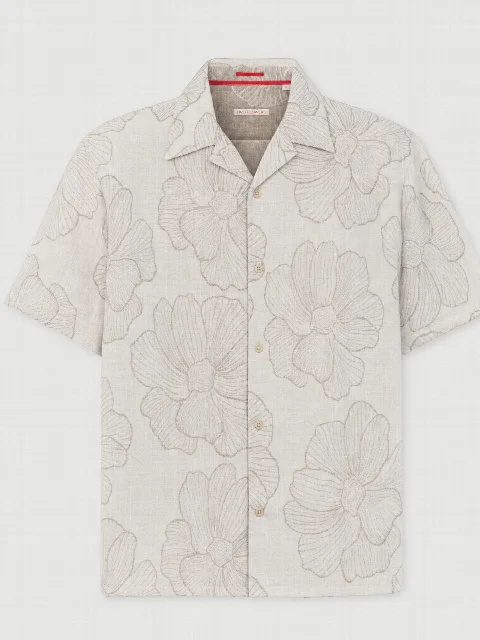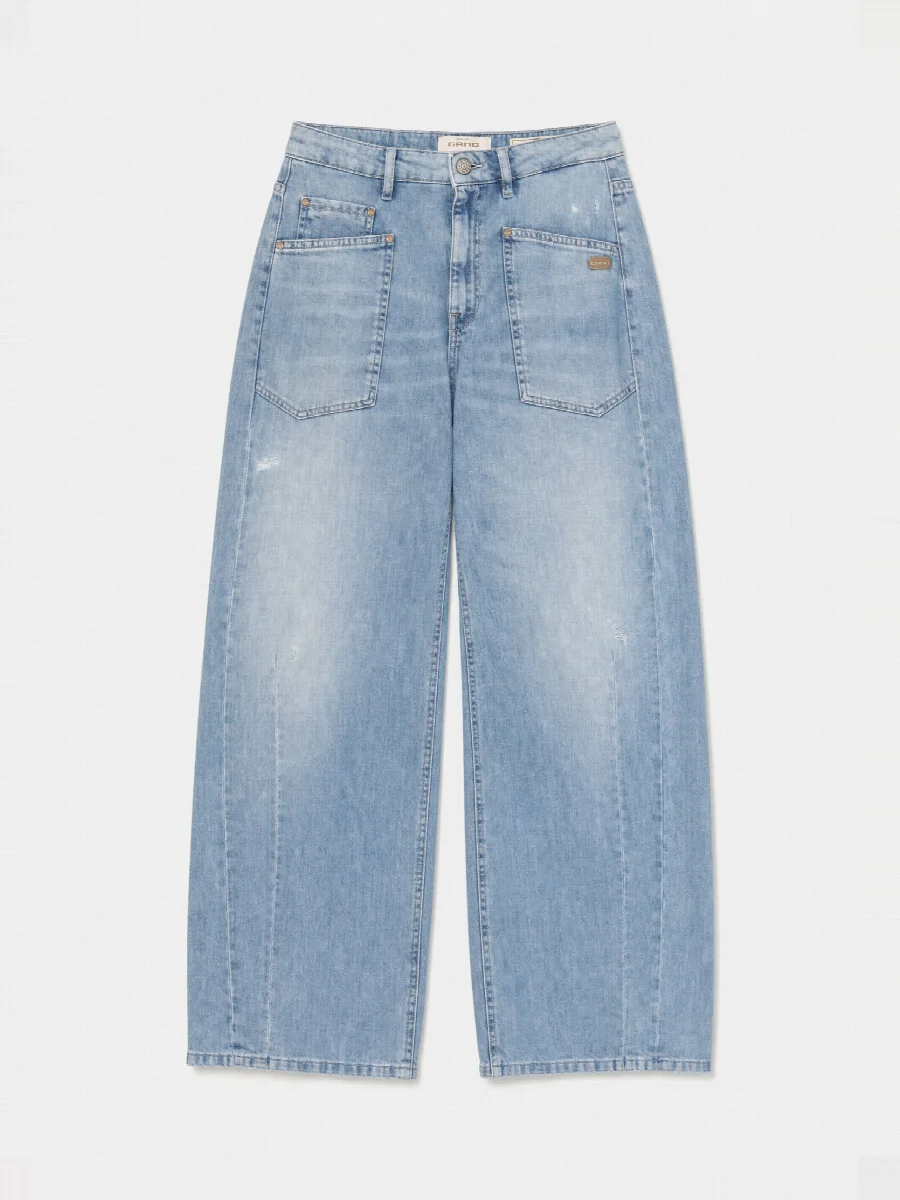
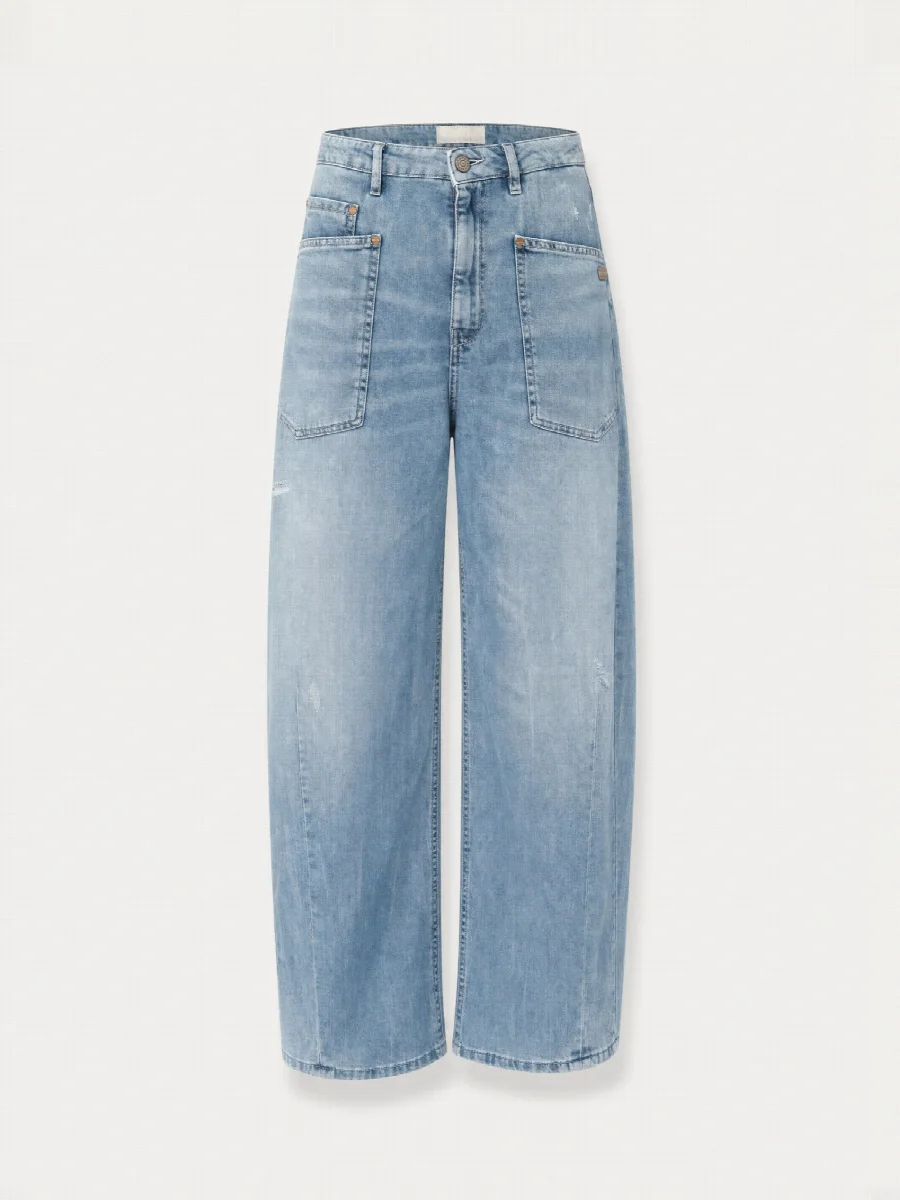
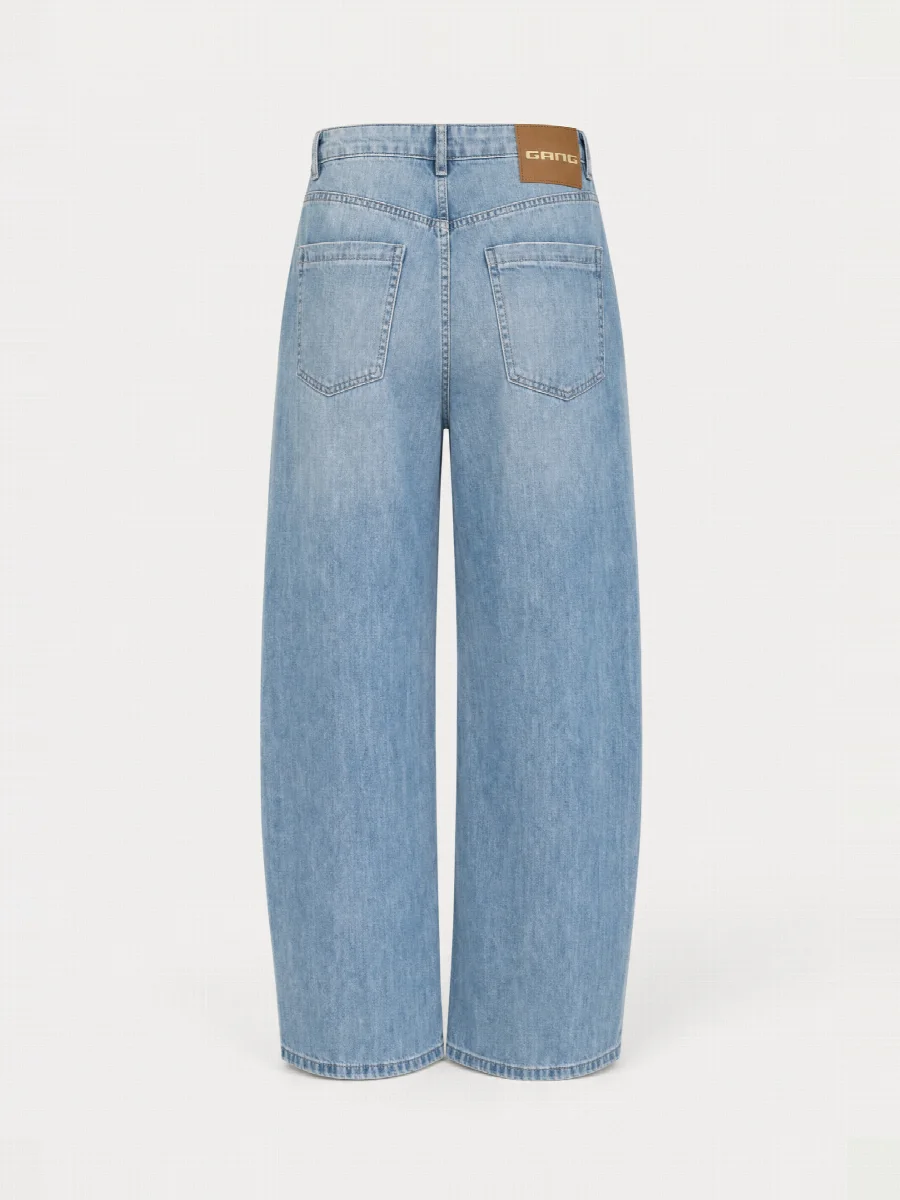
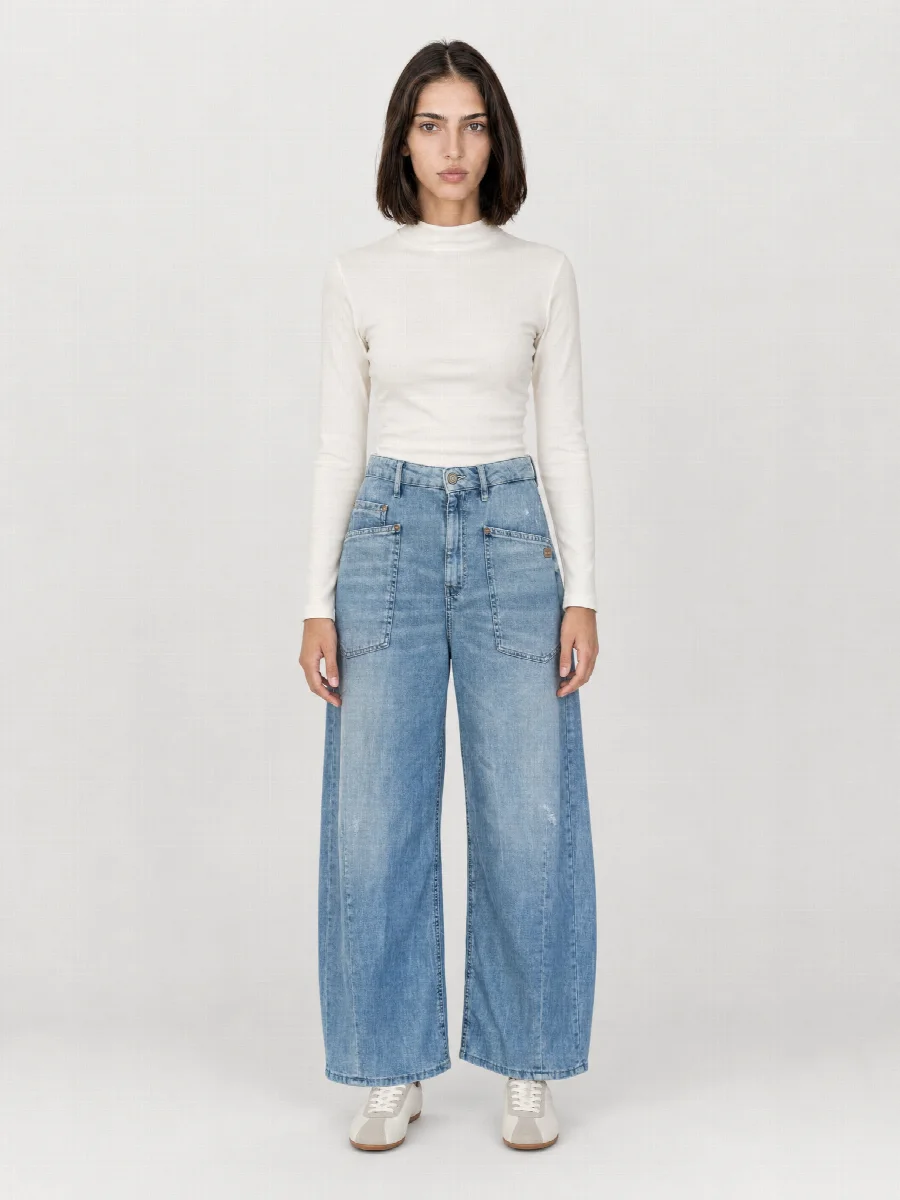
Flat lay, packshot, ghost mannequin: what is what?
The terms are often mixed up. Packshot is the umbrella term for any product image without a model on a neutral background. Flat lay and ghost mannequin are two types of packshot, and the cut-out is a third.
| Shot | What it shows | Works well for |
|---|---|---|
| Flat lay | Product laid flat, photographed from above | T-shirts, tops, knitwear, shorts |
| Ghost mannequin | Product in shape, as if worn, without a person or mannequin | Jackets, blazers, shirts, trousers |
| Cut-out | Product without background or on pure white | Further editing and pure white requirements |
When to use flat lay and when ghost mannequin?
The rule of thumb from the photo studio goes like this. If a piece keeps its shape lying down, the flat lay is the calmer image. A T-shirt, a knitted jumper or a pair of shorts look clear and tidy from above. If the shape only appears when the piece is worn, the ghost mannequin shows more. A blazer with lapels or a jacket with structured shoulders looks flat when laid down.
Many shops use both. The category page shows a consistent packshot grid, and the product page follows with model images, detail and finally the flat lay as a calm overview. Since both shots are created from the same photos, you do not have to decide in advance.
What flat lays are good for
- Category pages with a calm, consistent grid
- Social media and newsletters, where the piece is the focus without a model
- Marketplaces with requirements for images without a model
- Line sheets and B2B catalogues, where the retailer quickly compares cut and colour
Typical problems with traditional flat lays
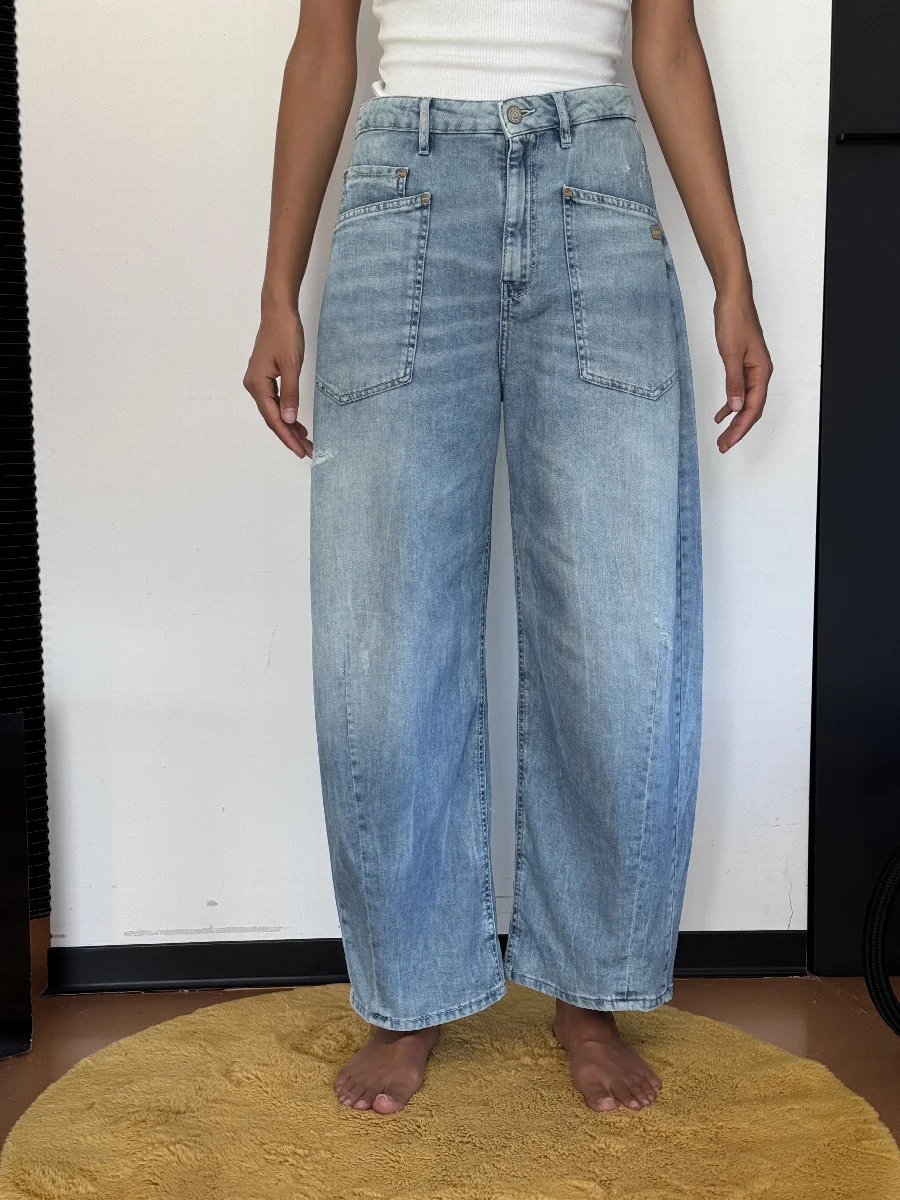
Anyone who has ever shot flat lays knows this. Laying out the piece takes longer than taking the photo, sleeves sit crooked, the hem ripples, and the light from above makes one side darker than the other. Then come retouching, alignment and colour matching, for every single product.
The studio lays the product out neatly, aligns it and lights it evenly. Pattern, print and colour come from your photos. A phone photo taken on the warehouse floor is enough as a starting point.
Which background for marketplaces?
Flat lays are created on a light off-white to light grey. This background is the same for all images without a model, so your shop and category pages stay consistent. Marketplaces have their own image guidelines. Amazon, for example, requires a pure white background for the main image. So check your marketplace’s current requirements before uploading.
When downloading, you choose the format per channel, 3:4, 4:5, 1:1 or 2:3. The long side has 2048 pixels, and a 4K version is optionally available for zoom.
Consistency with the model images
A flat lay whose colour does not match the model image unsettles customers and quickly leads to returns because the colour looked wrong. Because flat lay, ghost mannequin and model images are created from the same upload, they have the same colour and the same light. The studio checks the colour and tells you when an image should be regenerated.
How to photograph for a good flat lay
- Lay the product on a calm surface and roughly smooth it out.
- Photograph from above, with the whole product in frame.
- Do the same with the back if you need a back flat lay.
- Add a detail with a readable label or print.
- Use daylight, no flash, no filter.