What can AI image generation for fashion do?
The idea behind it is simple: a product is photographed once, and everything your shop, B2B catalogue and marketplaces need is created from that. You decide for each product which shots you want, and you only pay for those images.
| Shot | What it shows | Typical use |
|---|---|---|
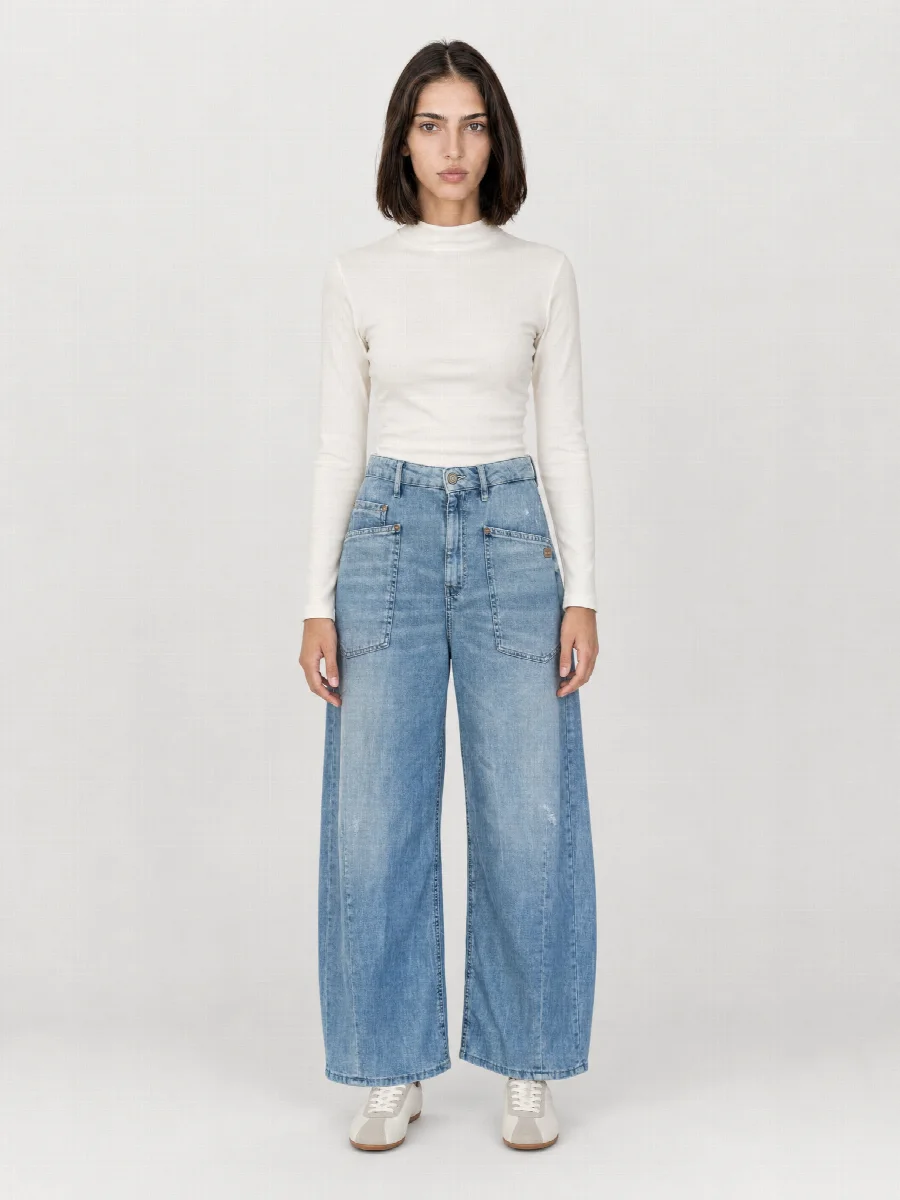
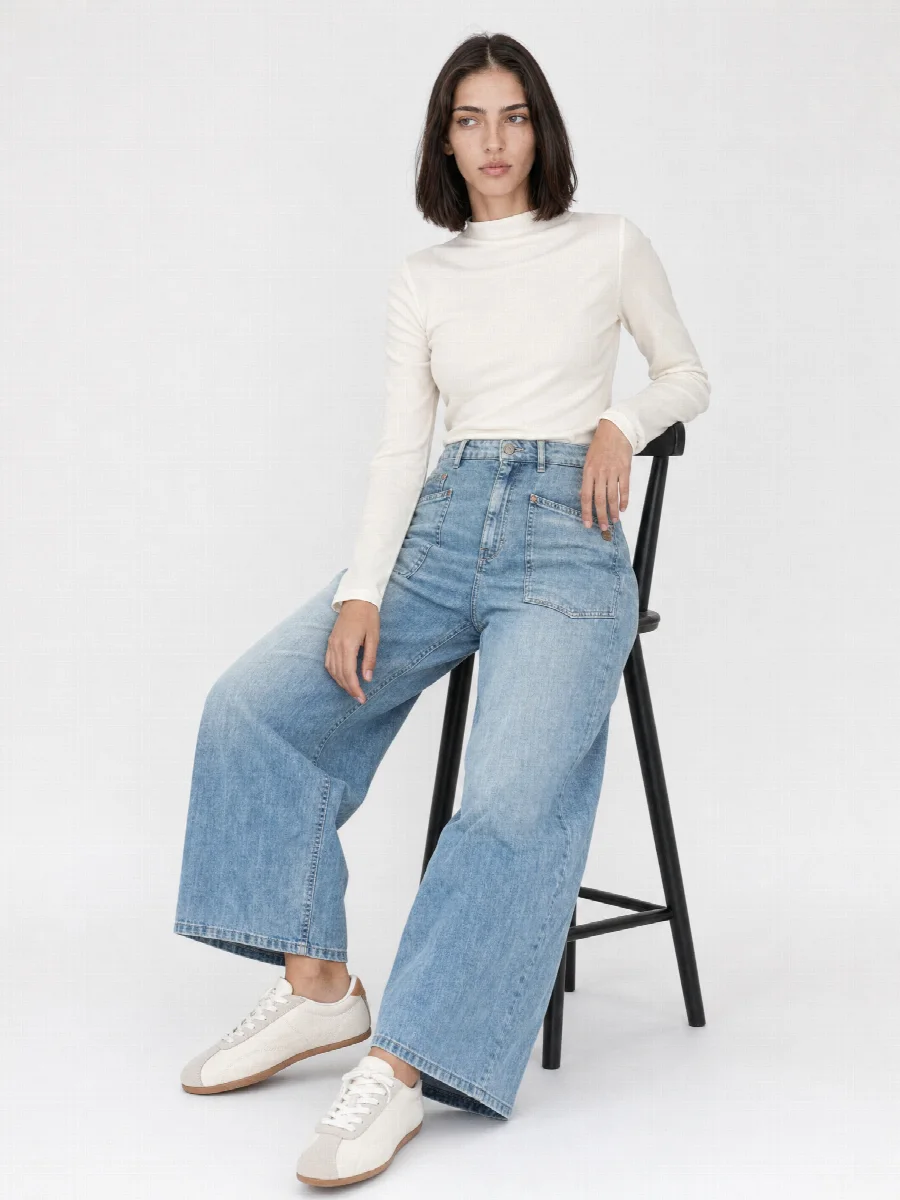
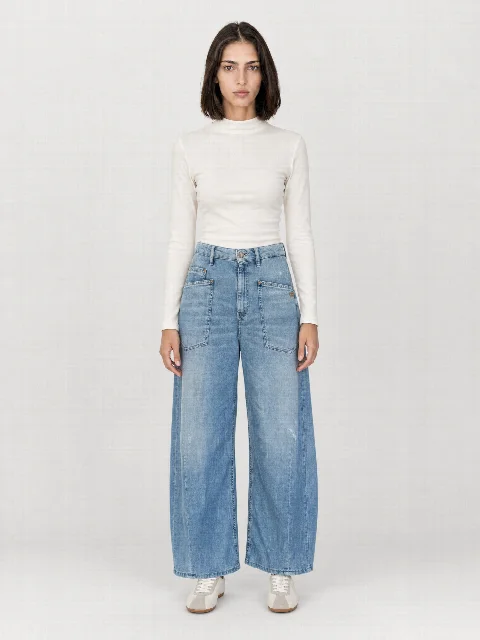
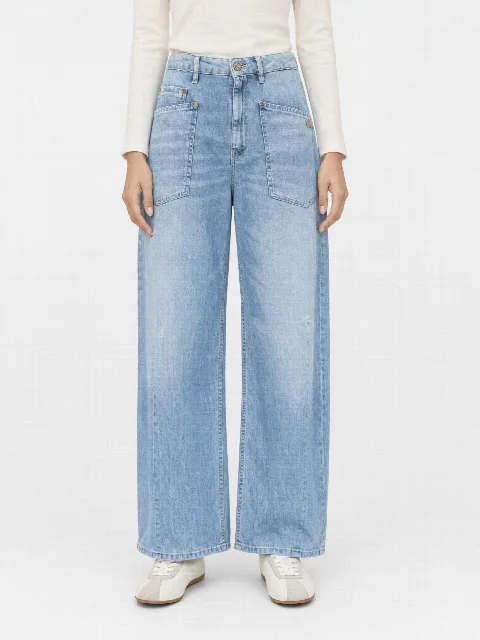
| AI model photos | Full body, crop and detail, front and back | Main image, fit |
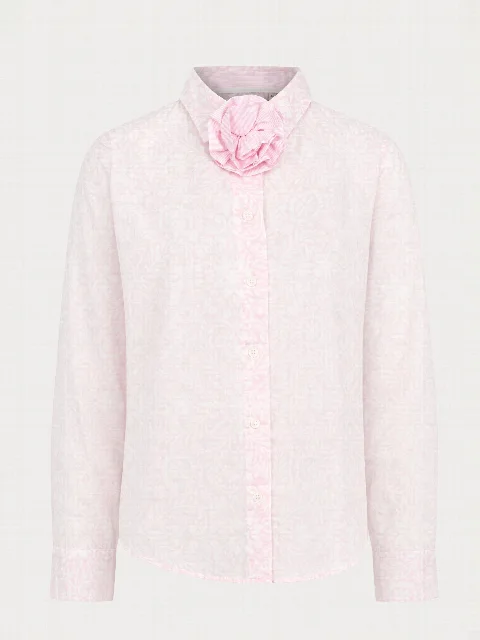
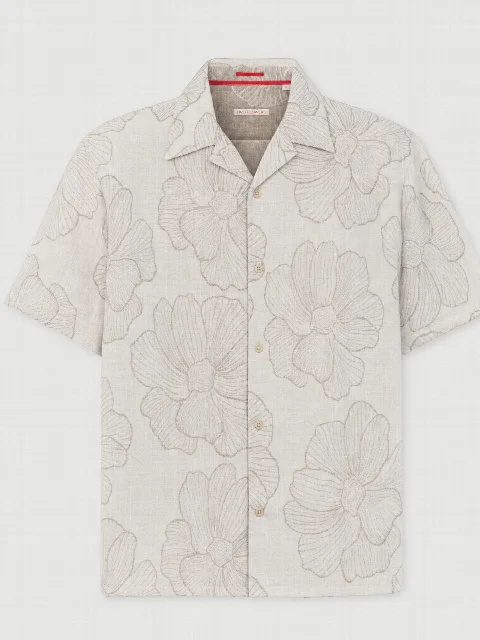
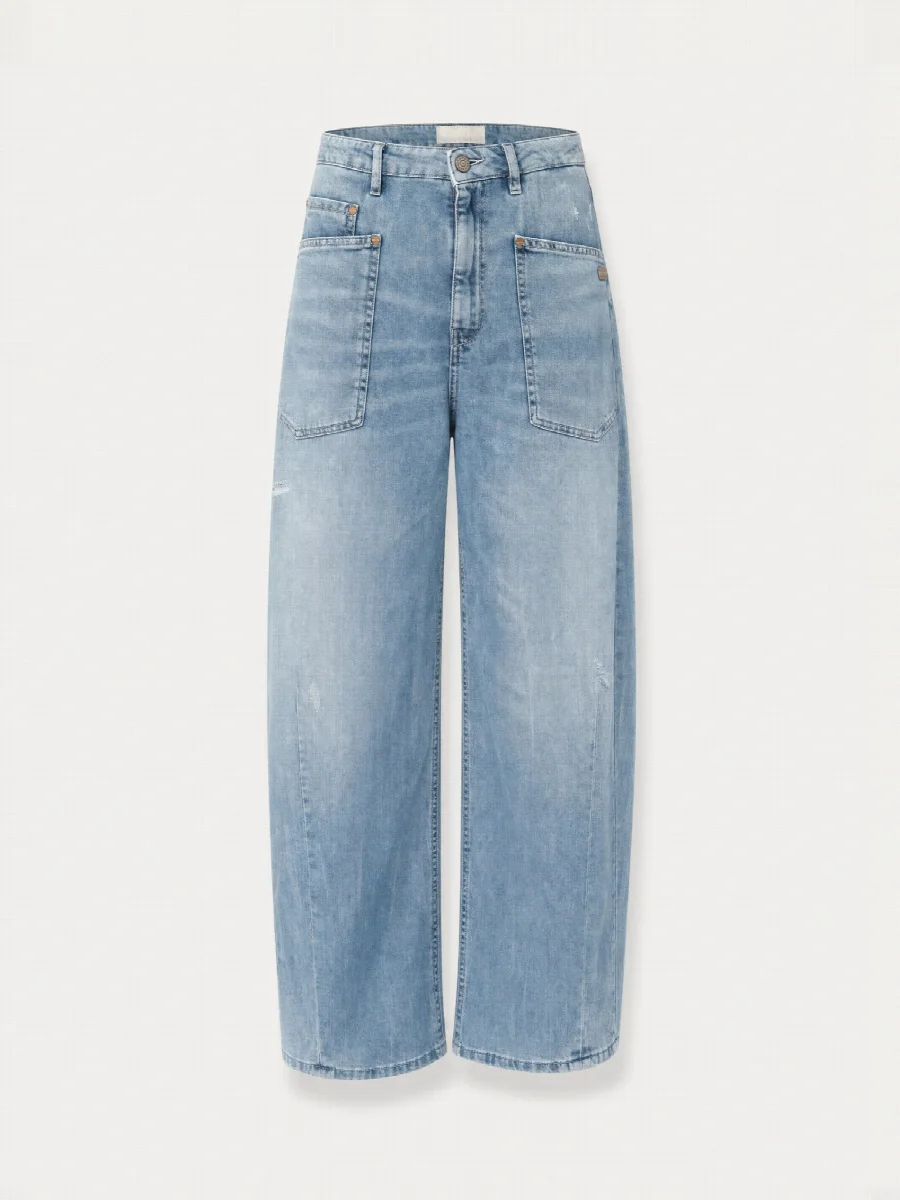
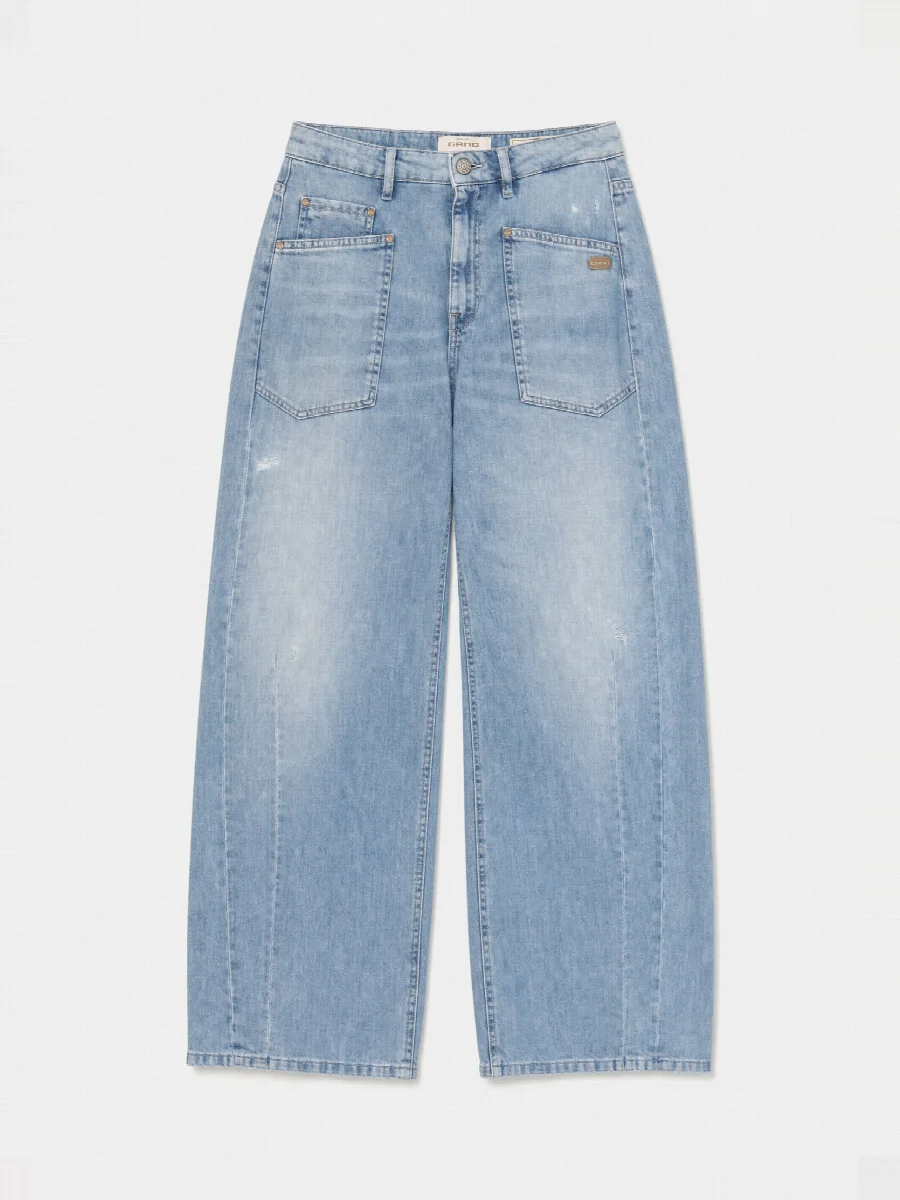
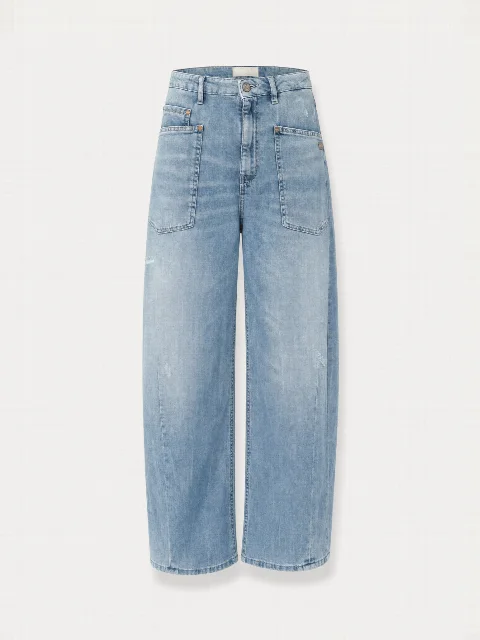
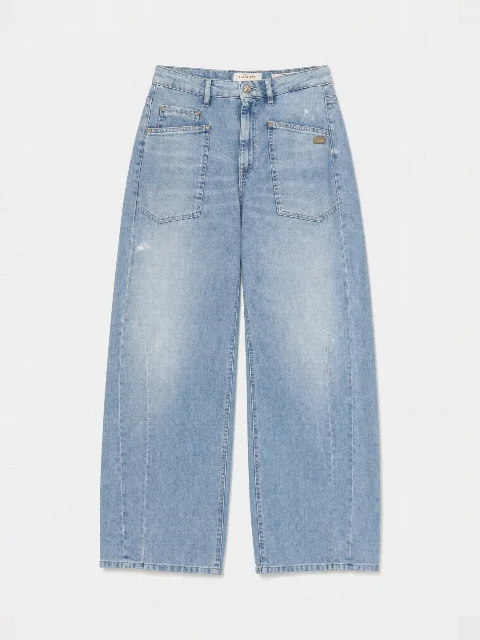
| Ghost mannequin | Product in shape, without a person or mannequin, front and back | Category pages, marketplaces |
| Flat lay | Laid flat from above, neatly arranged, front and back | T-shirts, knitwear, social media |
| Detail and material macro | Fabric, seams, buttons, labels | Making quality visible |
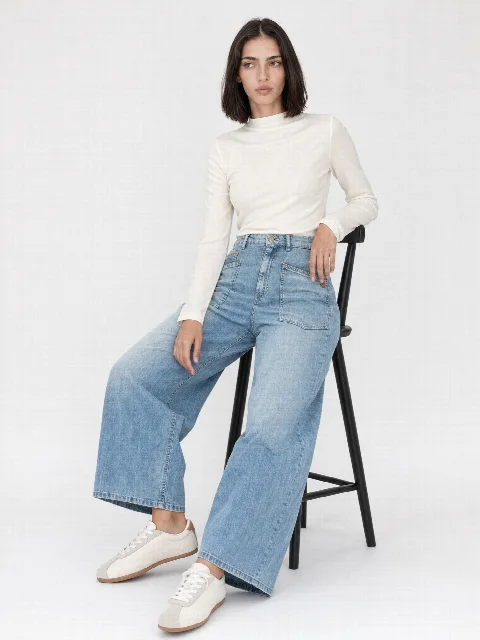
| Editorial and mood | Standing, sitting or relaxed in an editorial set | Last image, newsletter, lookbook |
| Product video | Short clip from a model image | Product page, social media |
One upload, one look: why all the shots match
All shots of a product are created from the same photos, with the same model, the same studio set and the same light. For the mood images you choose a separate editorial set. That keeps the product images calm and gives the mood images atmosphere. The library offers 136 models and 13 sets to choose from.
You save model, set, outfit and shots as a preset. The next product starts with it, even if it only arrives weeks later. In your shop, the replenishment then looks just like the first delivery.
Colourways and whole collections
If a product comes in several colours, you upload photos for each colour. The studio creates every colour with the same model, the same pose and the same light. Customers compare colours right on the product page, and different lighting moods quickly lead to returns because the colour looked wrong.
In Collection Mode you add products one by one with 1-3 photos and the SKU, then start them all together. The work carries on in the background, even if you close the browser. In the queue you can follow every product and every shot live.
What the studio recognises in your photos
You see the detected length during upload and can correct it with one click. The first model image of every product is checked automatically. You can regenerate any image individually and describe what should change.
- Product type and cut, for example wide leg, barrel or overshirt
- Colour and material
- Length, measured on the photo relative to knee and ankle
- Logos, labels, rivets and embroidery
- Back view and details from the second and third photo
From image set to shop
- Formats 3:4, 2:3, 4:5 and 1:1 with 2048 pixels on the long side, optionally in 4K
- Download as a ZIP with JPG or PNG, with the SKU as the file name
- Direct handover to Shopify, Shopware and STYLEPOT ORDER
- Open API and webhooks for ERP, PIM or your own systems
- SEO title, description and alt texts for every image set
Where the limits are
AI image generation is strong with fabrics, cuts and consistent series. Highly reflective materials and very small details such as fine print need a closer look. Check every image before publishing it. We also recommend labelling AI images in your shop. You can read what the EU AI Act says about this in our guide.