Why new stock sits in the warehouse for too long
The goods have arrived, been booked in and put away, but they are still missing from the shop. Usually it comes down to the images. Shoots are batched until enough items have piled up, then come the date, model, photographer and retouching. By the time everything is online, part of the season is over.
With the Studio you photograph every item straight out of the box. Three phone photos are enough: front, back and one detail such as label or fabric. Laid flat on the packing table, on a hanger or worn, the background does not matter. The image set is ready after a few minutes, and the item can go online the same day.
From goods-in to product page
For large deliveries, Collection Mode helps. You add item after item with 1-3 photos and the SKU and start them all together. The image sets keep running on the server even if you close the browser, and you can follow progress live in the queue.
- Unpack the item, smooth it out and make the label visible
- Take three phone photos: front, back, detail
- Upload in the Studio and quickly check the detected length and colour
- Apply model, studio set and shots from your saved preset
- Review the image set and regenerate individual images if needed
- Download as a ZIP or transfer directly to Shopify or Shopware, with SEO title, description and alt texts
Product photos for online fashion shops: returns start with the image
Some of the returns in fashion retail have to do with the images. The colour looks different online than in real life, the trousers are shorter than expected, the fabric falls differently. Customers then order two colours or two sizes to be safe and send one back.
The Studio takes colour, material and branding from your photos as fixed constraints and checks the colour in the result. Length is measured on the photo, relative to knee and ankle, and you can correct it during upload. Detail shots and the fabric macro show material and workmanship that customers cannot touch online. Colour variants are created with the same model, the same pose and the same light, so the real difference between two colours is visible.
Still, check every image before it goes online. An image that does not show the item accurately helps nobody.
One consistent look for stock from different brands
Multi-brand shops know the problem: every supplier sends its own images, with different light, a different background, a different model and a different crop. On the category page that looks restless, and the shop looks like a jumble instead of having its own signature.
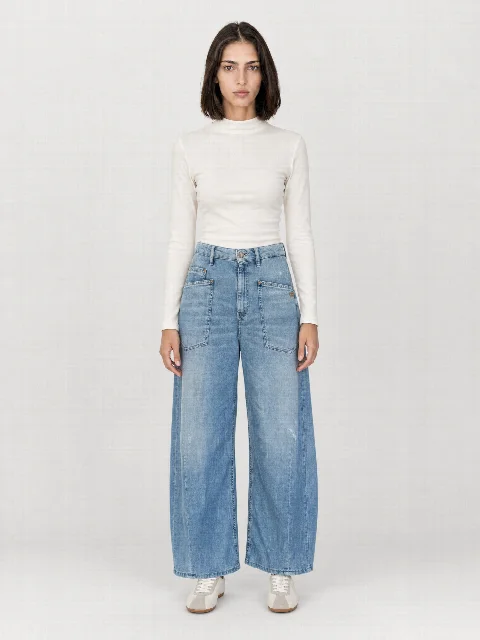
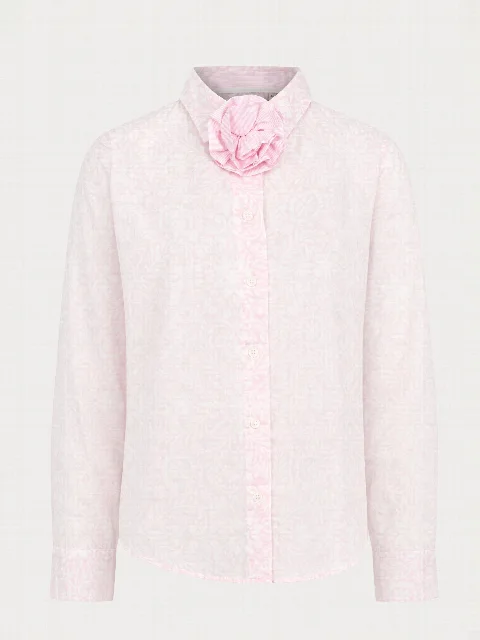
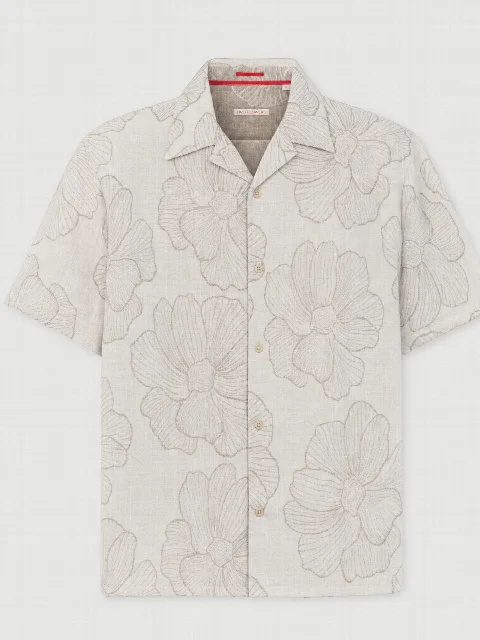
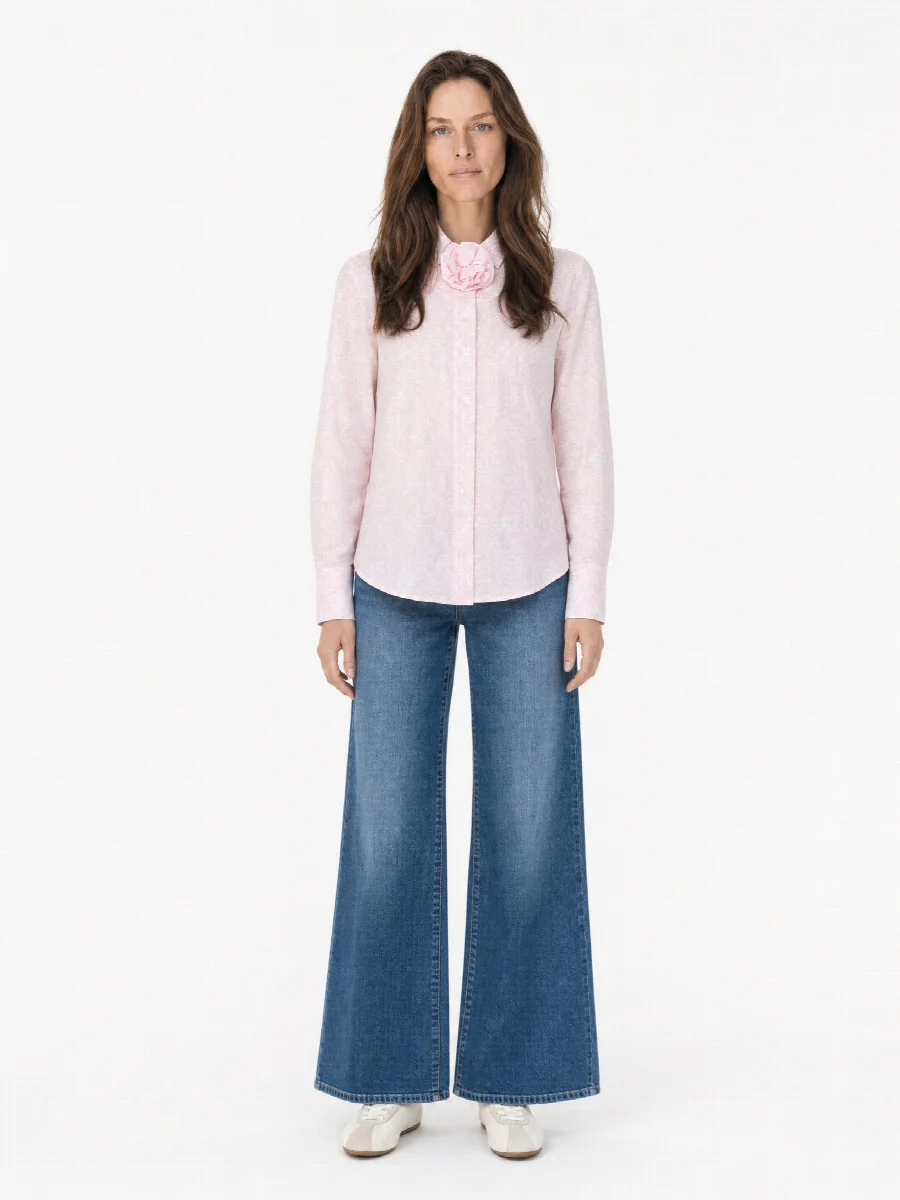
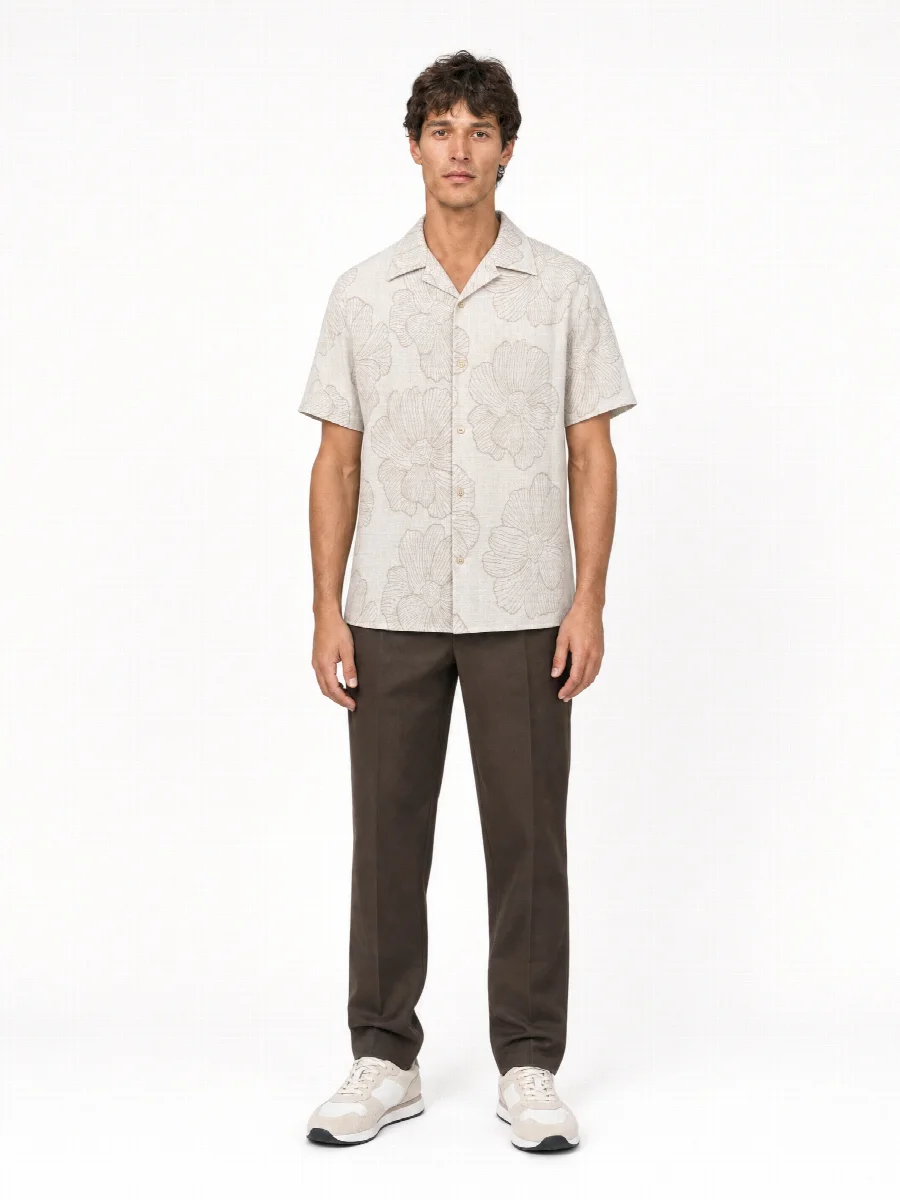
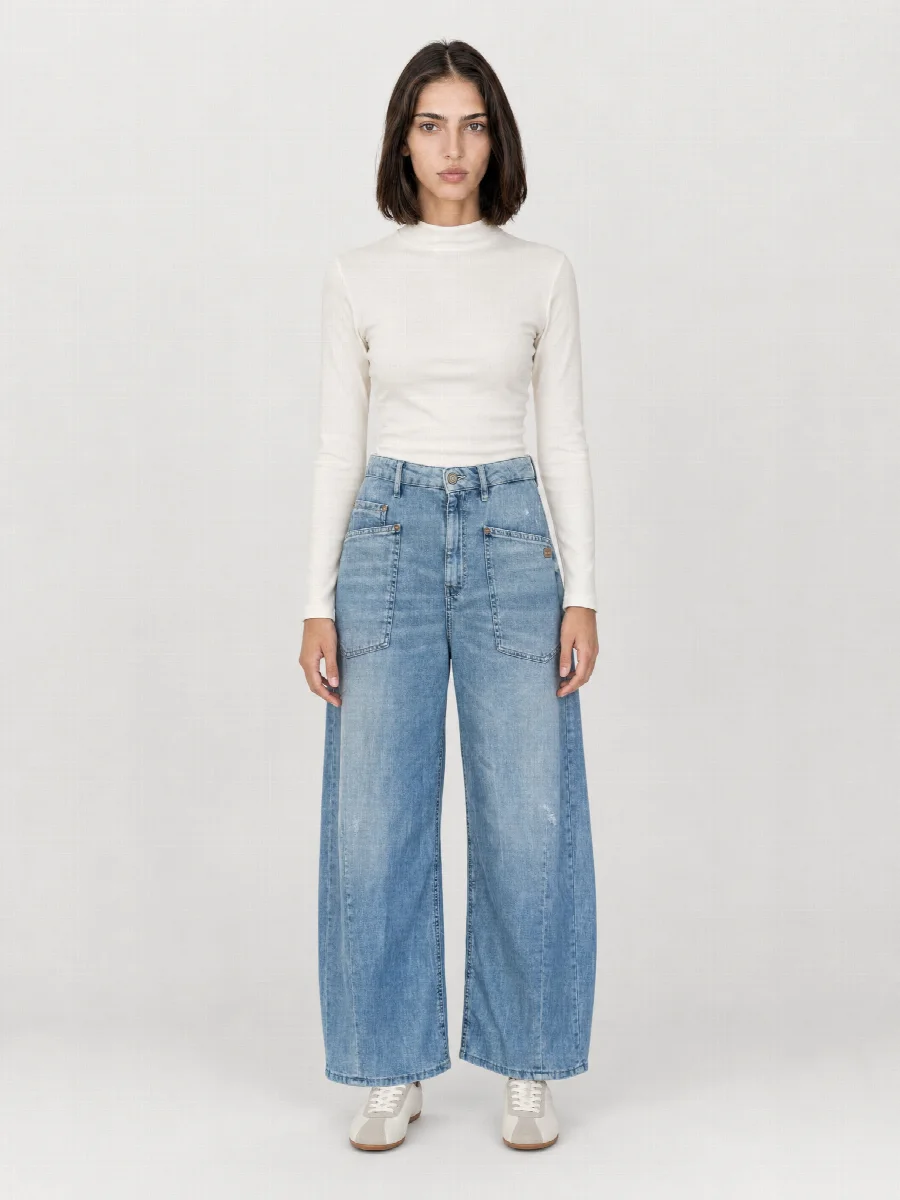
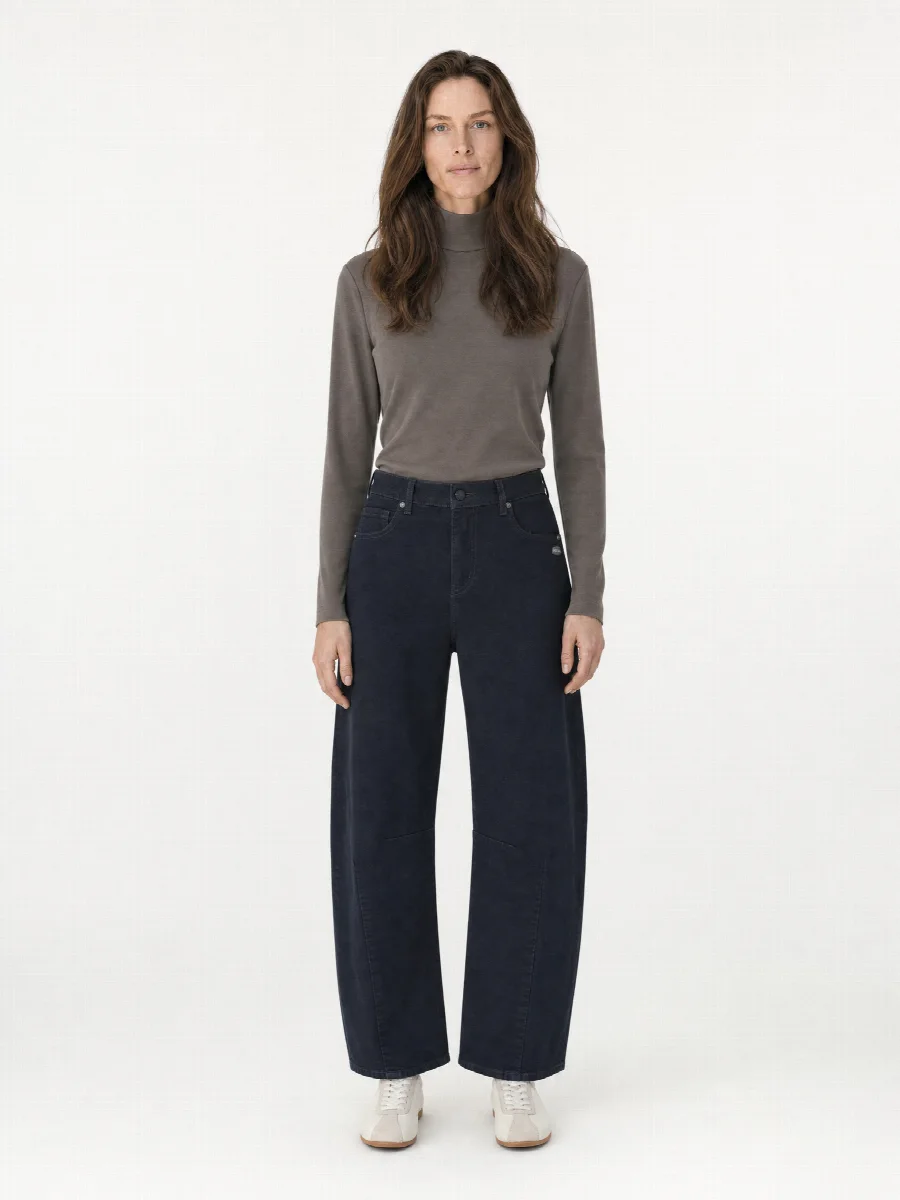
If you photograph the stock yourself with your phone and send it through the Studio, all items get the same model, the same studio set and the same crop. One brand's jeans then sit next to another brand's blouse as if both had been shot on the same day. You save model, set and shots as a preset, and every new item starts with it.
Which image formats your shop needs
Choose one format for all items, because mixed formats make category pages look restless. You can download each image set later in another format as well, for example 1:1 for a marketplace or 4:5 for social media. The images are also available in 4K on request.
| Format | Typical for | Size in the Studio |
|---|---|---|
| 3:4 | Fashion shops, category pages | 1536 × 2048 px |
| 4:5 | Social media, some shops | 1632 × 2048 px |
| 1:1 | Marketplaces, shop system standard | 2048 × 2048 px |
| 2:3 | Slim grids, lookbooks | 1360 × 2048 px |
Without your own photo studio
Many shops and boutiques have neither the space nor the budget for their own studio with a model. The Studio takes over model, photographer and retouching for your ongoing product images. You top up credit and pay from €0.90 excl. VAT per finished image, with no subscription and no minimum quantity.
There are limits here too. Look closely at highly reflective materials and very small details in the result. Because the models are AI generated, we also recommend a clear notice in your shop. What the EU AI Act says about this is explained in our guide to labelling AI images.