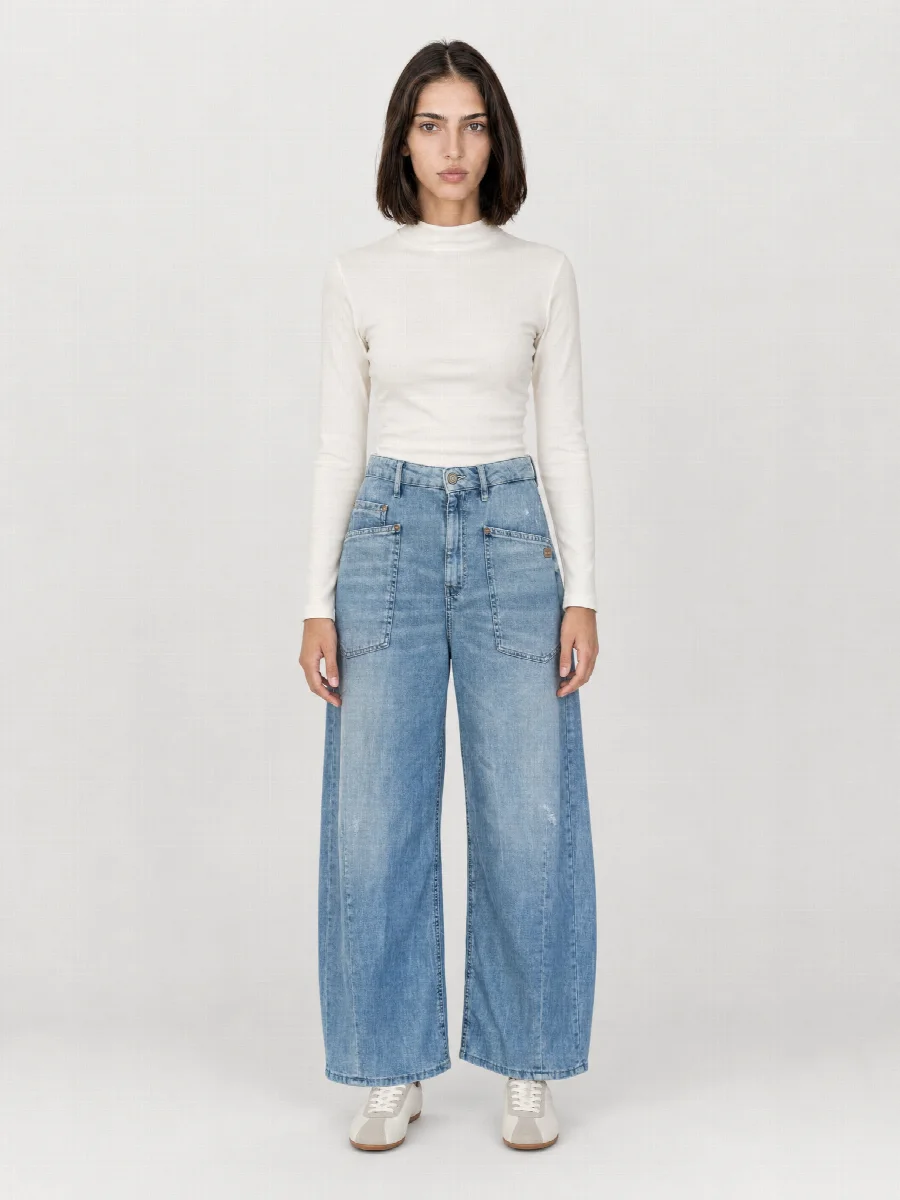
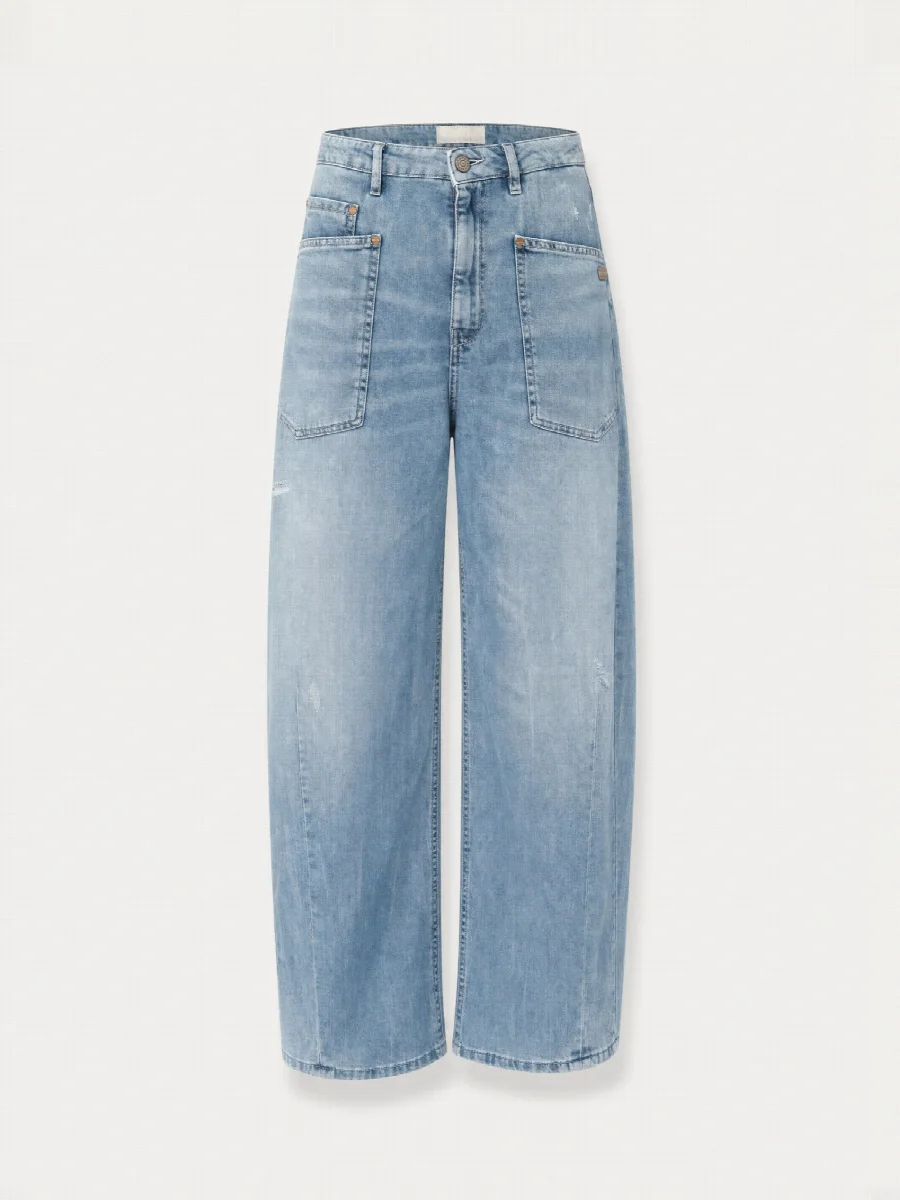
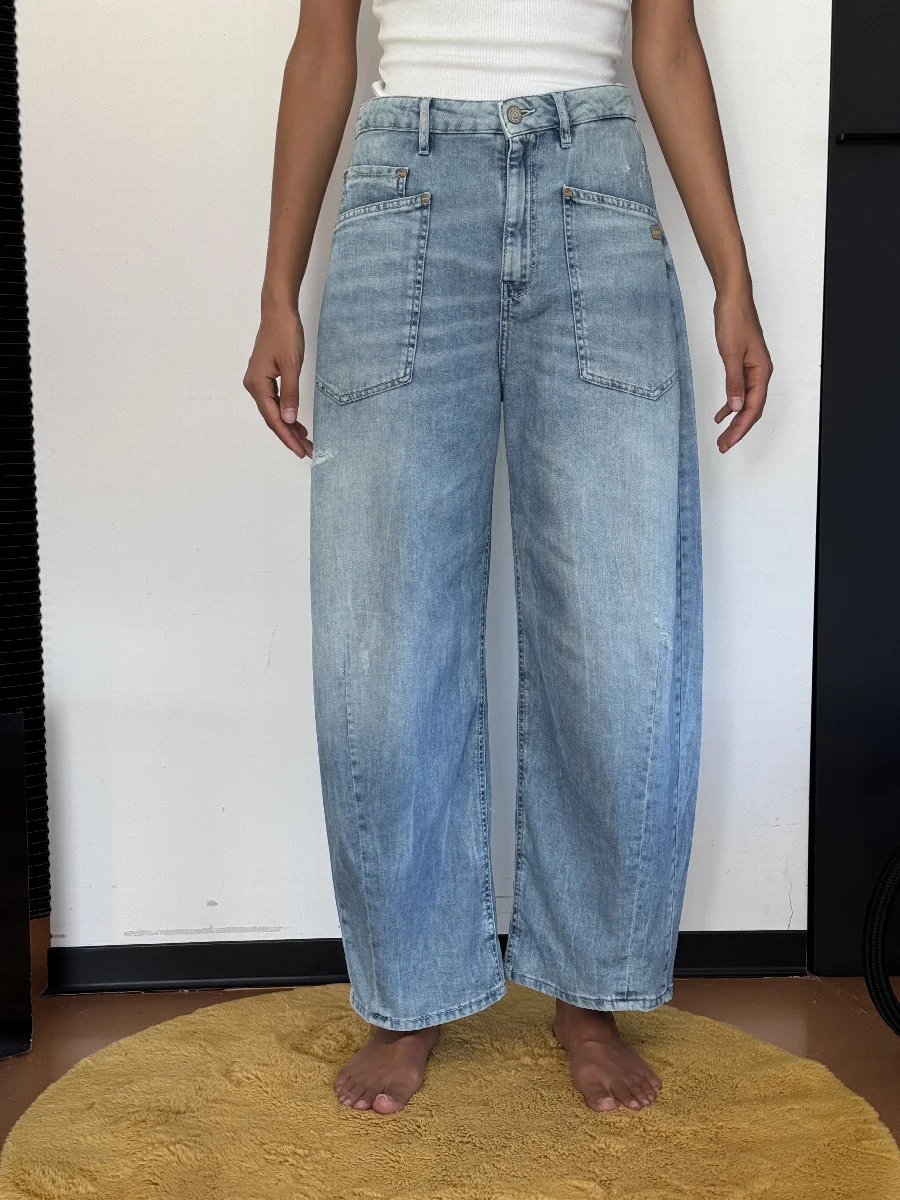
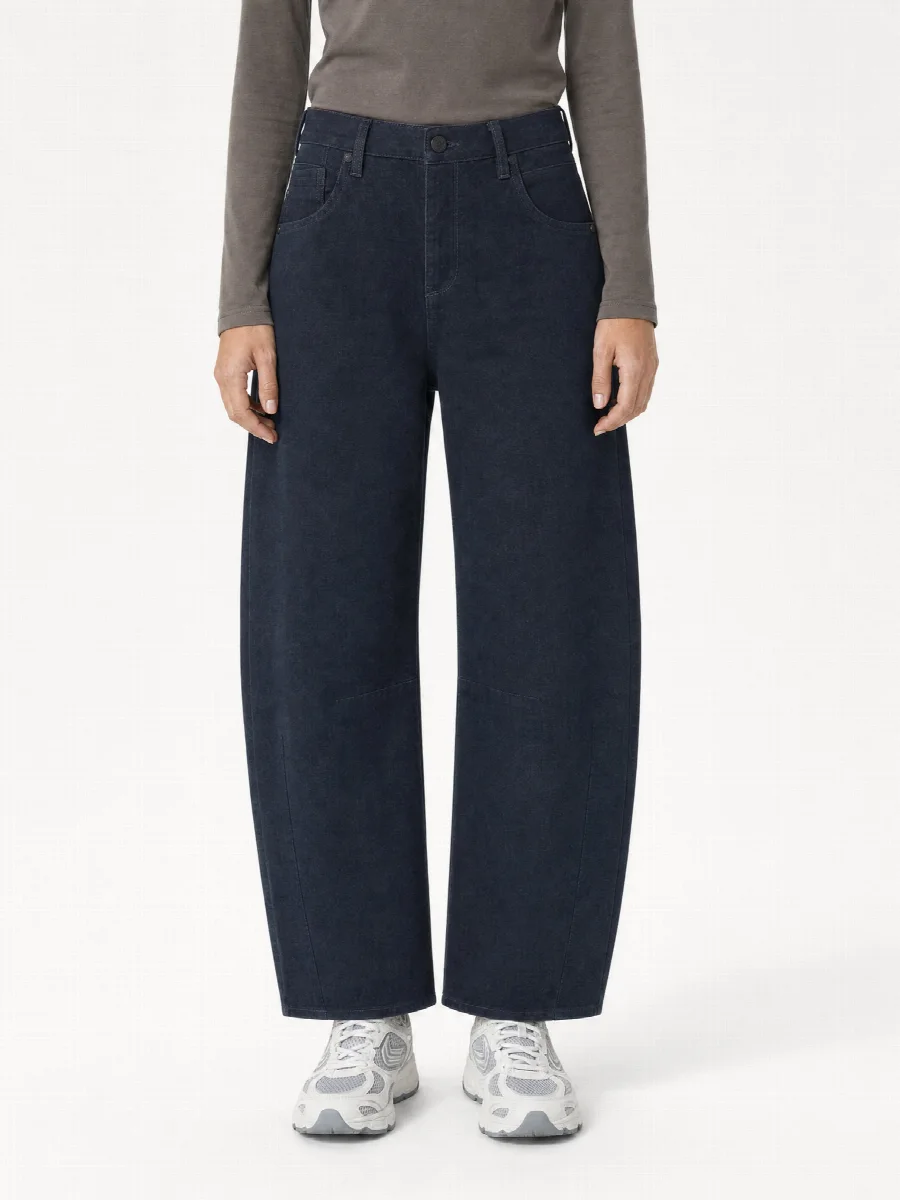
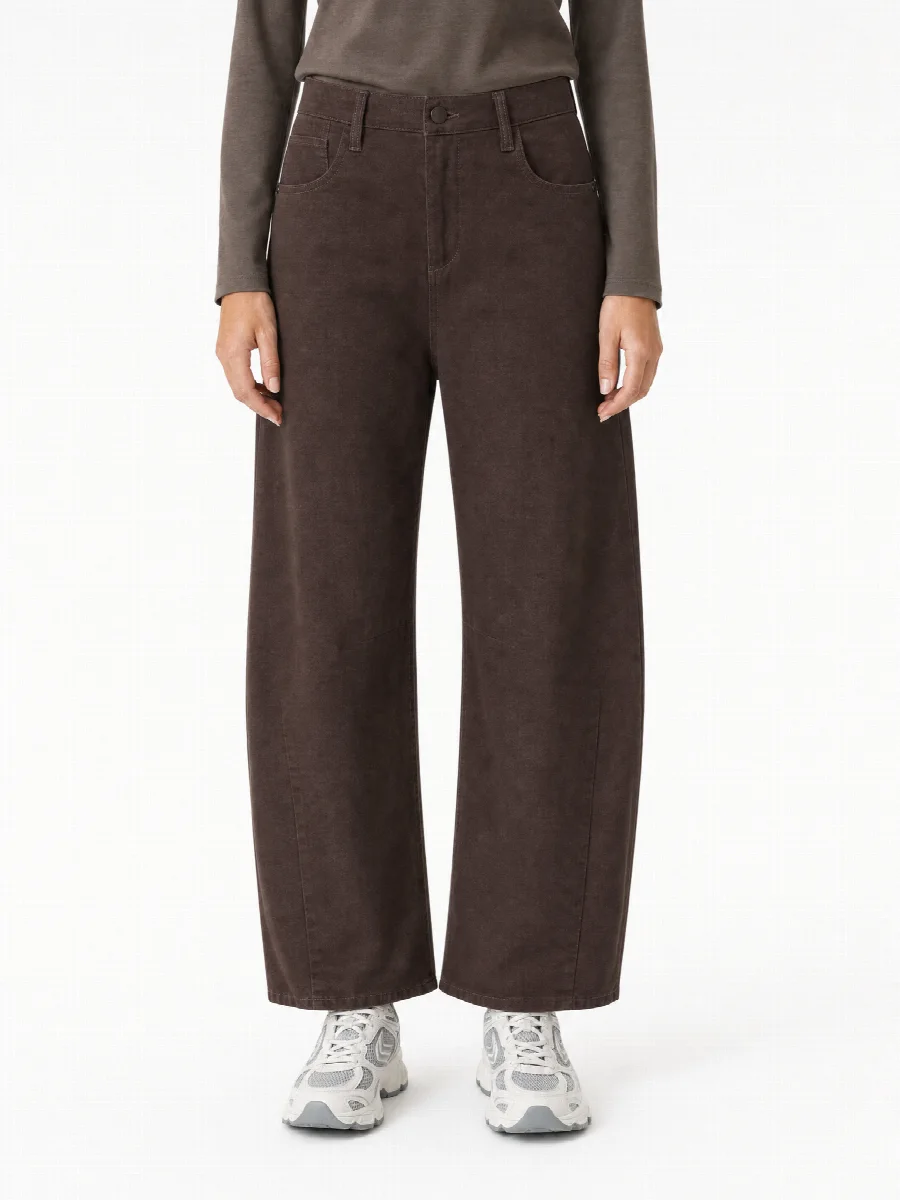
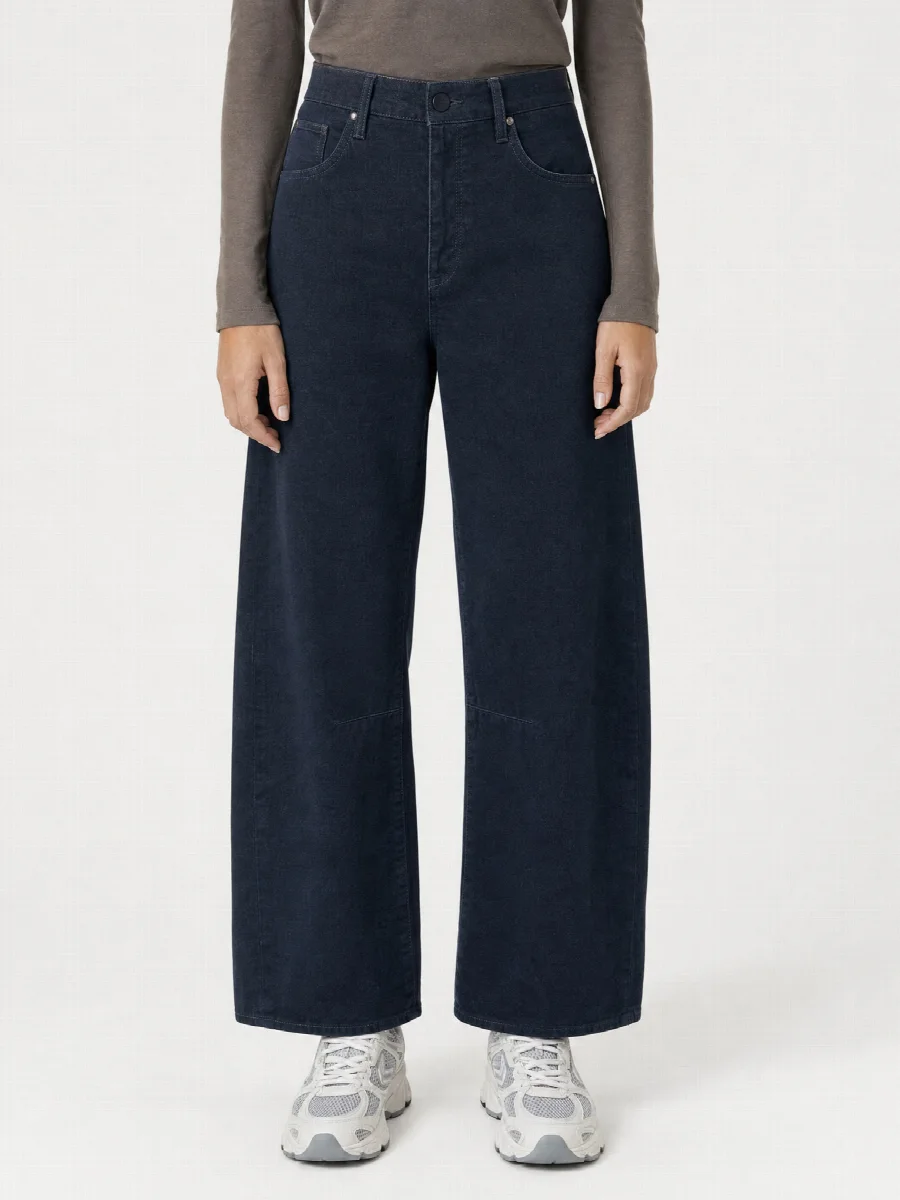
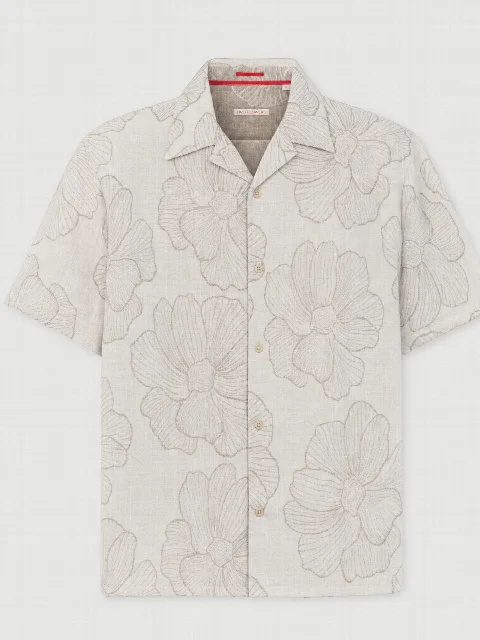
If an item comes in multiple colours, STYLEPOT STUDIO creates all colours with the same model, the same pose and the same light. This makes the variants on the product page exactly comparable.
Select Colour variants at the start and upload photos for each colour. The Studio applies the same model, set and shots to all colours.
Why this matters
Customers compare colours directly on the product page. Different poses or lighting can make colours look different and lead to returns. The same conditions show the real difference.
Results
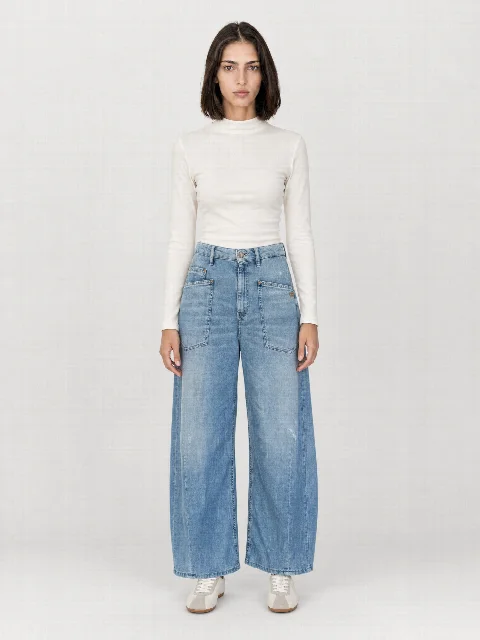
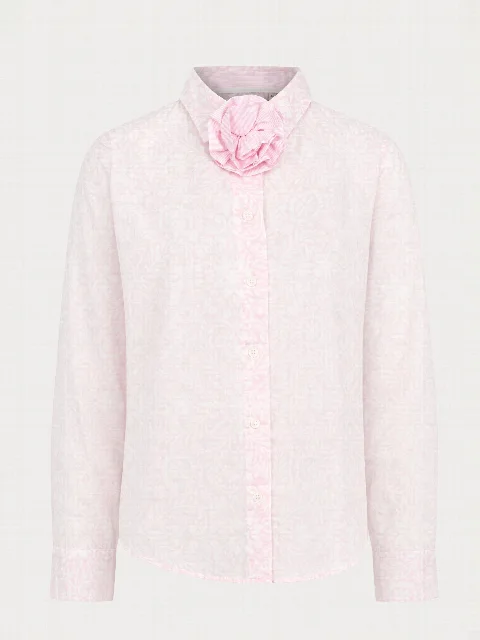
More examples from the Studio
Cropped frontCropped frontCropped front
FAQ
Frequently asked questions
How many colours per item?
You upload photos per colour. Each colour is created as its own variant within the same image set.
All people and product images on this website are AI generated with STYLEPOT STUDIO.
Product shoot from smartphone photos · €20 creditStart for free
Privacy settings
We only use technically necessary storage so that STYLEPOT Studio works. Services for statistics or marketing are only used with your consent. You can change your choice at any time. Privacy policy