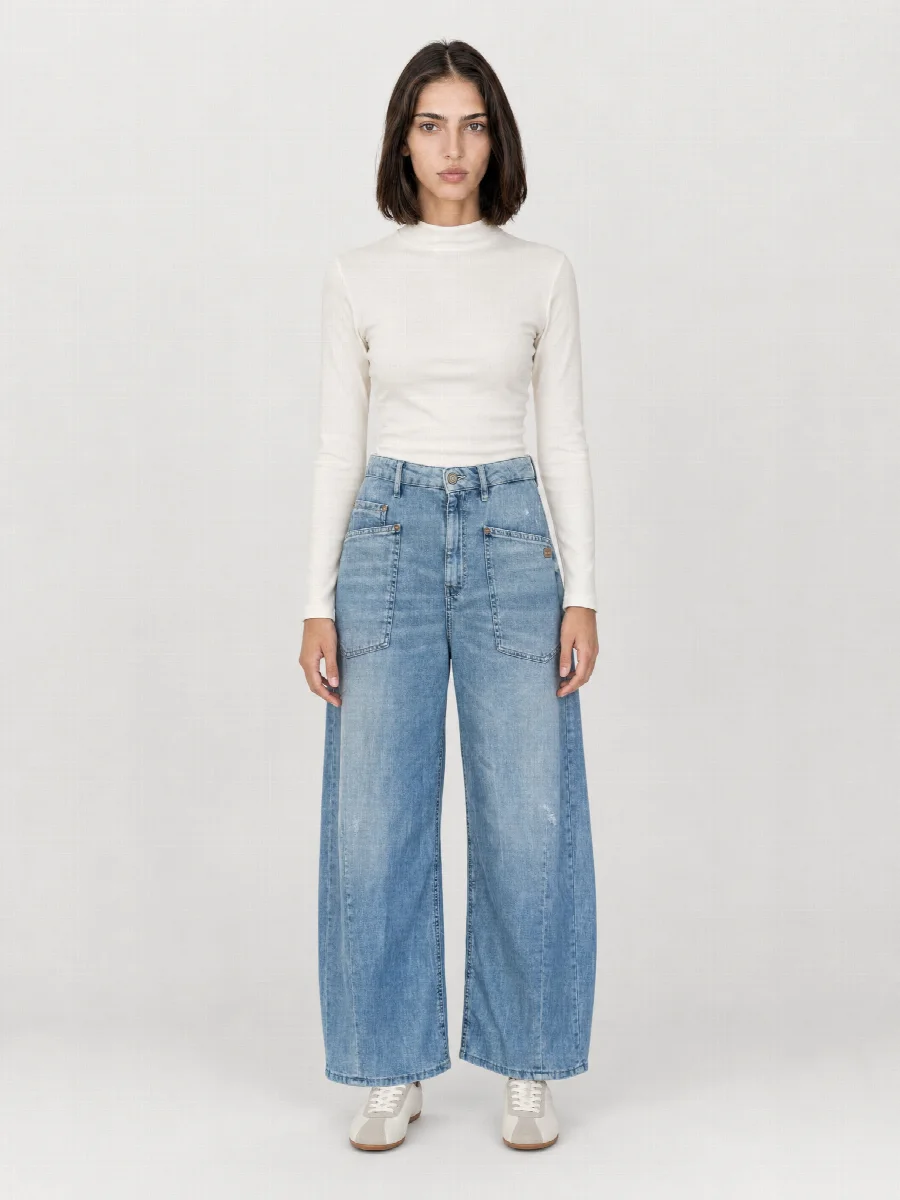
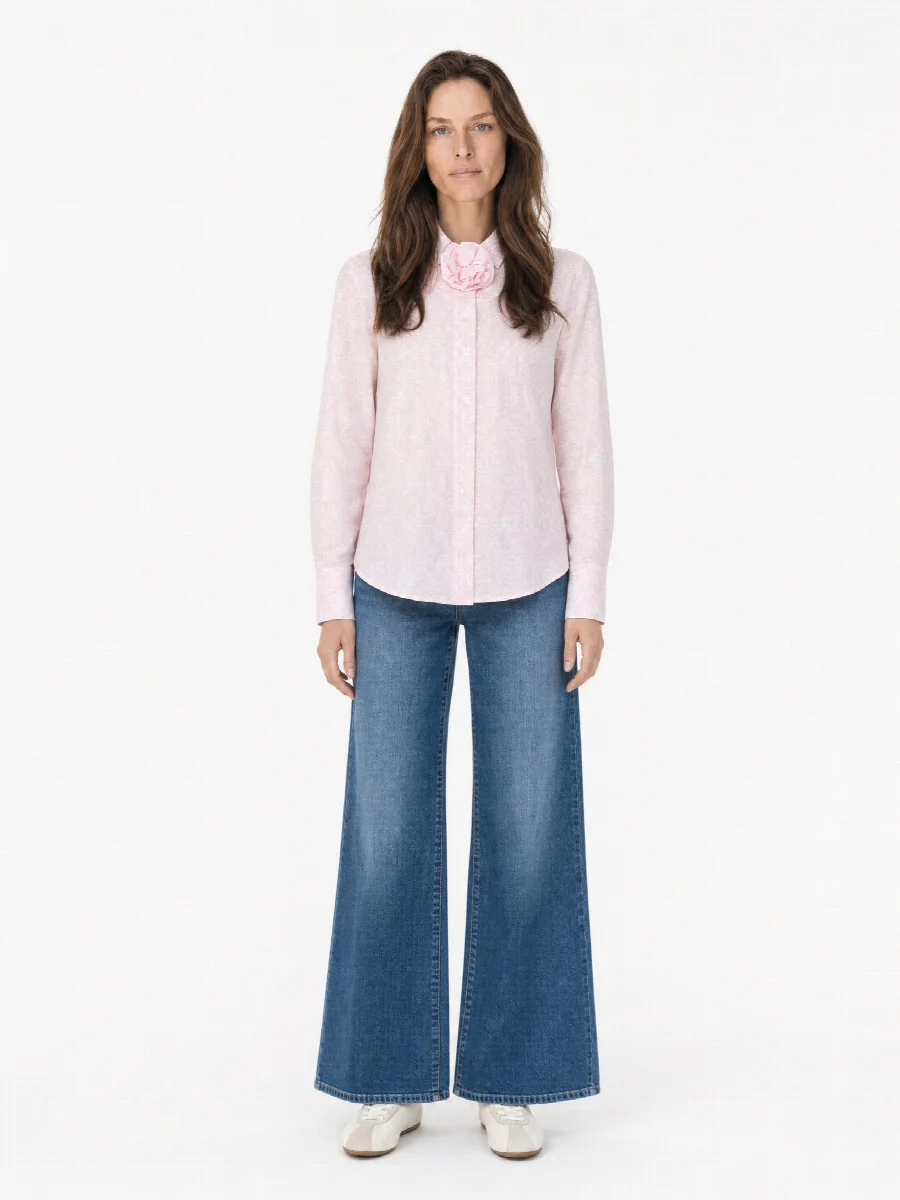
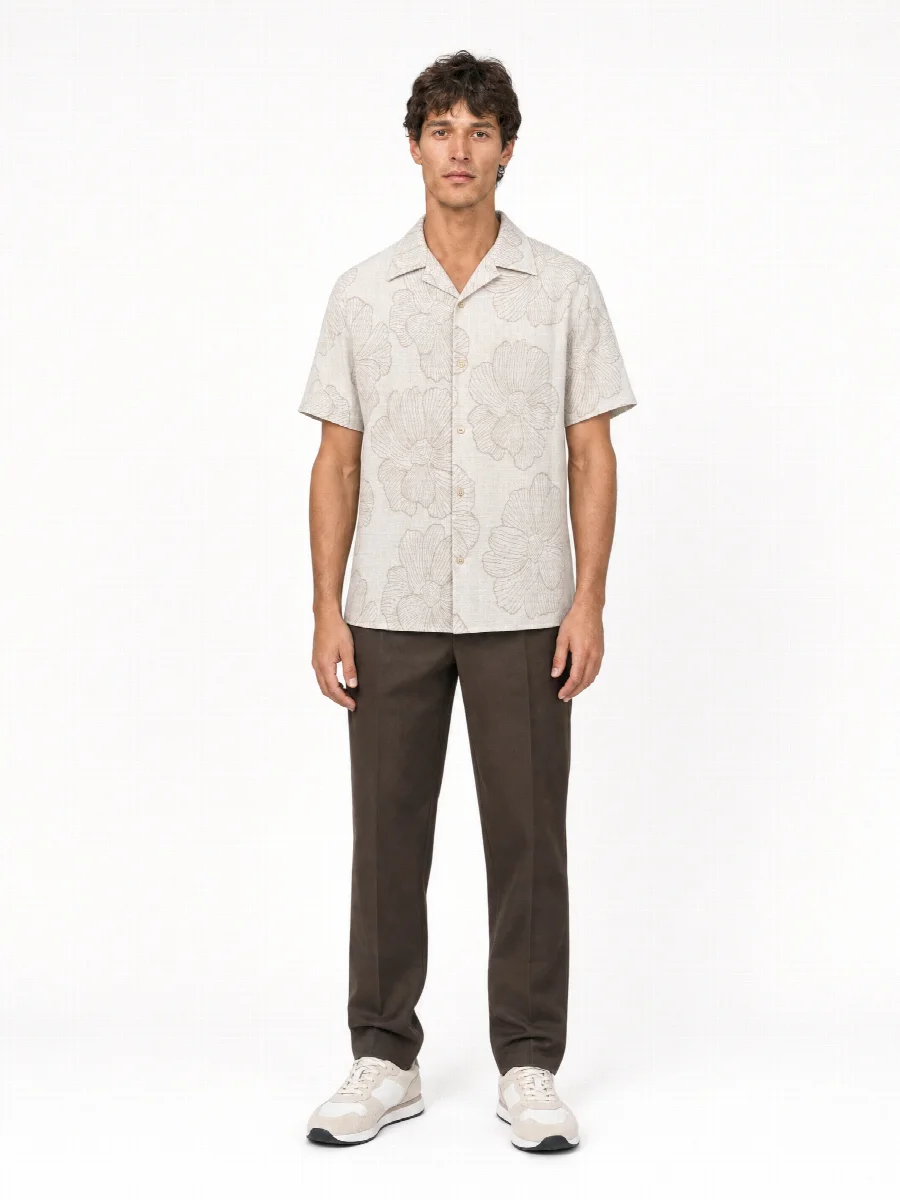
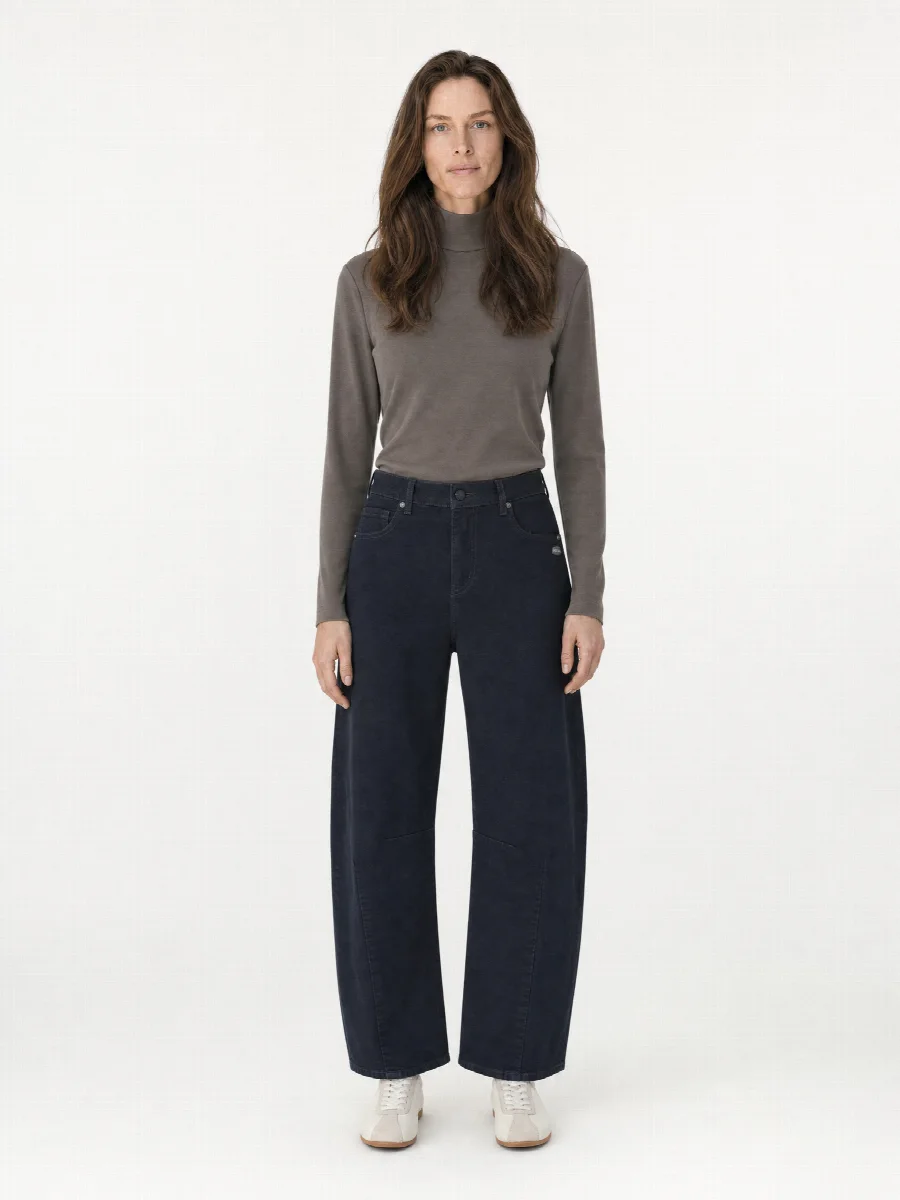
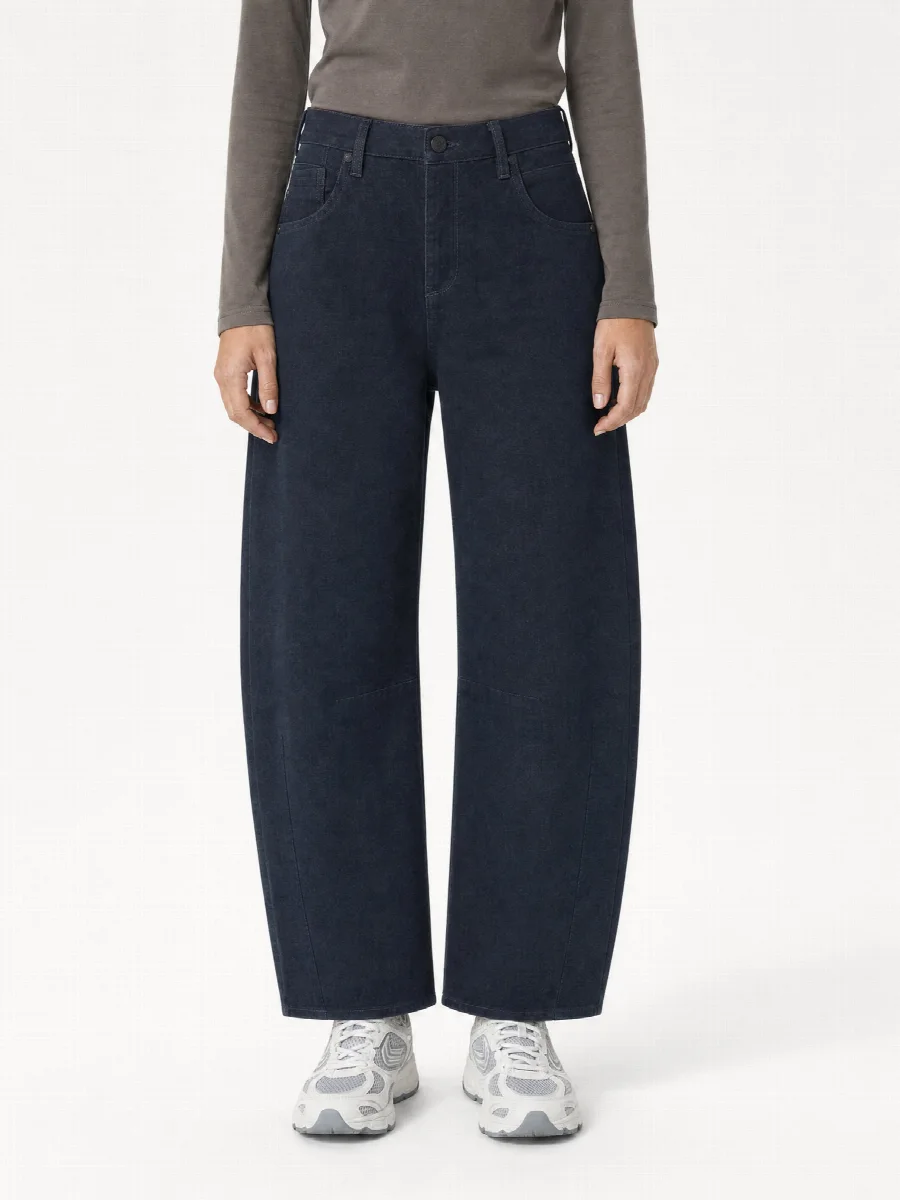
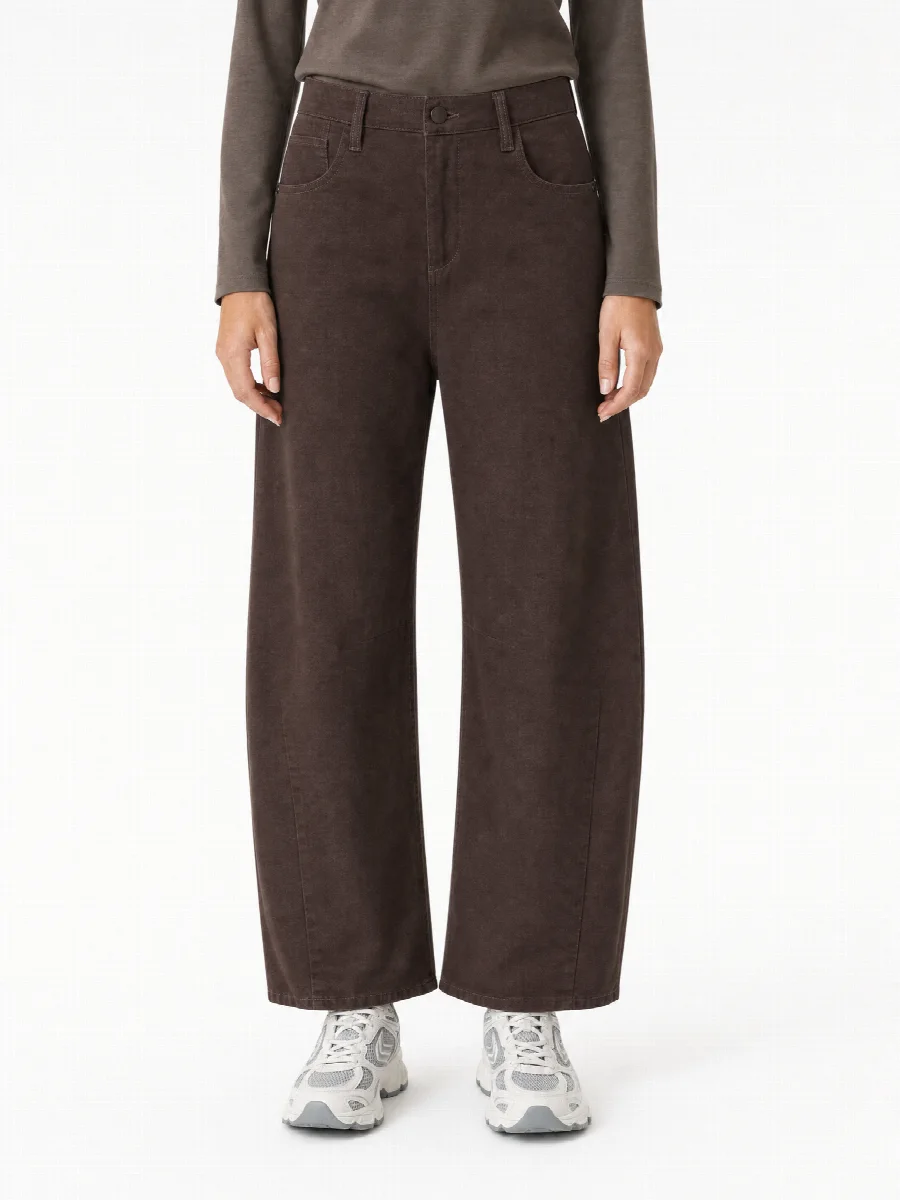
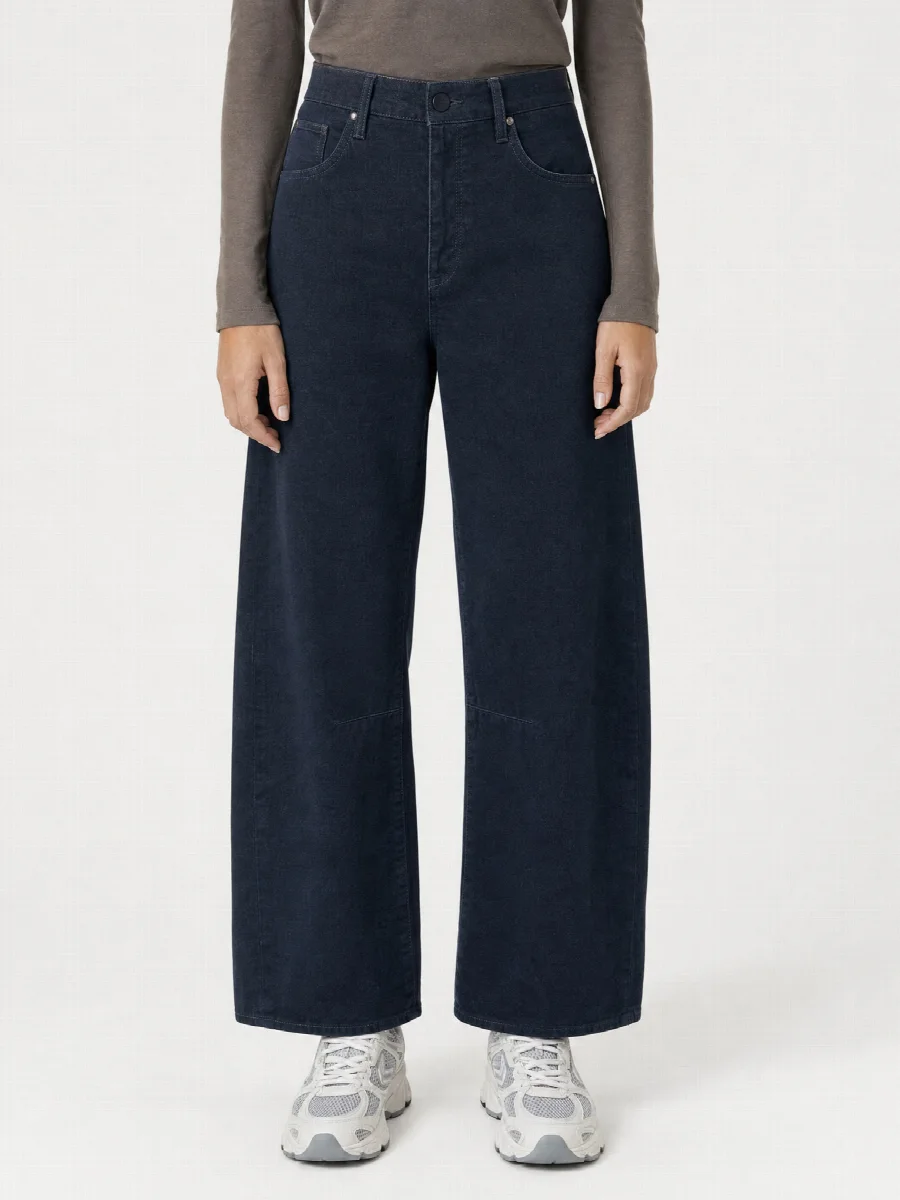
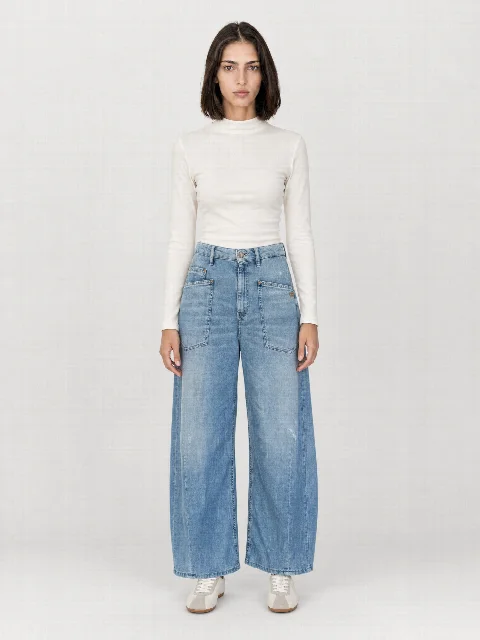
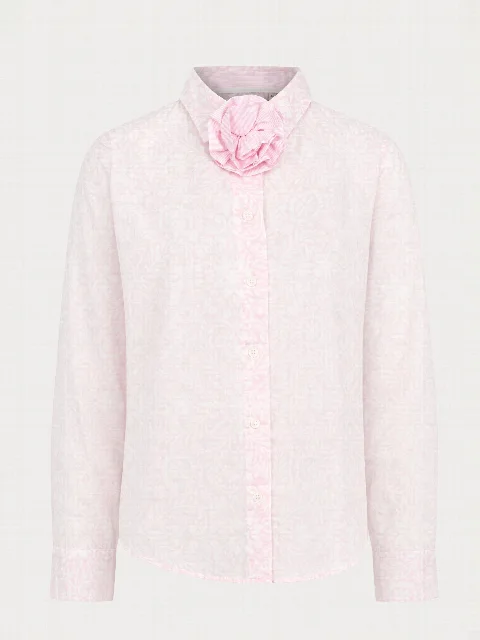
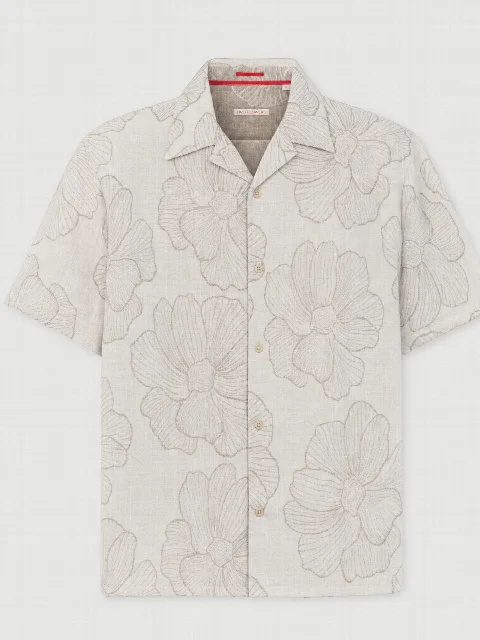
In Collection Mode, you add items one by one with 1-3 photos and the SKU, then start them all together. STYLEPOT STUDIO creates the same image set for each item with the same model, set and shots. The work continues in the background, even if you close the browser.
For brands and shops that put many new items online each season. You photograph item by item, enter the SKU and start the whole list at once. Each item inherits the settings from your last image set.
Consistent over weeks
Save model, set and shots as a preset. Items that come weeks later look exactly like the first ones.
Onward to the shop
Download finished images as a ZIP or send them via the integrations directly to Shopify, Shopware or STYLEPOT ORDER. For each image set, you can generate SEO title, description and alt text.
Results
One collection, one look
Full body frontFull body frontFull body frontFull body frontCropped frontCropped frontCropped front
FAQ
Frequently asked questions
How do I assign photos to items?
You create each item with 1-3 photos and optionally the SKU. The SKU becomes the file name of the images.
Can I track progress?
Yes, in the queue you see every item and every shot live.
All people and product images on this website are AI generated with STYLEPOT STUDIO.
Product shoot from smartphone photos · €20 creditStart for free
Privacy settings
We only use technically necessary storage so that STYLEPOT Studio works. Services for statistics or marketing are only used with your consent. You can change your choice at any time. Privacy policy