What are editorial images and mood images?
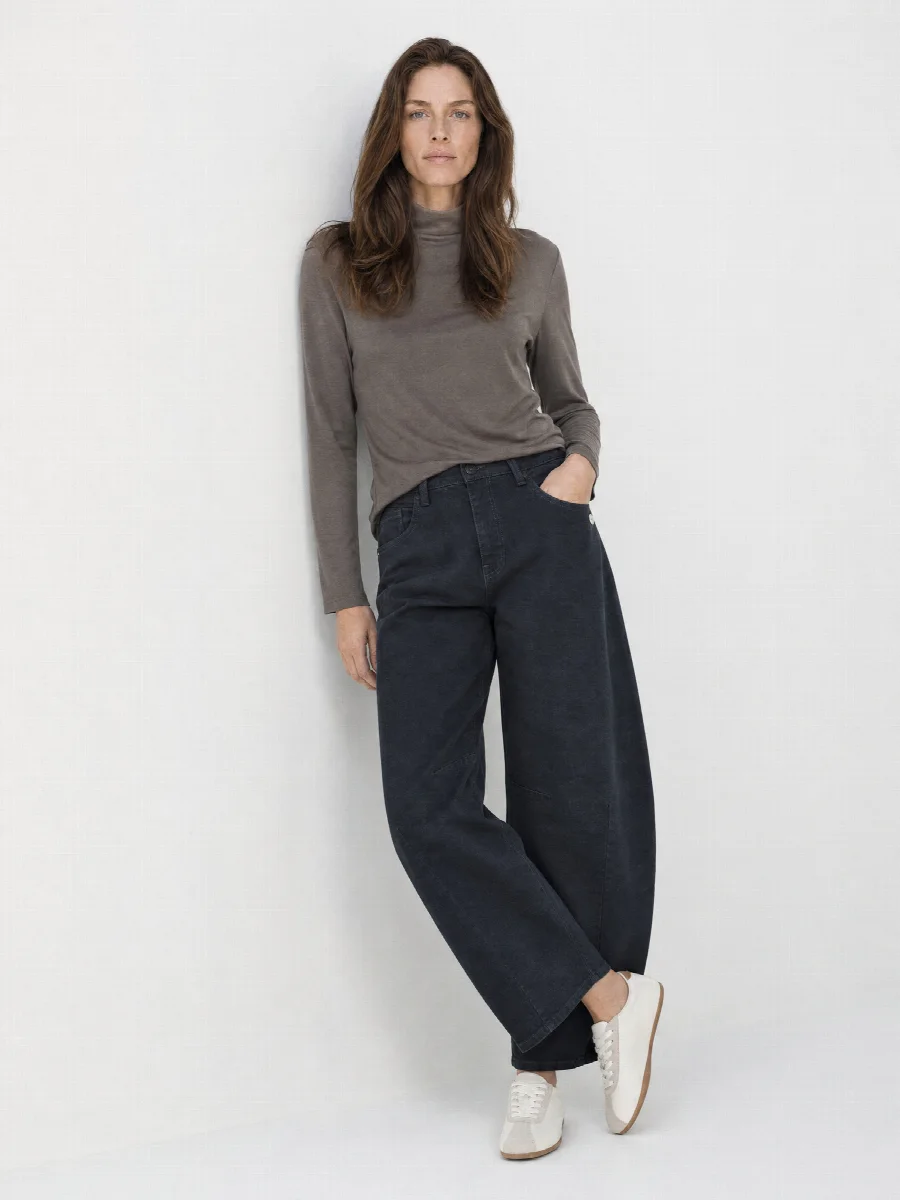
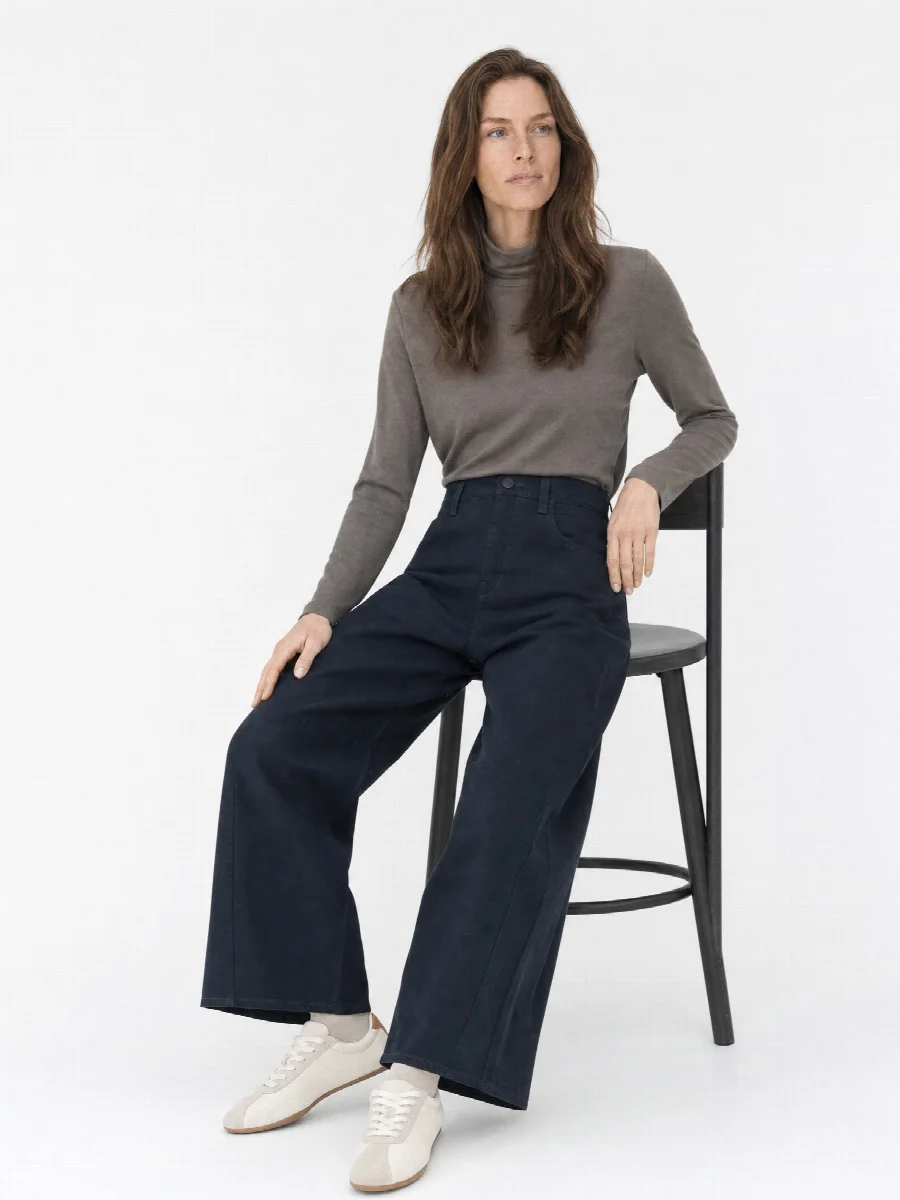
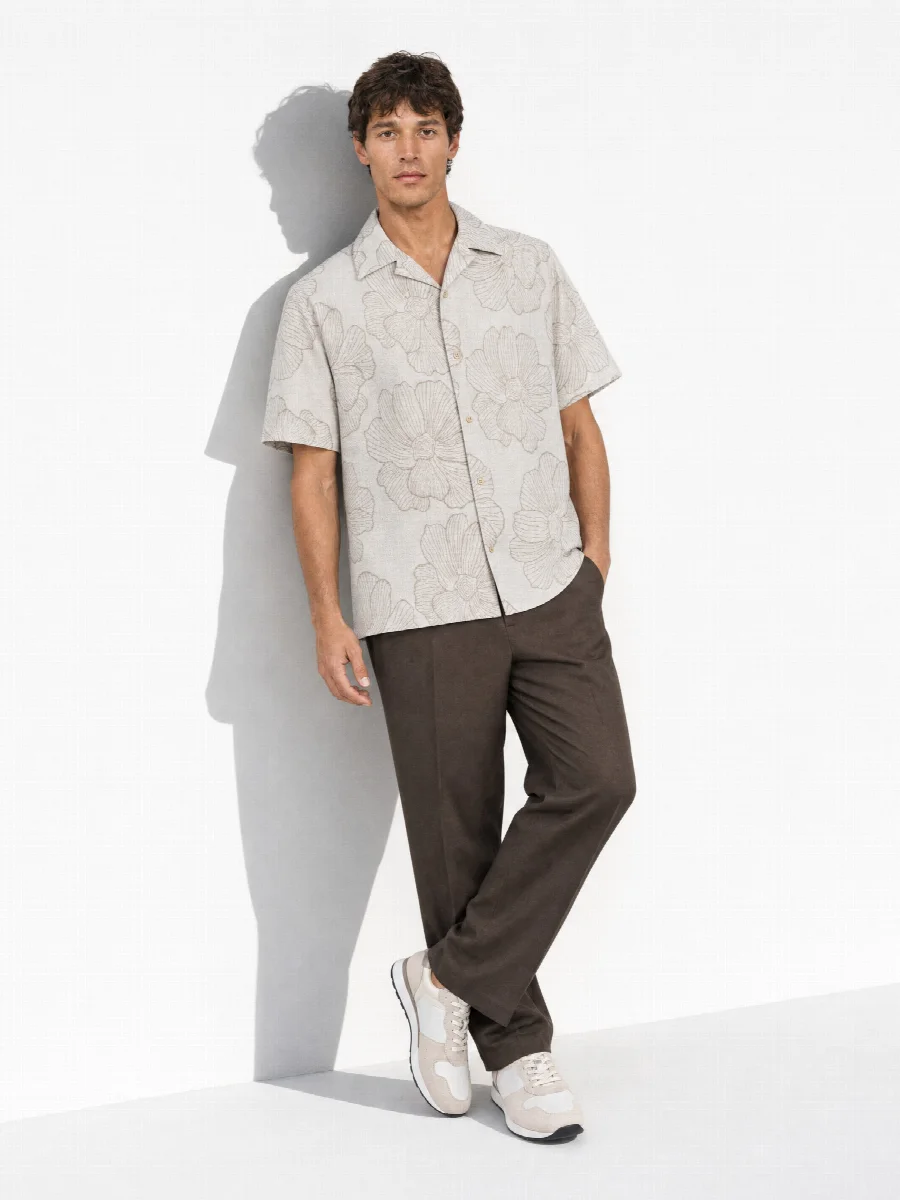
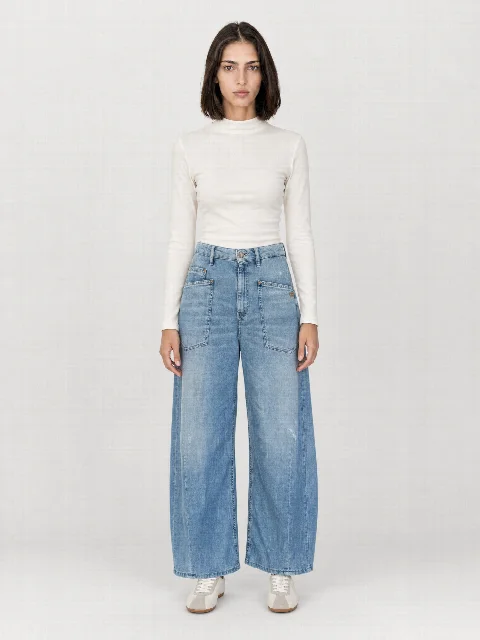
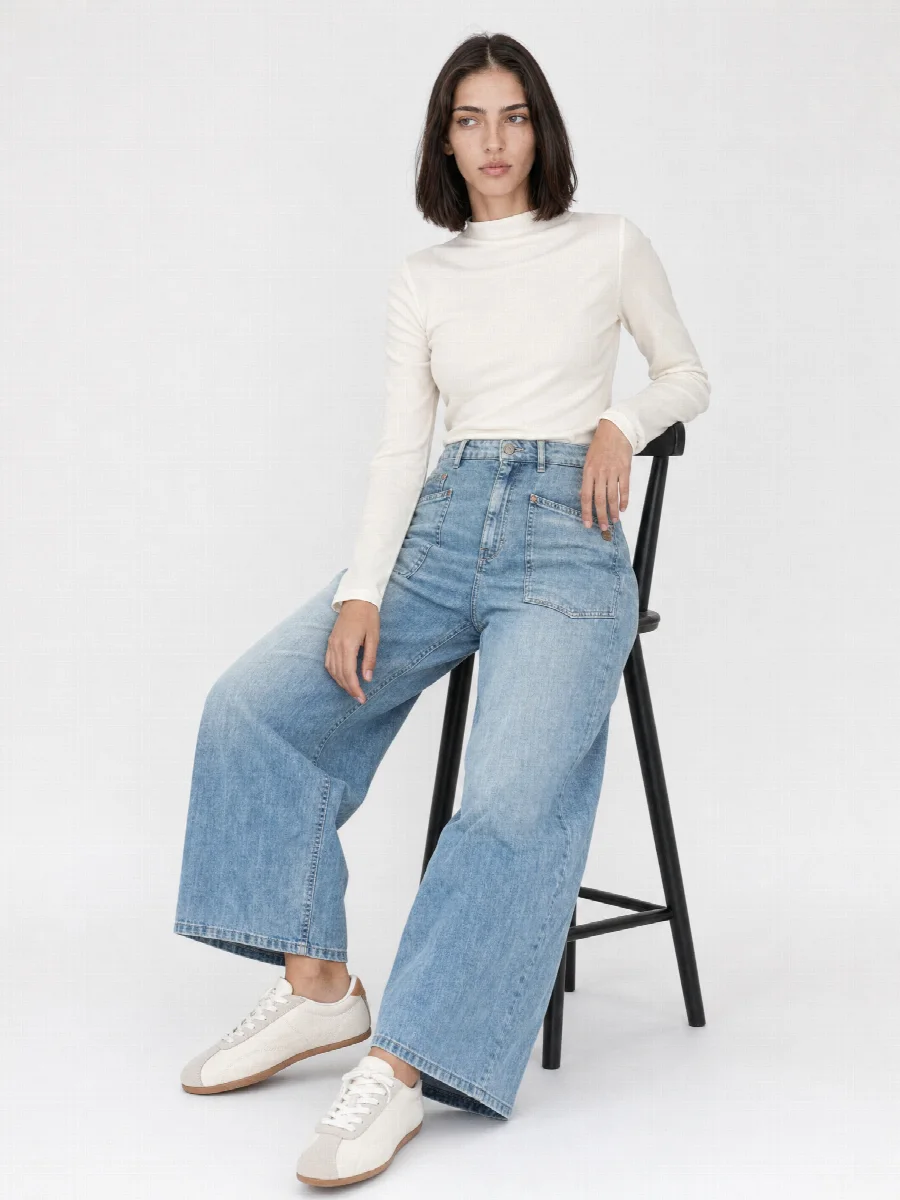
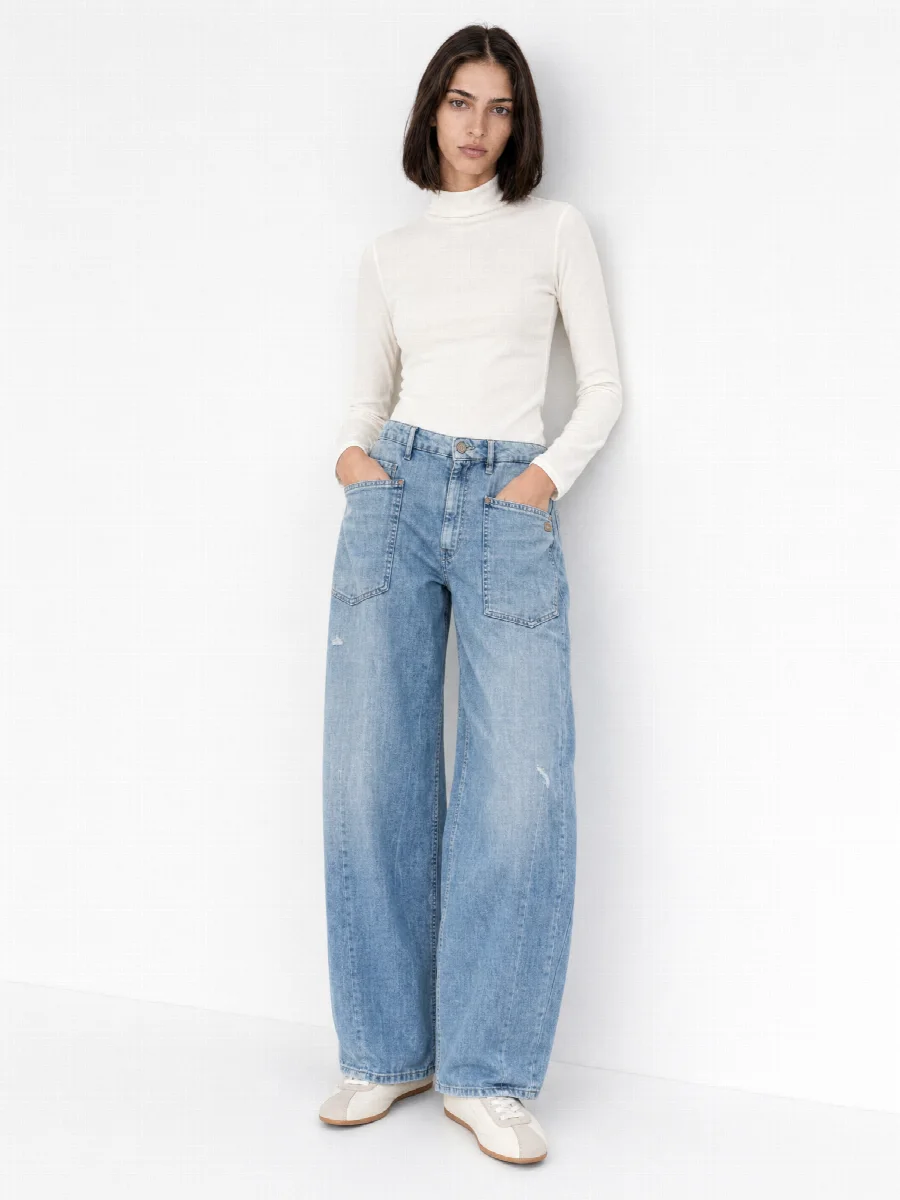
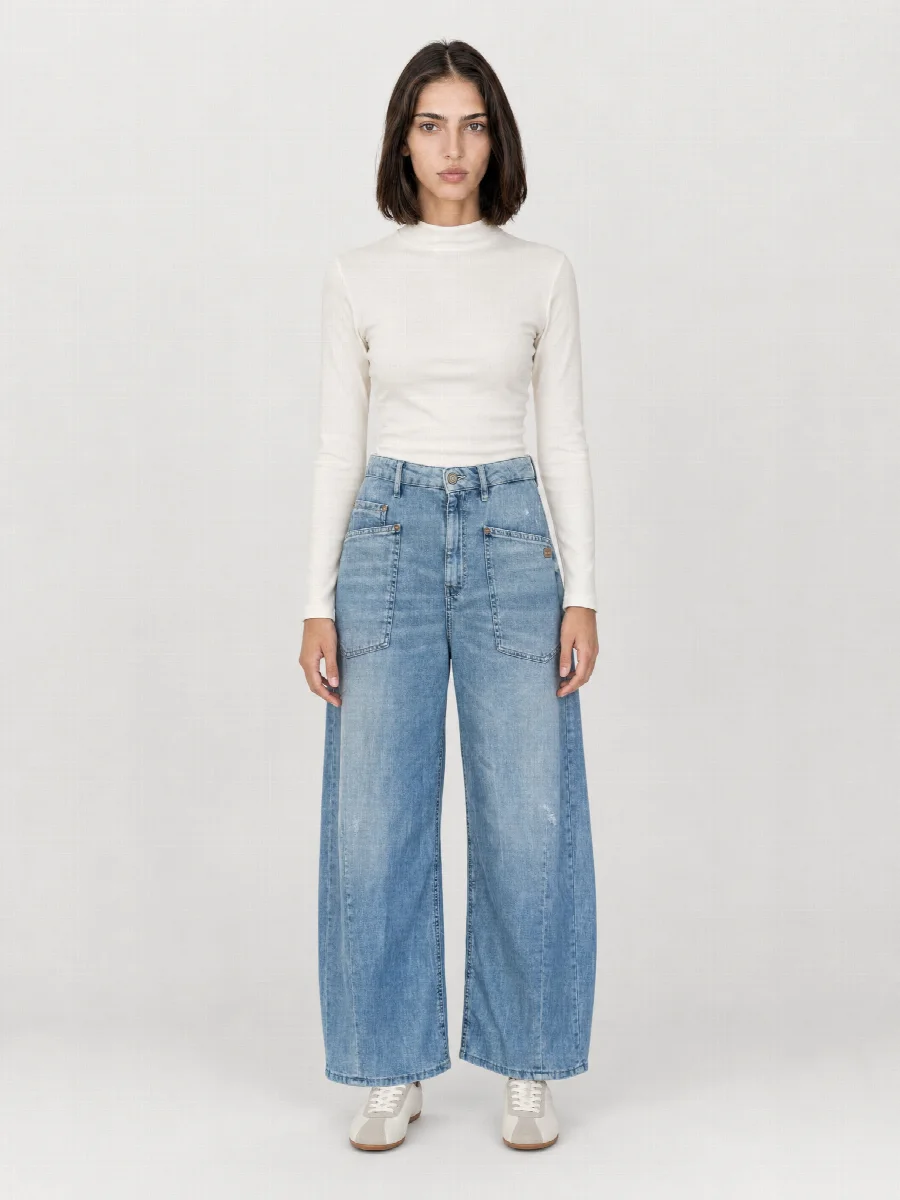
An editorial image shows clothing with atmosphere and staging, closer to a campaign than a catalogue. The product photo explains cut, colour and fit. The mood image shows how a piece feels and what you wear it for. A good product page needs both.
Even so, the mood image is often missing in the day-to-day of a fashion brand. It means a separate shoot with different light, a different set and more time per look. For a restock or a small capsule that rarely pays off. That is why many shops show calm packshots next to a single campaign image that does not really match any item.
How do editorial sets work in the Studio?
In the Studio you choose two sets separately. The studio set defines background and light for your product photos. The editorial set defines the space for the mood images. Each set is a defined space with its own lighting, for example warm terracotta, Mediterranean white or a dark set. You will find all sets in the library.
The model stays the same. The woman who shows your jeans front and back in Studio White wears them seated in the terracotta set for the mood image. To your customers it looks like a single shoot day, even though product photo and mood image come from one upload. Save model and sets as a preset and every further item gets the same look.
The three mood poses
- Mood standing: a calm, upright pose, good as the last image on the product page or as a category banner
- Mood seated: shows how the fabric falls and creases when someone sits down
- Mood casual: a relaxed pose for social media, newsletters and lookbooks
AI campaign images: where to use them
AI campaign images play to their strengths when many items need a shared visual language and time is short. Typical uses:
- The last image on the product page, the one that sets the mood
- Category banners for the change of season
- Newsletters and social media, for example in 4:5
- Lookbooks and line sheets for wholesale
Lookbook and pre-order straight from the sample
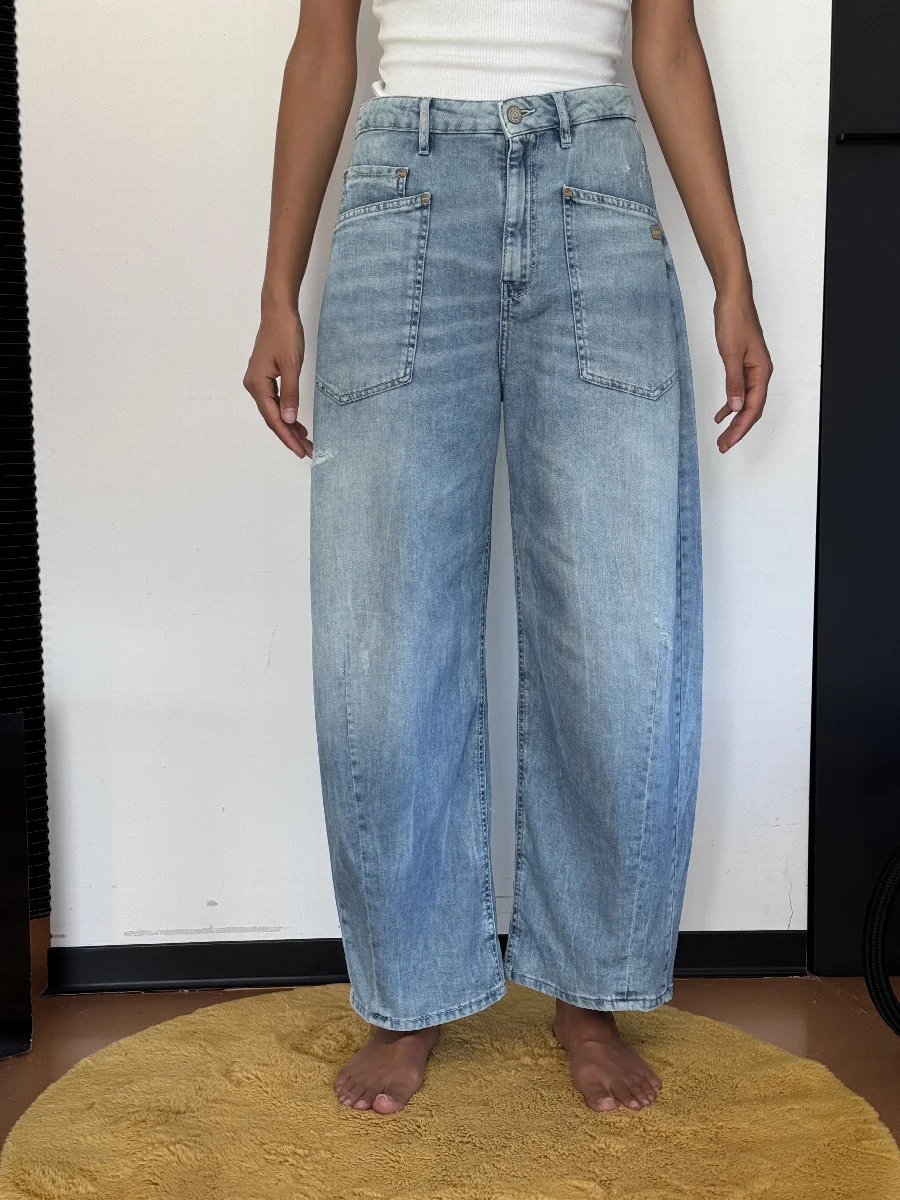
In wholesale, sales needs images before the goods are produced. Samples are often in house for only a few days before they go to the field sales team. You photograph the sample with your phone when it arrives, choose model and editorial set and get product and mood images in the same look. That way the pre-order lookbook has atmosphere, even if there is only one sample piece. With STYLEPOT ORDER the images are assigned to the items in the order tool.
Where the limits are
Editorial sets are defined spaces from the library. They do not recreate a specific location, a story told across several images or pictures with real people from your brand. Very small details and highly reflective materials such as sequins or patent are best checked image by image, and you can regenerate individual images if needed. And you should label AI images in your shop.
When a real campaign shoot in Munich can be the better choice
We run our own photo studio in Munich, 247 Studio at Frankfurter Ring 247, and still do real shoots there today: packshot, ghost mannequin, model and still life. That is why we say it openly. For the hero campaign of a season, for an image that runs for months on the home page and in ads, or for pictures with people from your brand, a real shoot can be the right choice.
For everything that follows, meaning every single item, every colour and every restock, editorial images from the AI Studio are faster and keep the look consistent across the whole collection. Many brands combine both.
How an editorial image is made
- Upload phone photos
Front, back and one detail. They are the same photos as for the product shots, so no second upload is needed.
- Choose an editorial set
Next to the studio set you choose an editorial set and the mood poses standing, seated or casual.
- Check and download
Check every image individually, regenerate if needed and download in the right format: 3:4, 2:3, 4:5 or 1:1.