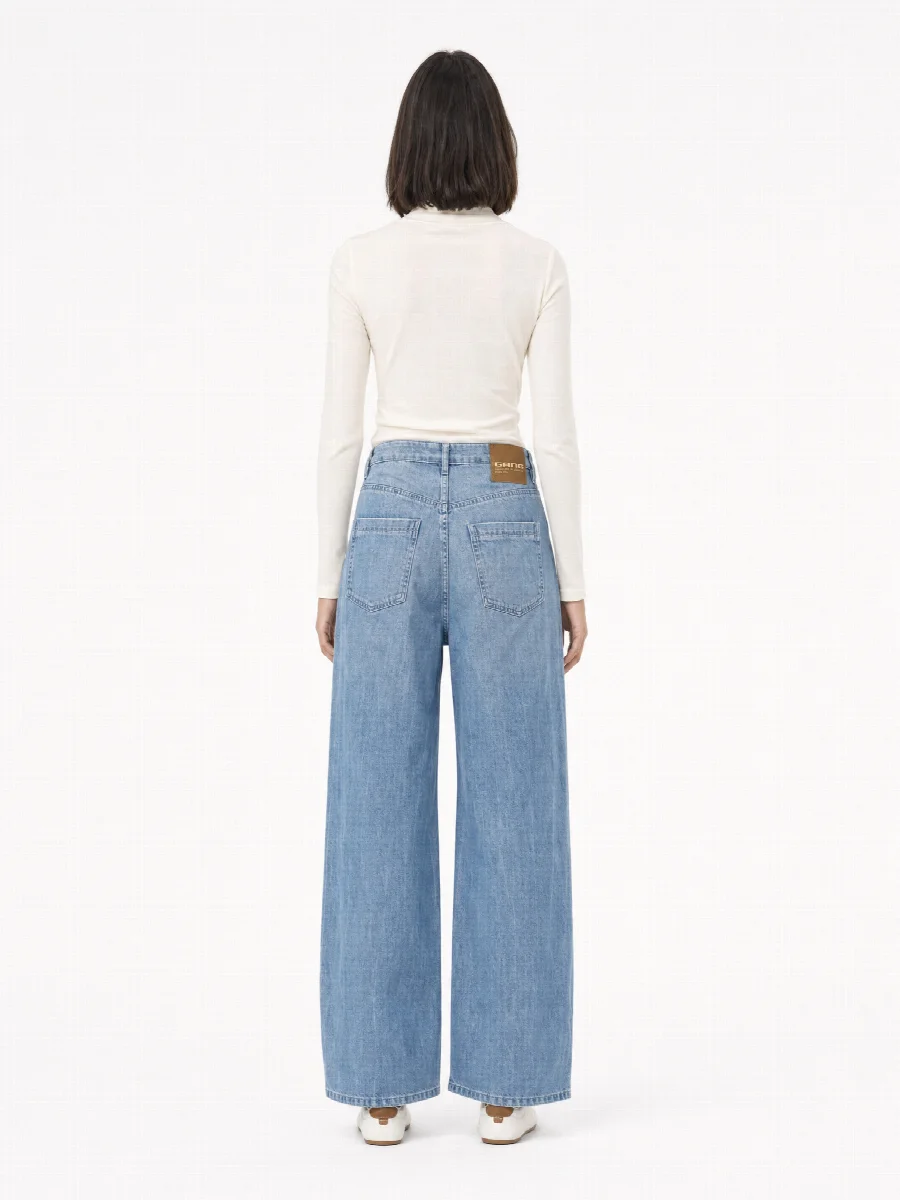
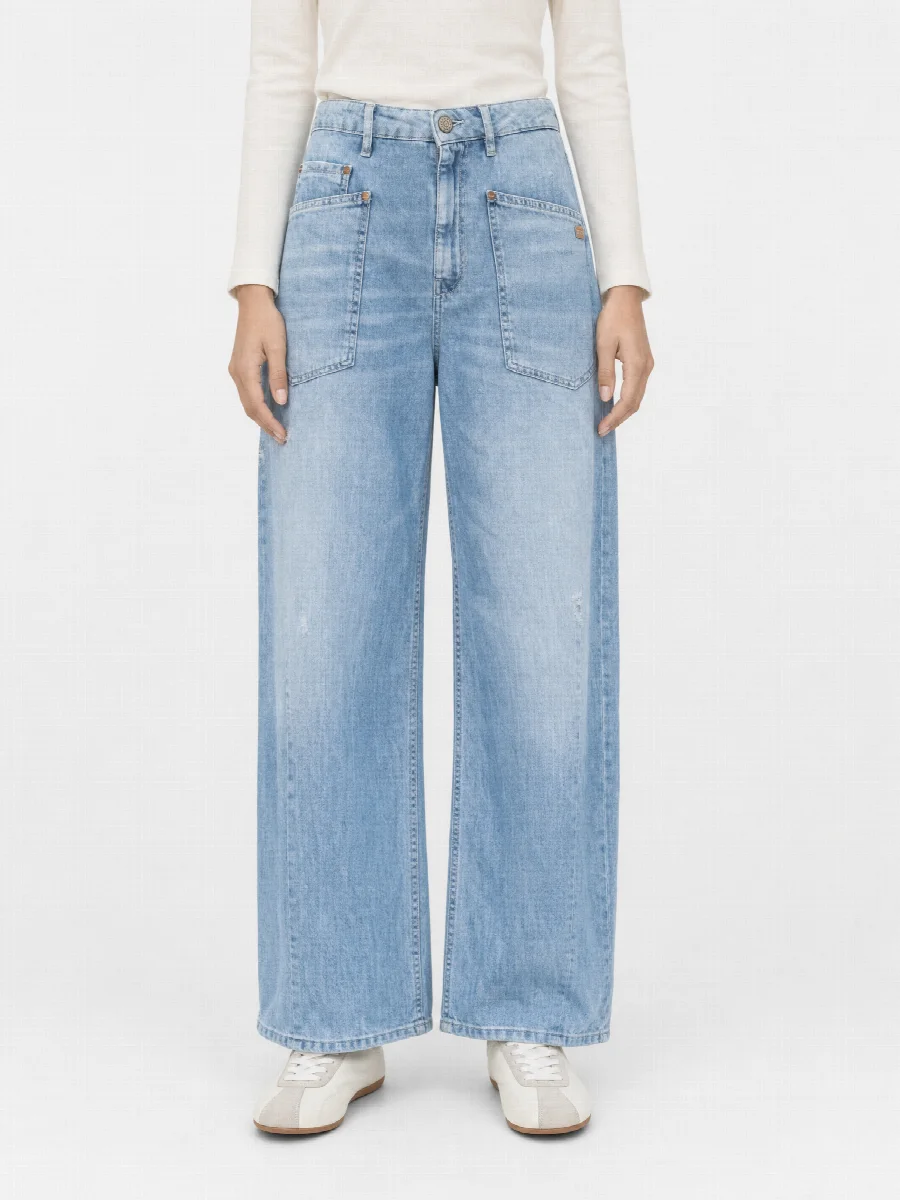
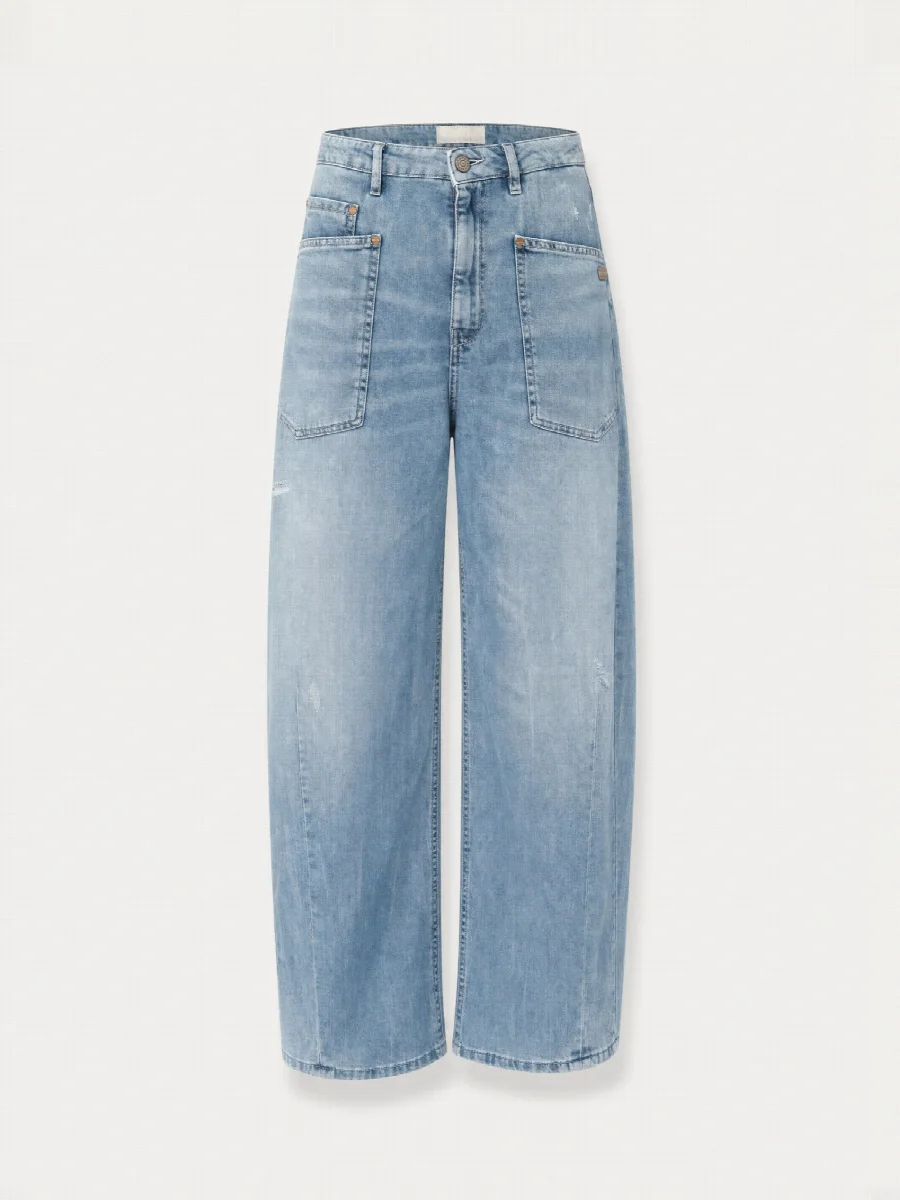
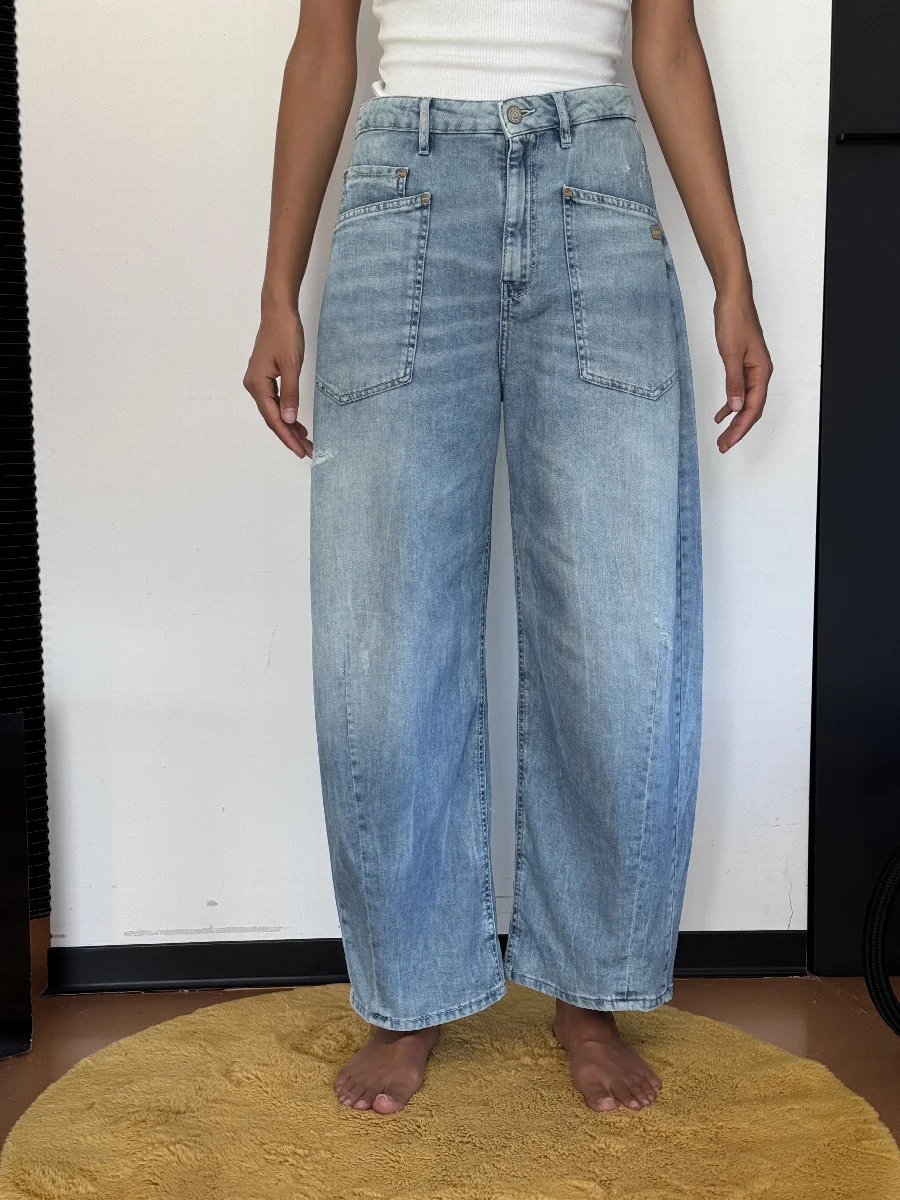
Creating AI product photos: the process in detail
At its core there are three steps. In everyday work, the journey of a product from the warehouse to your shop looks like this:
- Create an account. New accounts receive €20 starting credit, with no subscription.
- Prepare the product: smooth it out, make labels visible, fasten buttons the way the product is worn.
- Take three phone photos: front, back and one detail.
- Upload and check the recognition. The studio shows product type, colour, material and length, and you correct them if needed.
- Choose a model, a studio set and, if you like, an editorial set.
- Select the shots and look at the price before you start.
- Check the image set and have individual images regenerated if needed.
- Download it or send it to Shopify, Shopware or STYLEPOT ORDER.
Tips for your phone photos
You do not need an expensive camera. A current smartphone is enough, as long as a few things are right. The better the source photo, the less you have to fix later.
- Daylight by a window, no direct sun
- No flash, it distorts colours and creates harsh shadows
- The whole product is visible, no trouser legs cut off
- Tap to focus instead of zooming, no filter, no beauty mode
- Label, button or fabric fills the detail photo
Whether you shoot it laid flat, hanging or worn is up to you. Worn shows the length best, which is worth it for trousers and shorts. Laid flat is the quickest, for example when you photograph the whole sample collection in one afternoon. The background does not matter, but a calm background helps with recognition.
What the studio checks
As soon as you upload, the studio reads from your photos what needs to be right in the final image and shows it to you to check.
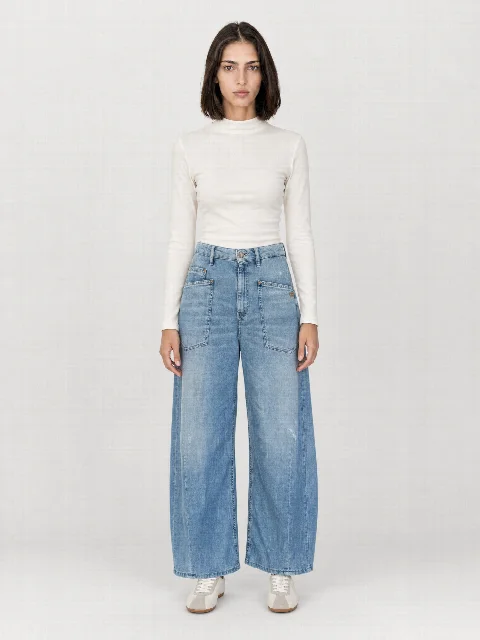
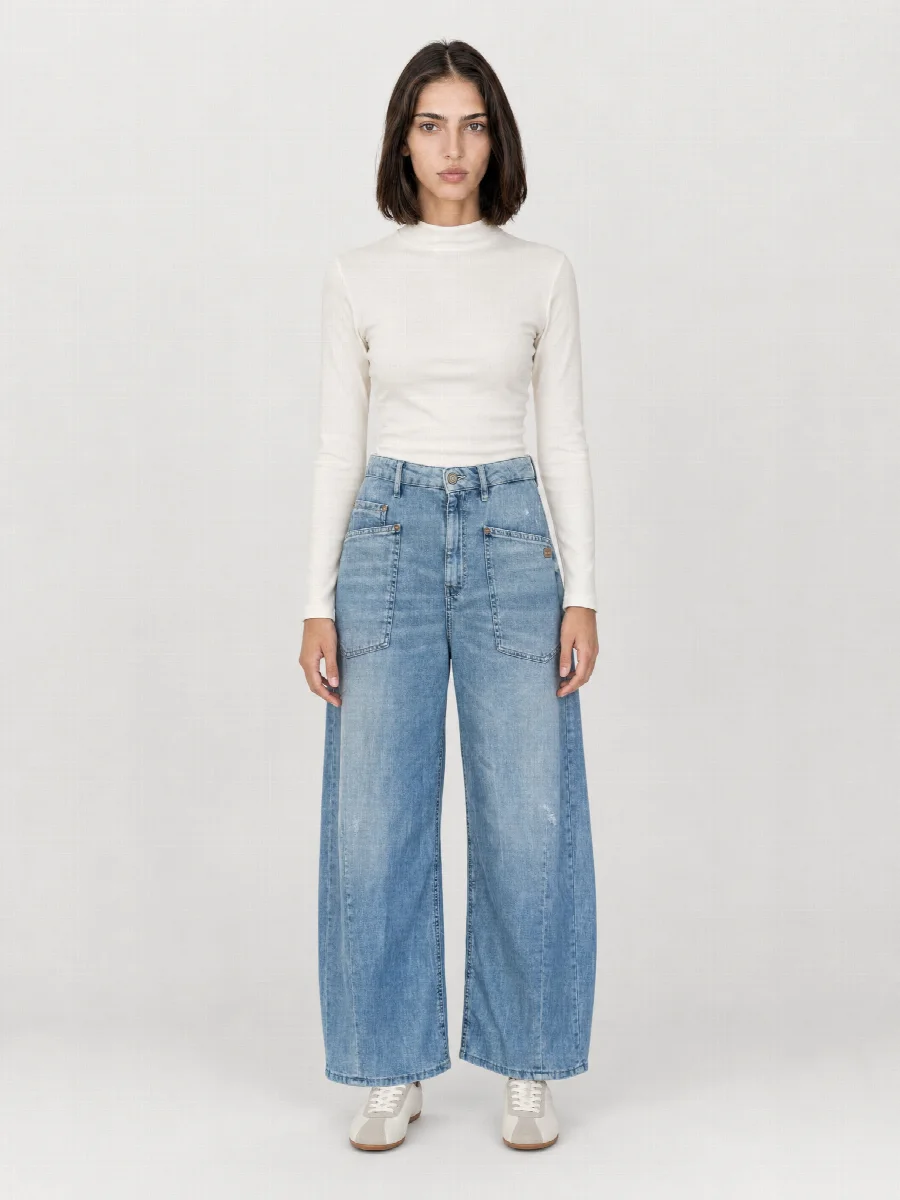
- Product type and cut, for example wide leg jeans or overshirt
- Colour and material
- Length, measured on the photo relative to knee and ankle
- Logos, labels, rivets and embroidery
- Back view and details from the second and third photo
This information goes into every image as a fixed reference. After creation, the first model image of every product is checked automatically, and the studio checks the colour. If an image should be regenerated, it tells you. The final check is yours. Look at every image, especially with highly reflective materials and very small details such as fine print.
How long does it take?
An image set is usually ready within a few minutes. Large collections keep running on the server in the background, even if you close the browser. In the queue you follow every product and every shot live, and finished image sets land in your history.
For a brand, that means the sample arrives in the morning, gets photographed and can be in the B2B shop or the pre-order line sheet the same day.
Download and formats
Up to 46 shots per product are possible. Every image set comes as a ZIP with JPG or PNG, optionally in 4K, and the SKU becomes the file name. Alternatively, send the images straight to Shopify, Shopware or STYLEPOT ORDER or fetch them via the API. For every image set you can have an SEO title, description and alt texts created. You can download other formats later as well.
| Format | Typical use | Size |
|---|---|---|
| 3:4 | Fashion shops, category pages | 1536 × 2048 px |
| 4:5 | Social media, some shops | 1632 × 2048 px |
| 1:1 | Marketplaces, shop system default | 2048 × 2048 px |
| 2:3 | Narrow grids, lookbooks | 1360 × 2048 px |
Before the images go live
We recommend labelling AI images in your shop, for example with a sentence in the footer or on the product page. Marketplaces have their own image guidelines, some of them also covering AI images. Check the current requirements before you upload.
The three steps
- Upload phone photos
Front, back and one detail, for example the label or fabric. Laid flat, hanging or worn, the background does not matter. The studio recognises product type, colour, material, length and logos and shows you the result to check.
- Choose model, set and shots
Choose a model, a studio set for the product images and, if you like, an editorial set for mood images. Then the shots: on-model, ghost mannequin, flat lay, detail, mood. Your selection is prefilled for the next product.
- Create and download
You see the price before you start. A few minutes later the image set is ready. Download it as a ZIP in the right format or send it to your shop.