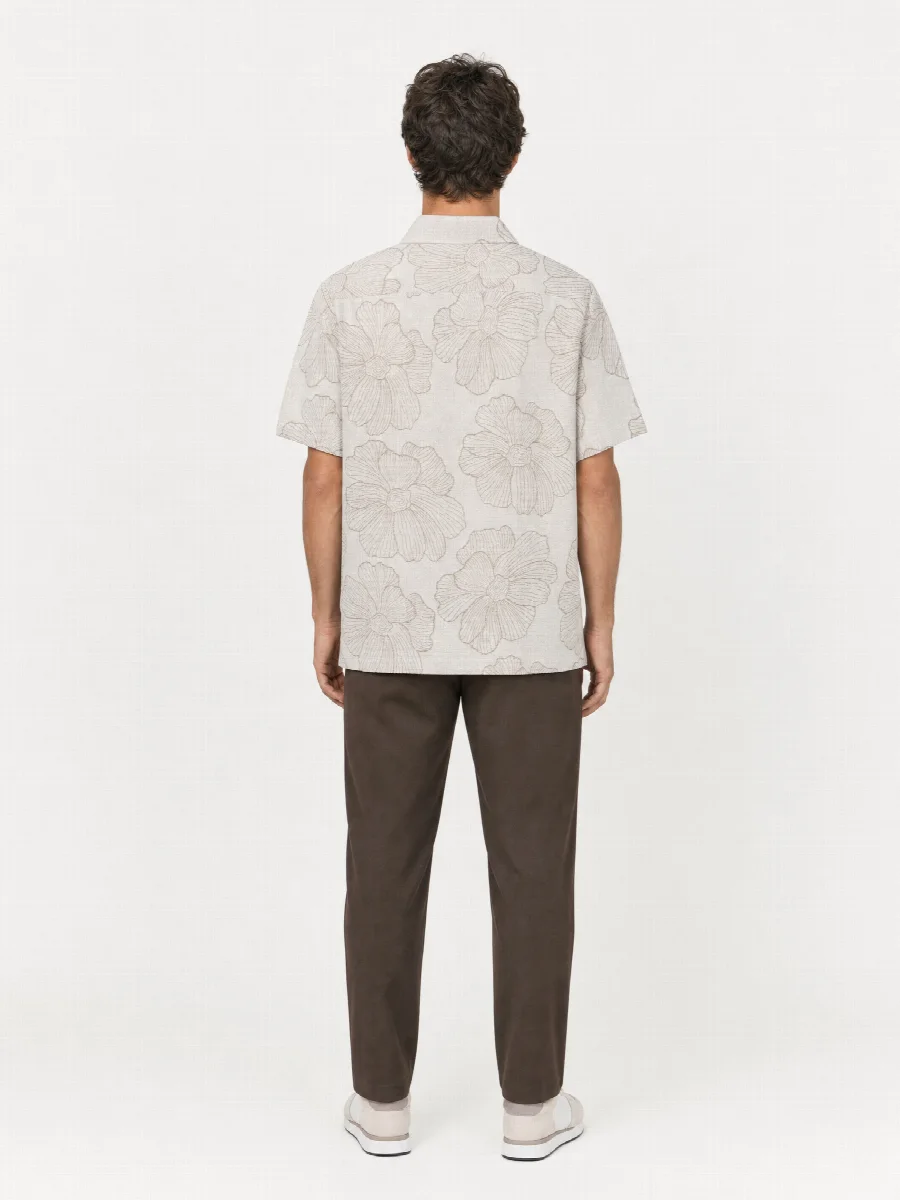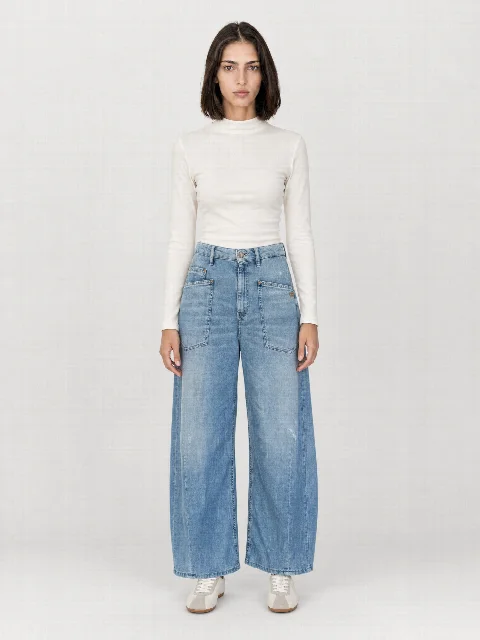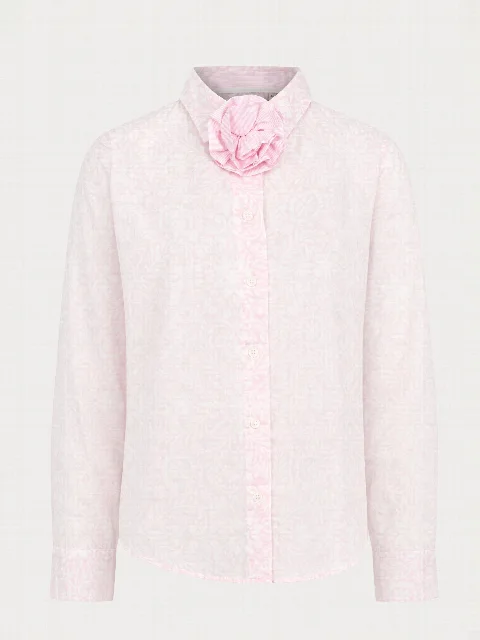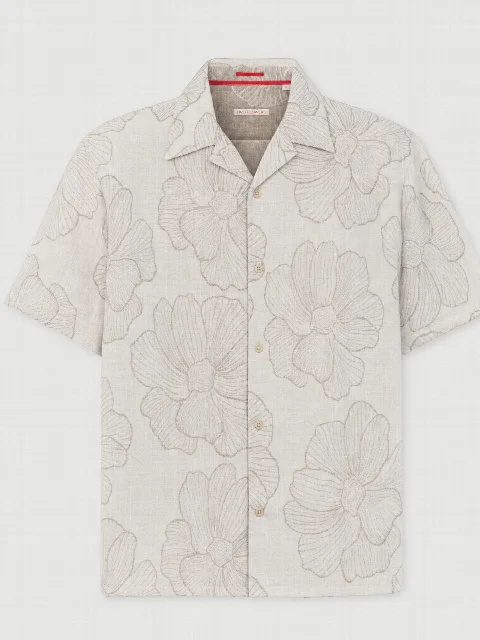
Why detail shots sell fashion
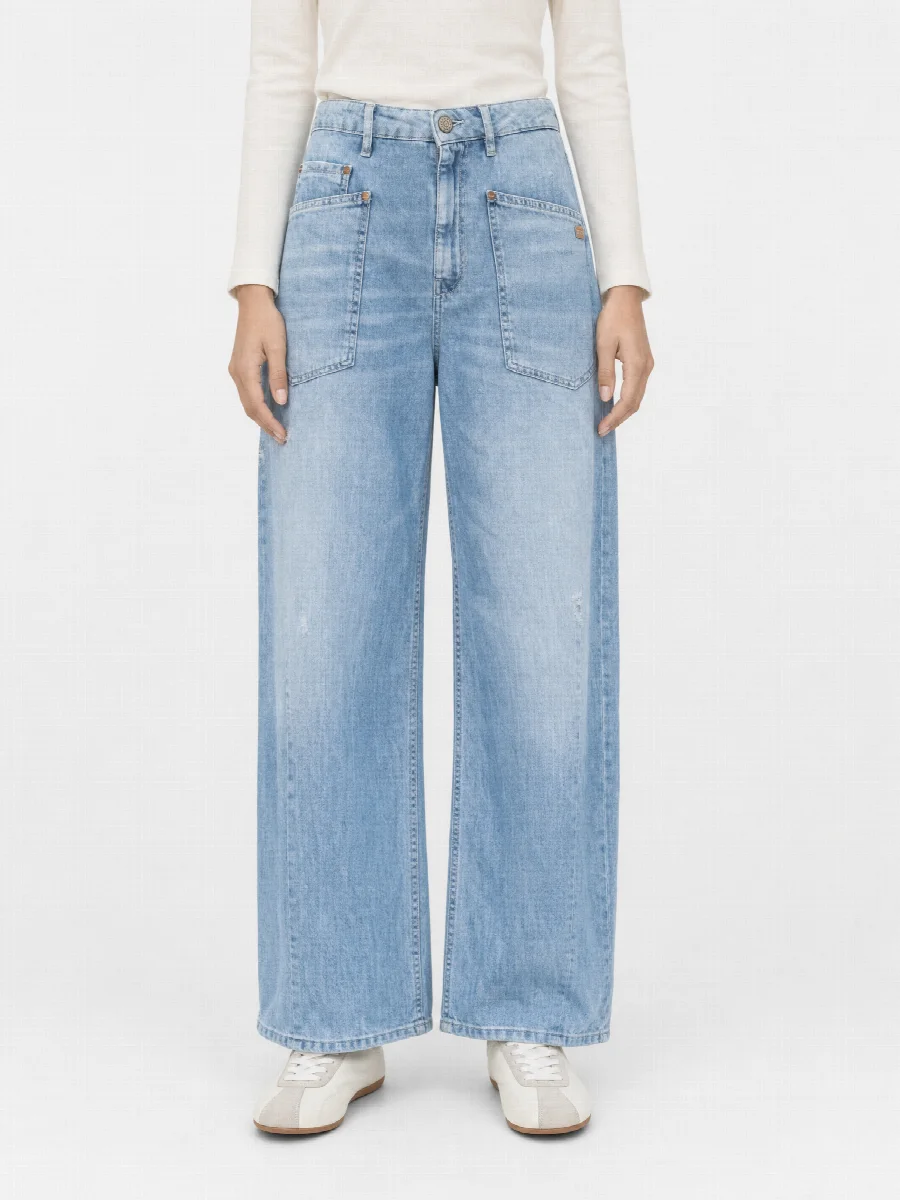
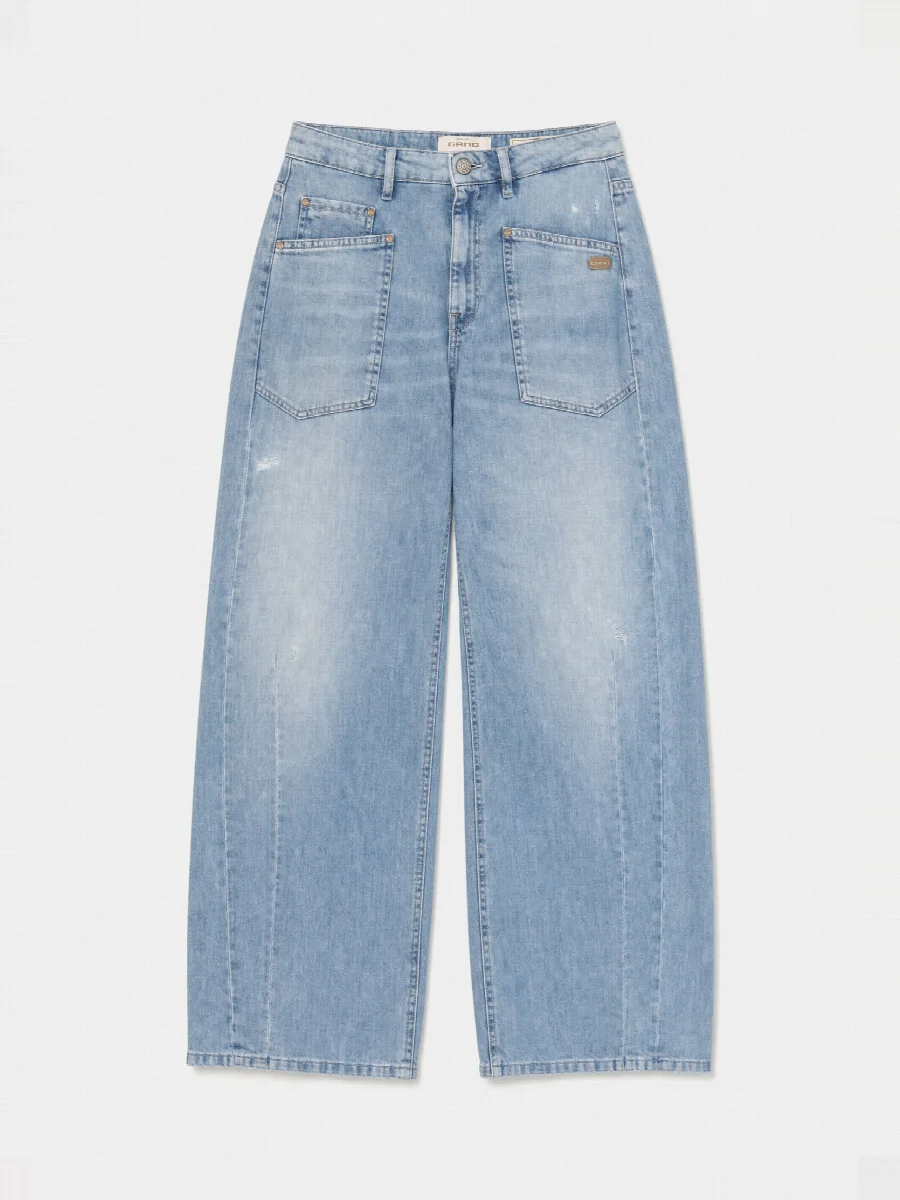
In a store, customers touch the fabric, turn the label over and check the seam. Online, the image does that job. Good detail shots answer questions before they are asked: how the fabric drapes, how the seams are finished and which buttons were used. That helps with the buying decision and saves queries to customer service.
Can detail shots reduce returns?
Many returns happen because a piece arrives looking different from what the customer expected. The fabric is thinner, the wash is lighter, the button is plastic instead of metal. A detail shot sets the right expectation beforehand and can reduce surprises like these.
How strong the effect is depends on your range, price point and target group. There are no universally valid figures for it. The best approach is to compare the return reasons in your own shop before and after using detail shots, then you see what they do for your products.
Which details belong in the image?
| Category | Details that matter |
|---|---|
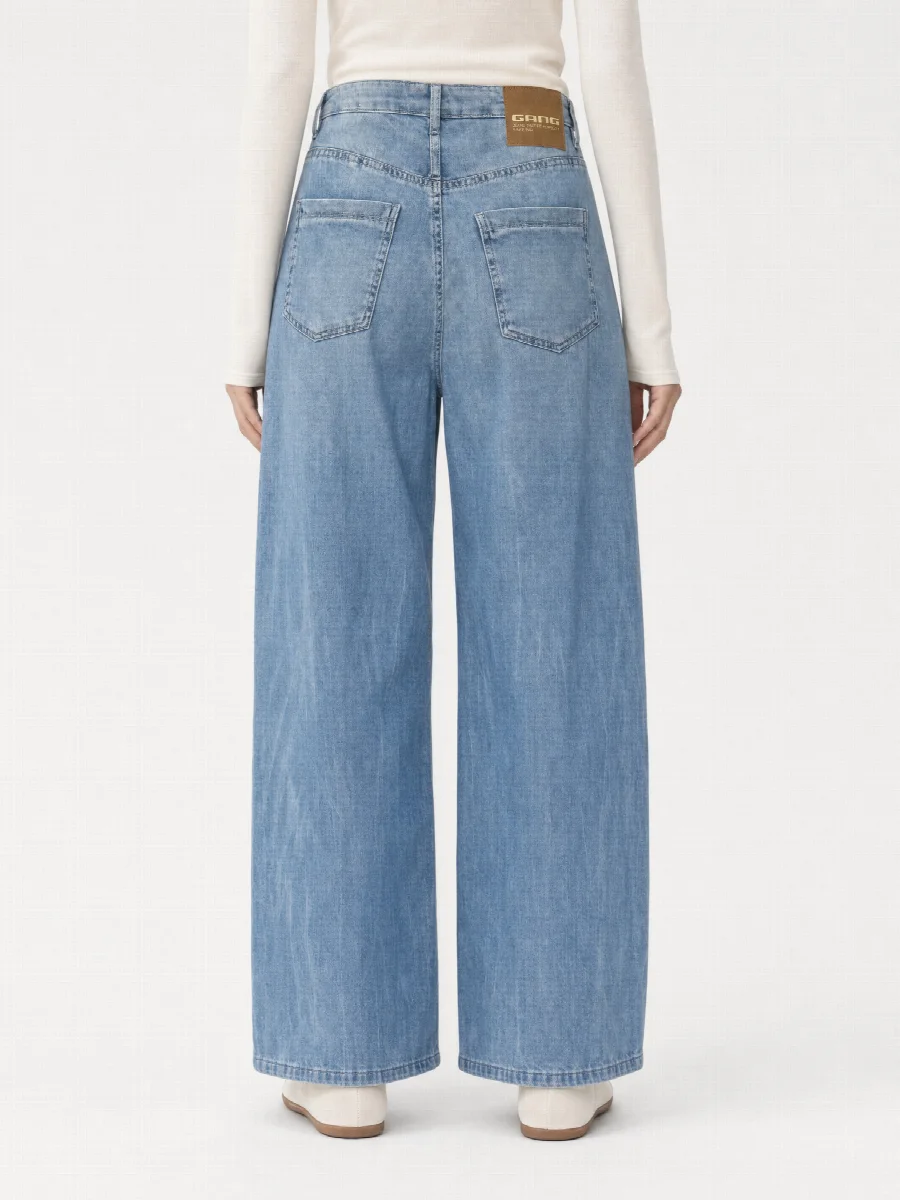
| Jeans | Button, rivets, seams, leather patch, wash |
| Jackets and blazers | Collar, lapels, zip, pockets, flaps |
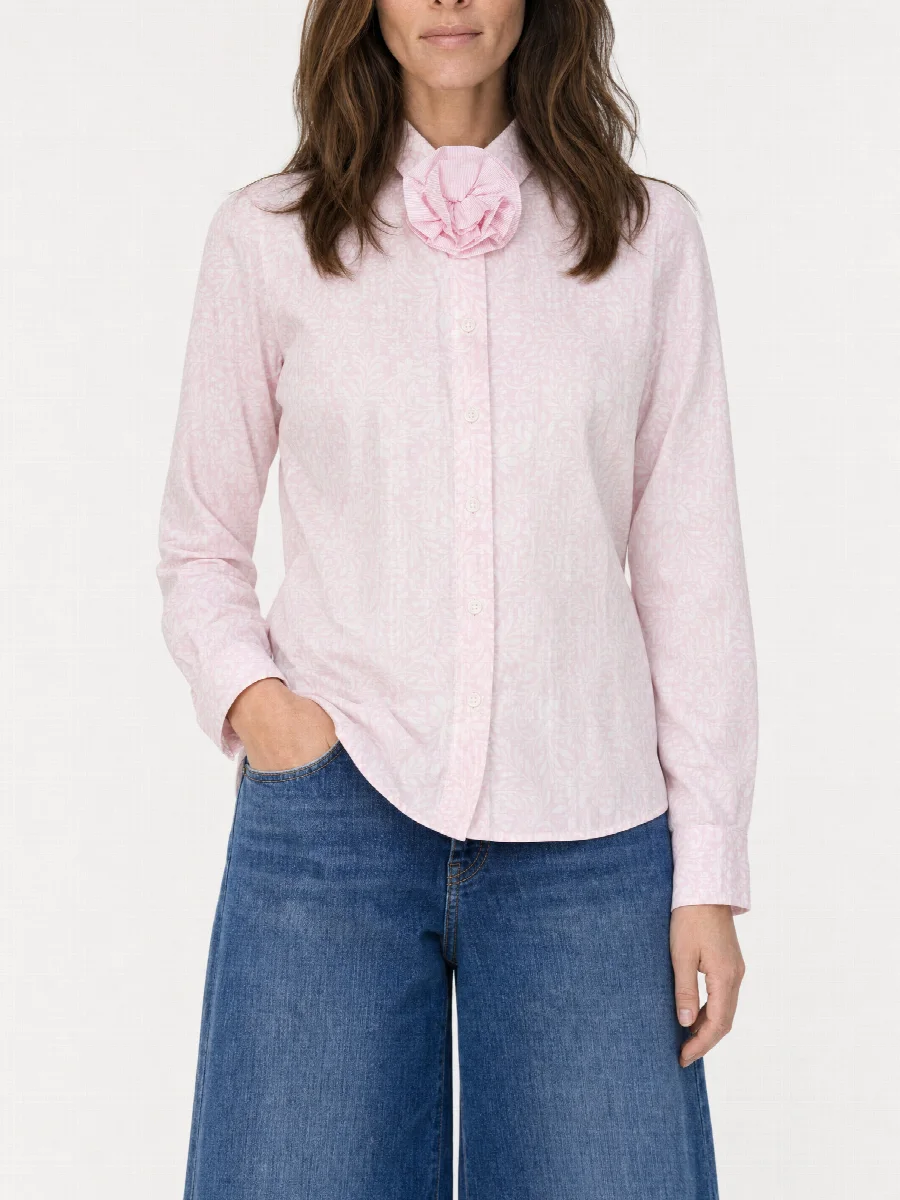
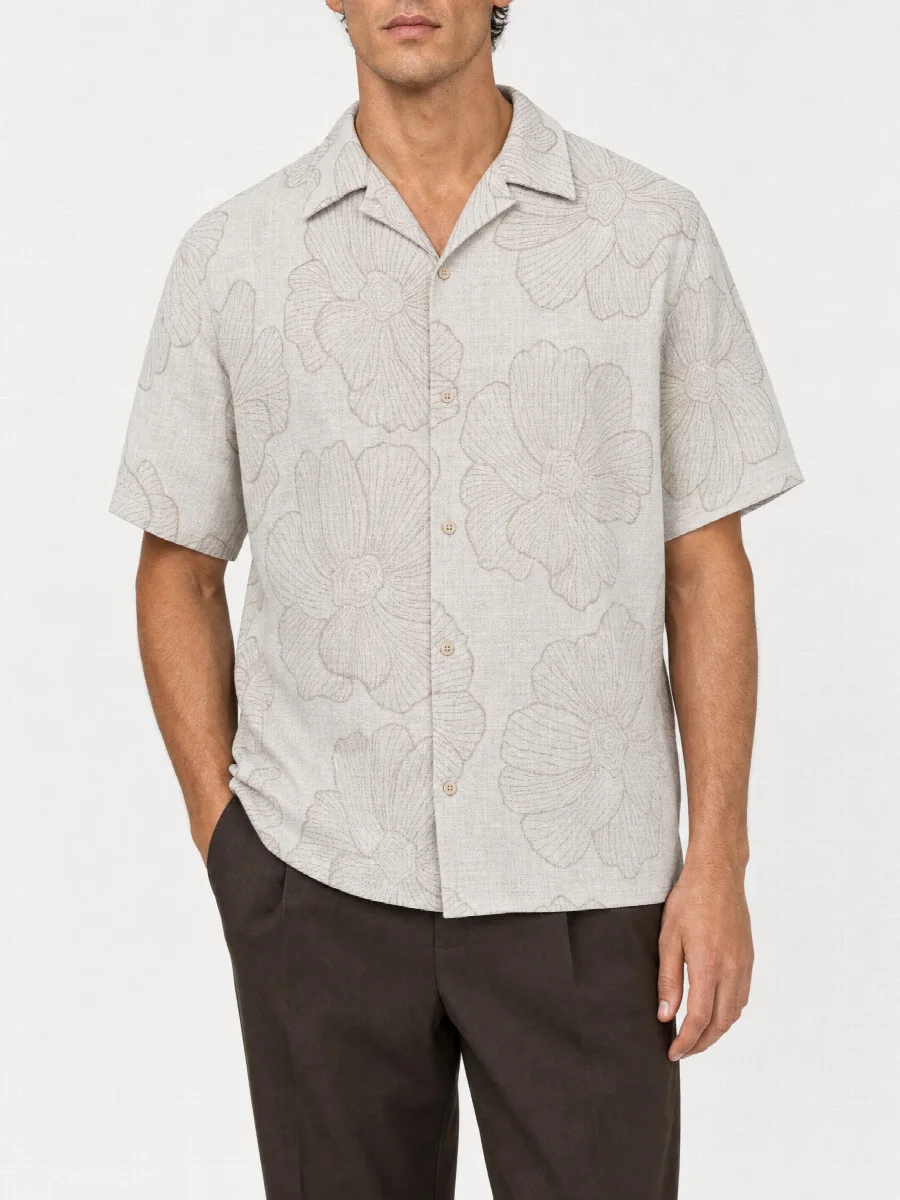
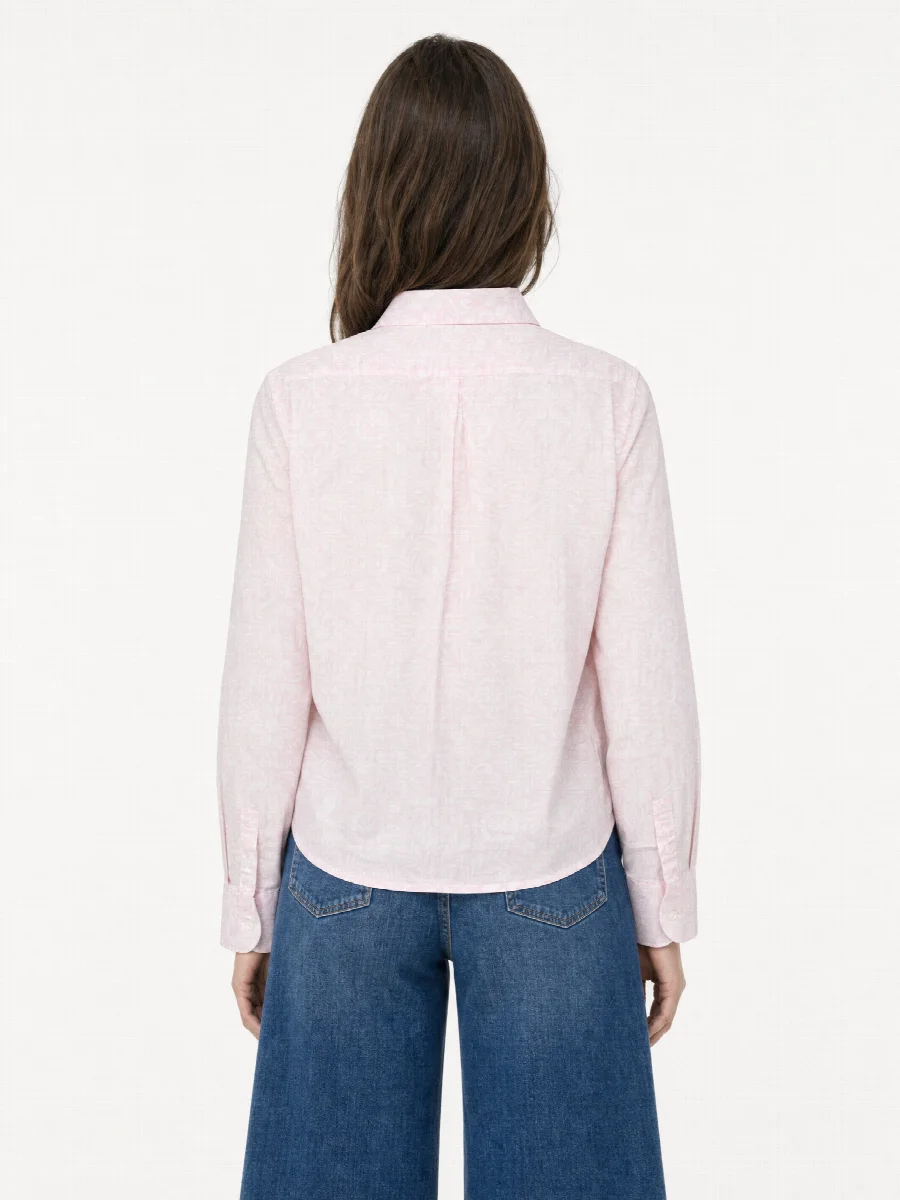
| Blouses and shirts | Collar, button placket, drape of the fabric |
| T-shirts and tops | Print, pattern, neckline |
| Knitwear and linen | Stitch pattern, texture, weave |
What is a material macro?
A material macro is a very close shot of the fabric that shows texture and weave. With denim you see the twill, with knitwear the stitches, with linen the irregular fibre. The image set includes three detail shots, front detail, back detail and the material macro. You choose for each product which ones you need.
Branding is preserved
The studio reads labels, logos, rivets and embroidery from your photos and gives them to the image as a reference. For this, upload a photo with a clearly readable label. With jeans, this also applies to the leather patch on the back and the embossed button at the waistband.
How to photograph details for the studio
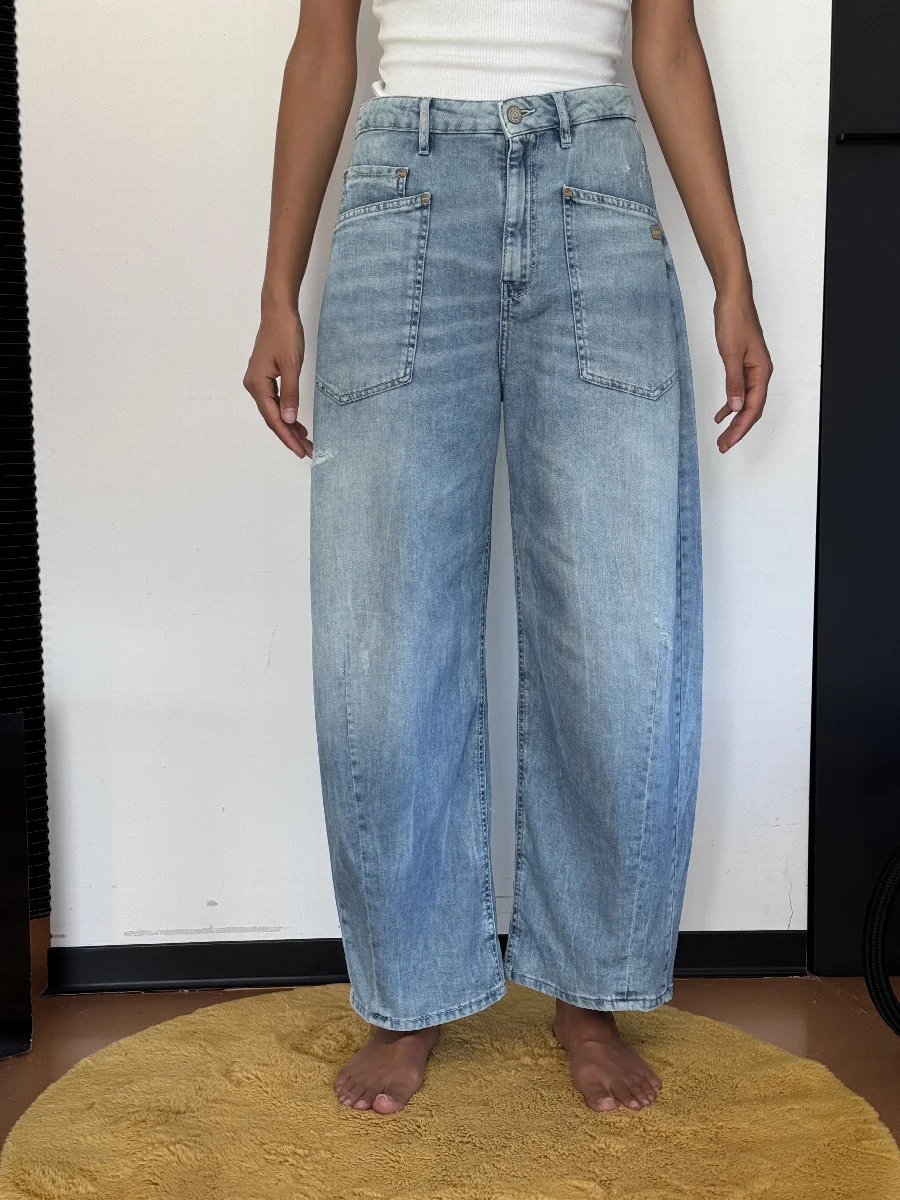
- Shoot in daylight by a window, without flash and without direct sun.
- The detail fills the frame, so get really close to the label, button or fabric.
- Move closer instead of zooming, then tap on the detail to focus.
- For fabric texture, position the product so the window light comes from the side.
- No filter, no beauty mode, no editing.
Limits with very small details
Very small details are the hardest task for AI images. Fine print on care labels, tiny embossing or delicate embroidery do not always come out exactly. Highly reflective parts such as metal buttons or sequins also need good photos and a careful look.
So check every detail shot before publishing. If something is not right, have the image regenerated and briefly describe what should change. If a tiny detail has to be exactly right, a real macro shot can be the better choice. Our photo studio in Munich still does still life shots for this today.
Same light as the model images
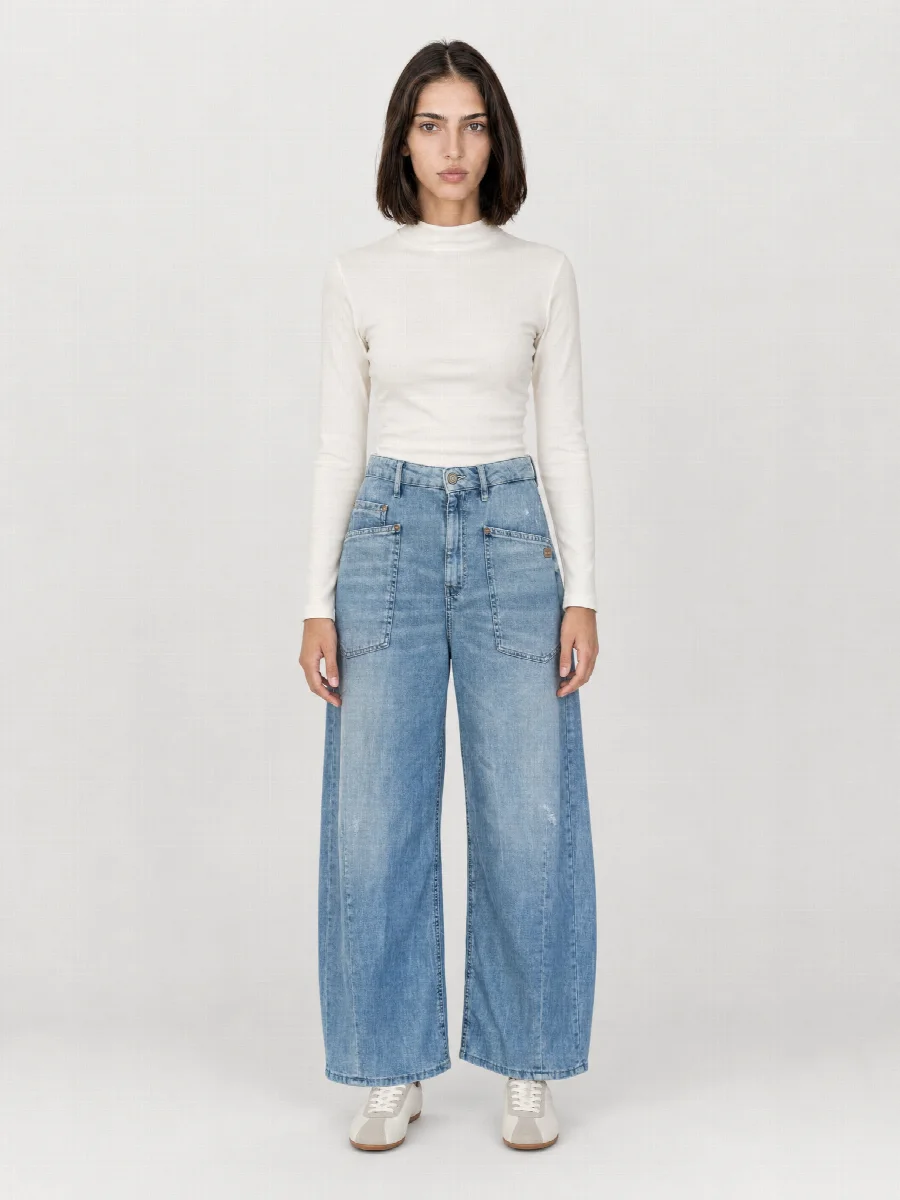
Detail shots are created in the same image set as model images, ghost mannequin and flat lay. Light and colour stay the same, so the detail matches the main image on the product page.