1. Home
  2. Guide
  3. Photograph clothing with your phone
Guide

Photograph clothing with your phone: the guide.

For good AI product photos you need three smartphone photos per item: front, back and one detail. Shoot in daylight without flash, show the whole item without cropping and make labels and logos clearly readable. The background does not matter.

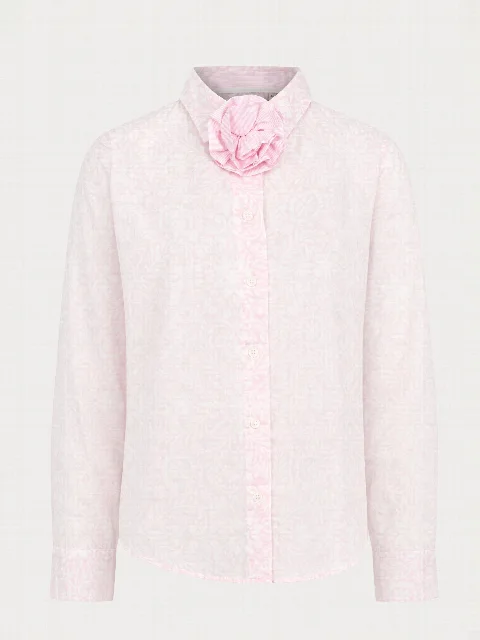
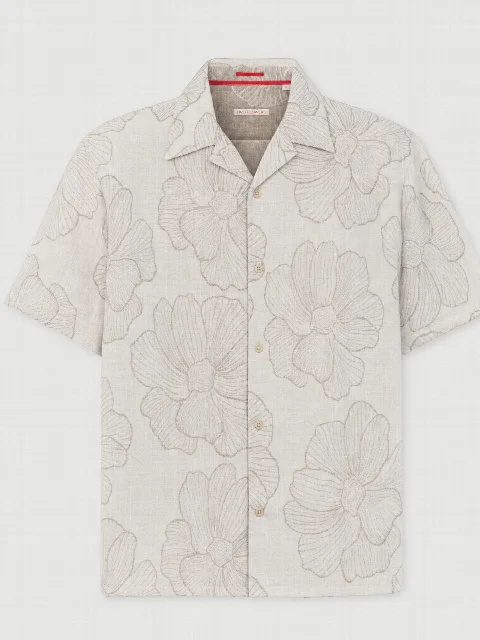
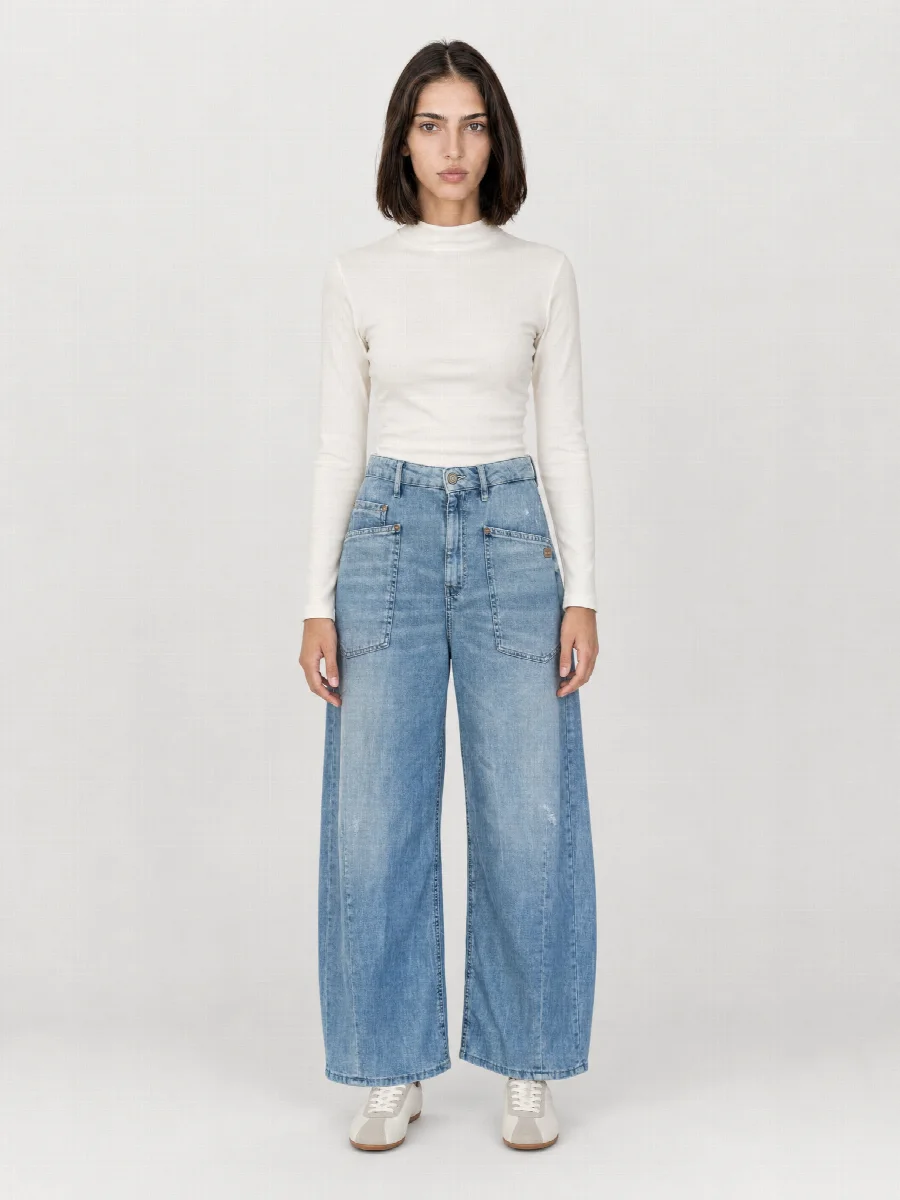
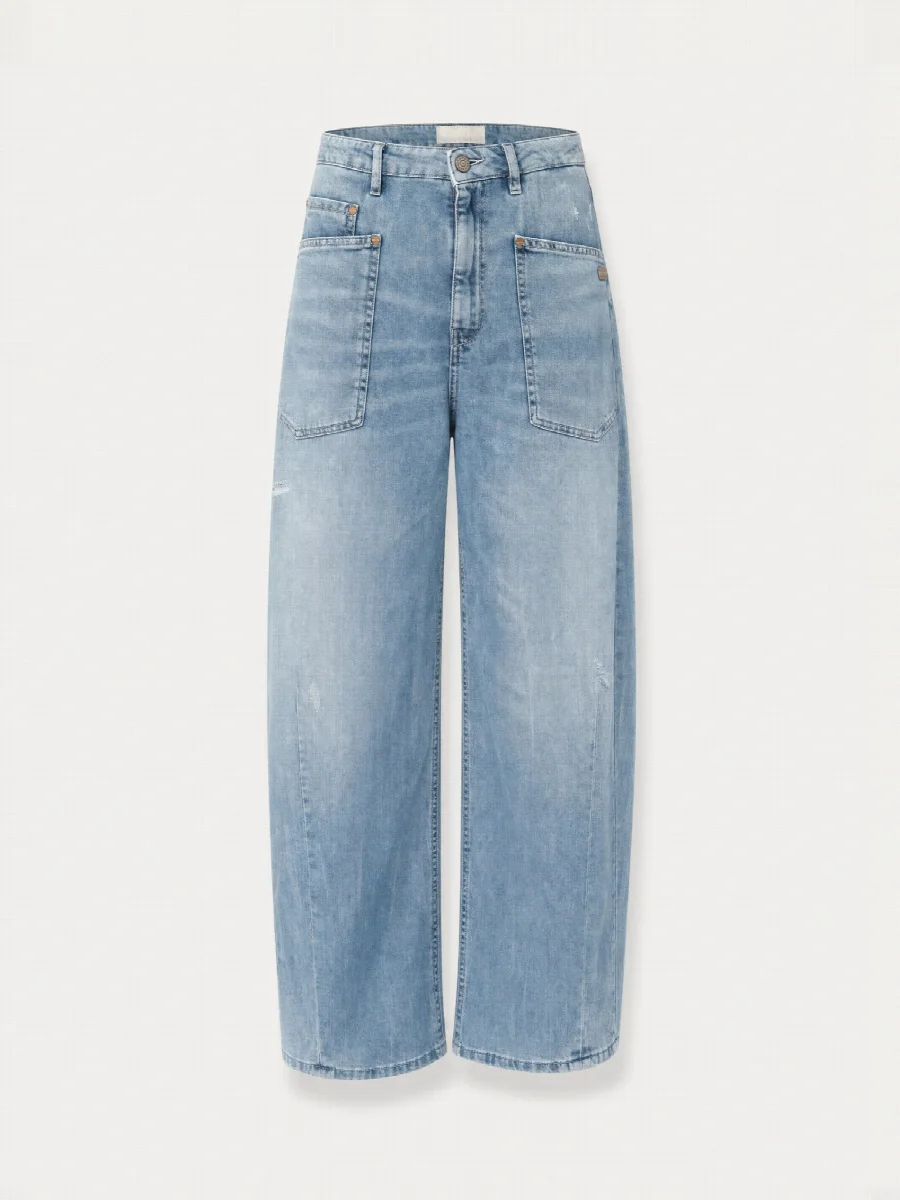
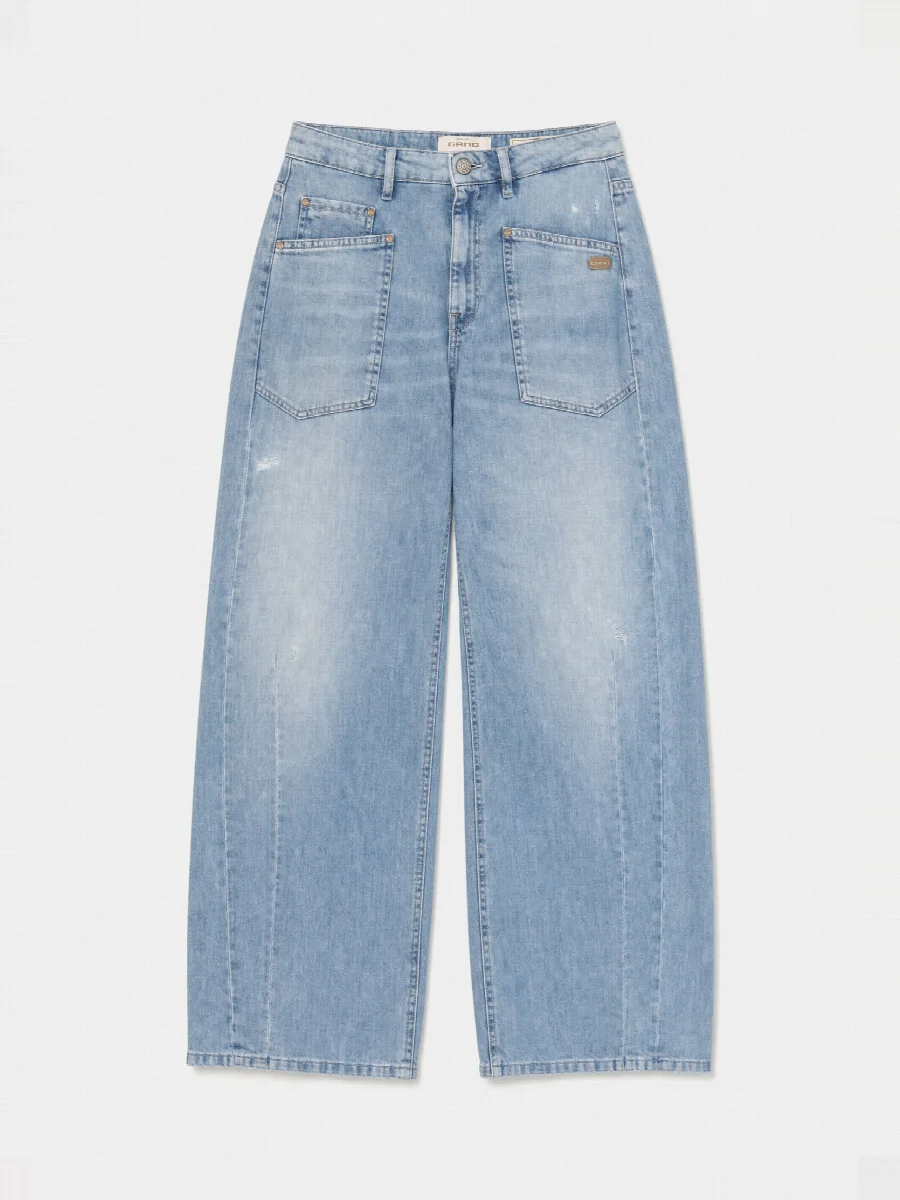
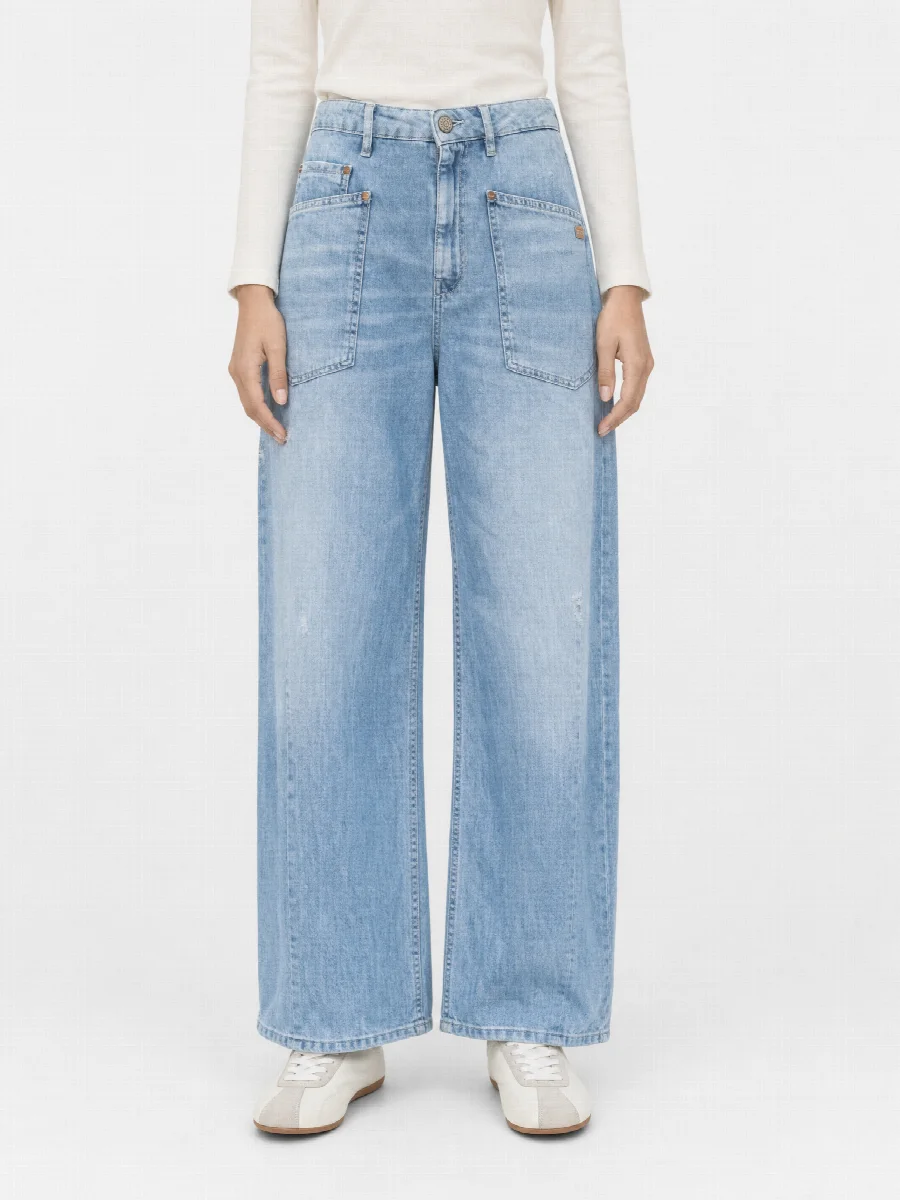
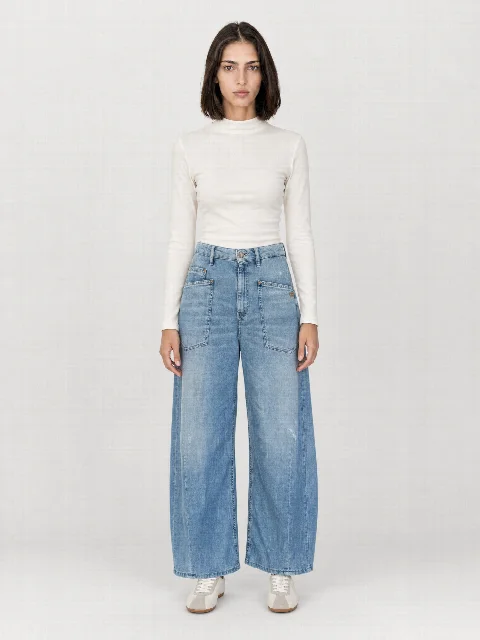
Photograph clothing with your phone · Full body frontPhotograph clothing with your phone · Ghost mannequin frontPhotograph clothing with your phone · Flat layPhotograph clothing with your phone · Cropped front
Example

Smartphone photos become an image set.

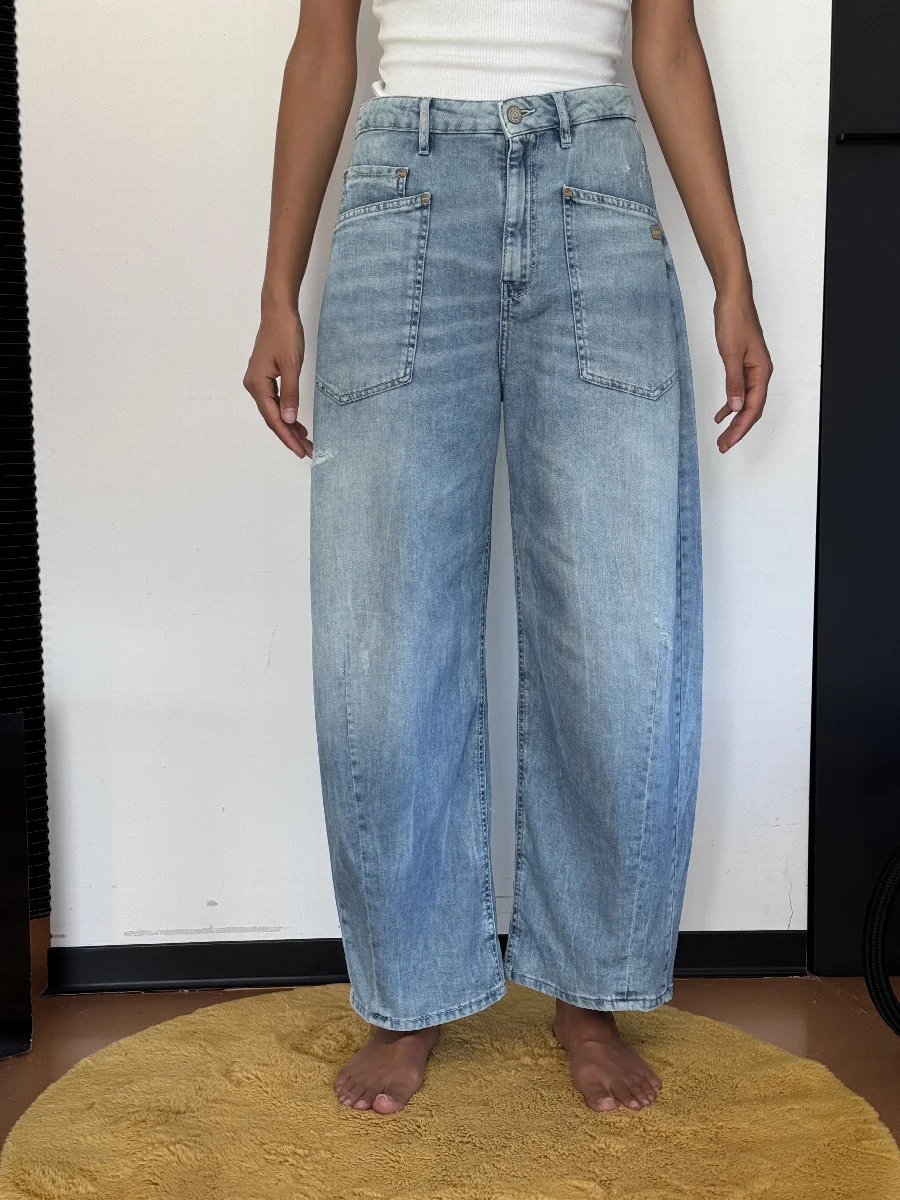
Before: smartphone photos
Smartphone photo: Photograph clothing with your phone
Photograph clothing with your phone · Full body front
Full body front
Photograph clothing with your phone · Ghost mannequin front
Ghost mannequin front
Photograph clothing with your phone · Flat lay
Flat lay
Photograph clothing with your phone · Cropped front
Cropped front

The three photos

  1. Front: the whole item, straight on from the front
  2. Back: the whole item, straight on from the back
  3. Detail: label, logo, button or fabric as a close-up

Flat, hanging or worn?

All work. Worn shows the length best, for example with trousers and shorts. Flat is the fastest. What matters is that the item is smooth and fully visible.

Light

  • Daylight by a window, no direct sun
  • No flash, it distorts colours and creates hard shadows
  • No coloured lamps

Common mistakes

  • Item cropped, for example trouser legs cut off
  • Shaky or out of focus
  • Filters or beauty mode on
  • Label too small to read
  • Heavily creased

Checklist

  1. Prepare the item

    Smooth it out, make labels visible, fasten buttons as worn.

  2. Take three photos

    Front, back, detail, each with the whole item or the detail filling the frame.

  3. Upload and check

    Upload in the Studio and briefly check the detected length and colour.
FAQ

Frequently asked questions

Which phone do I need?

Any current smartphone with a good camera is enough.

Does the background have to be white?

No. The Studio replaces the background. A plain background helps with detection.

Your next product shoot starts with your phone.

Create an account, upload your product, download the image set. €20 starting credit is already there.

All people and product images on this website are AI generated with STYLEPOT STUDIO.

Product shoot from smartphone photos · €20 creditStart for free