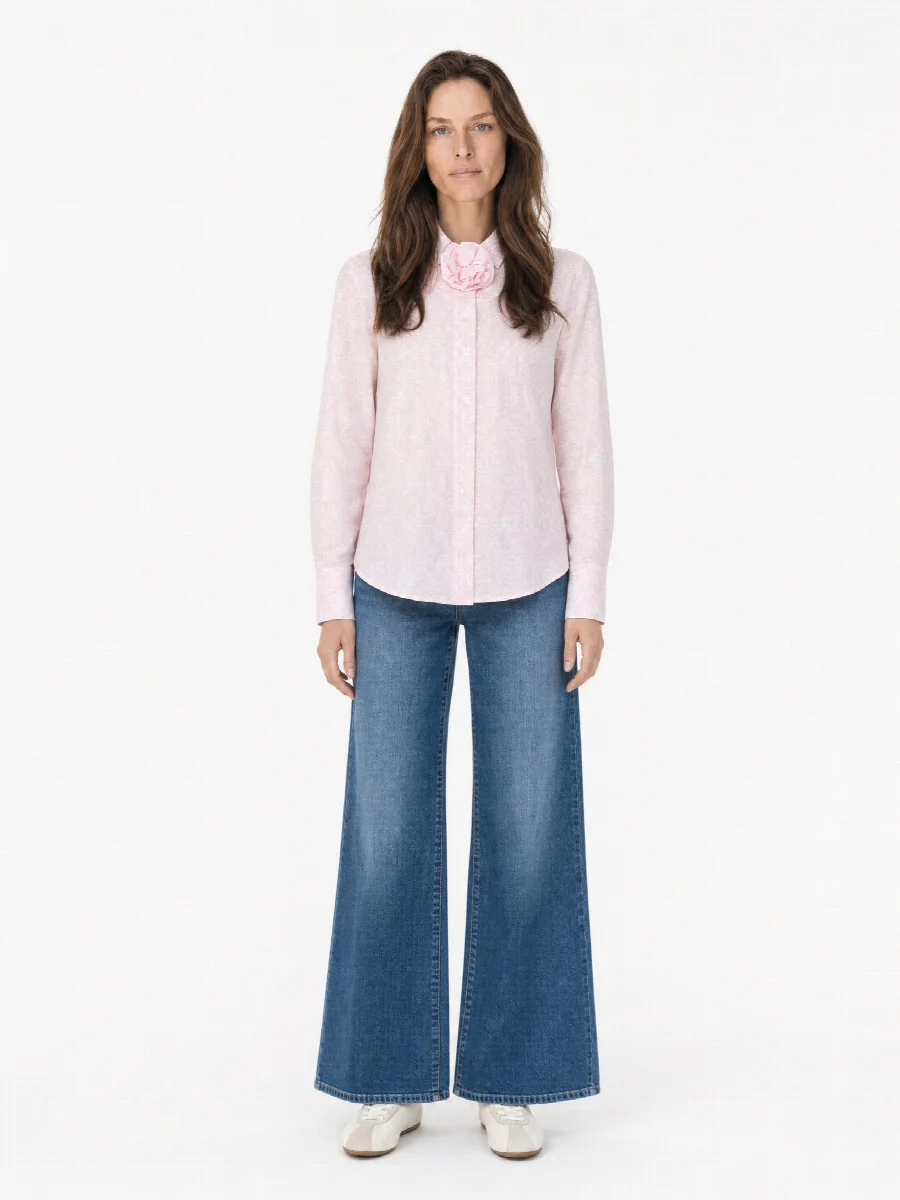
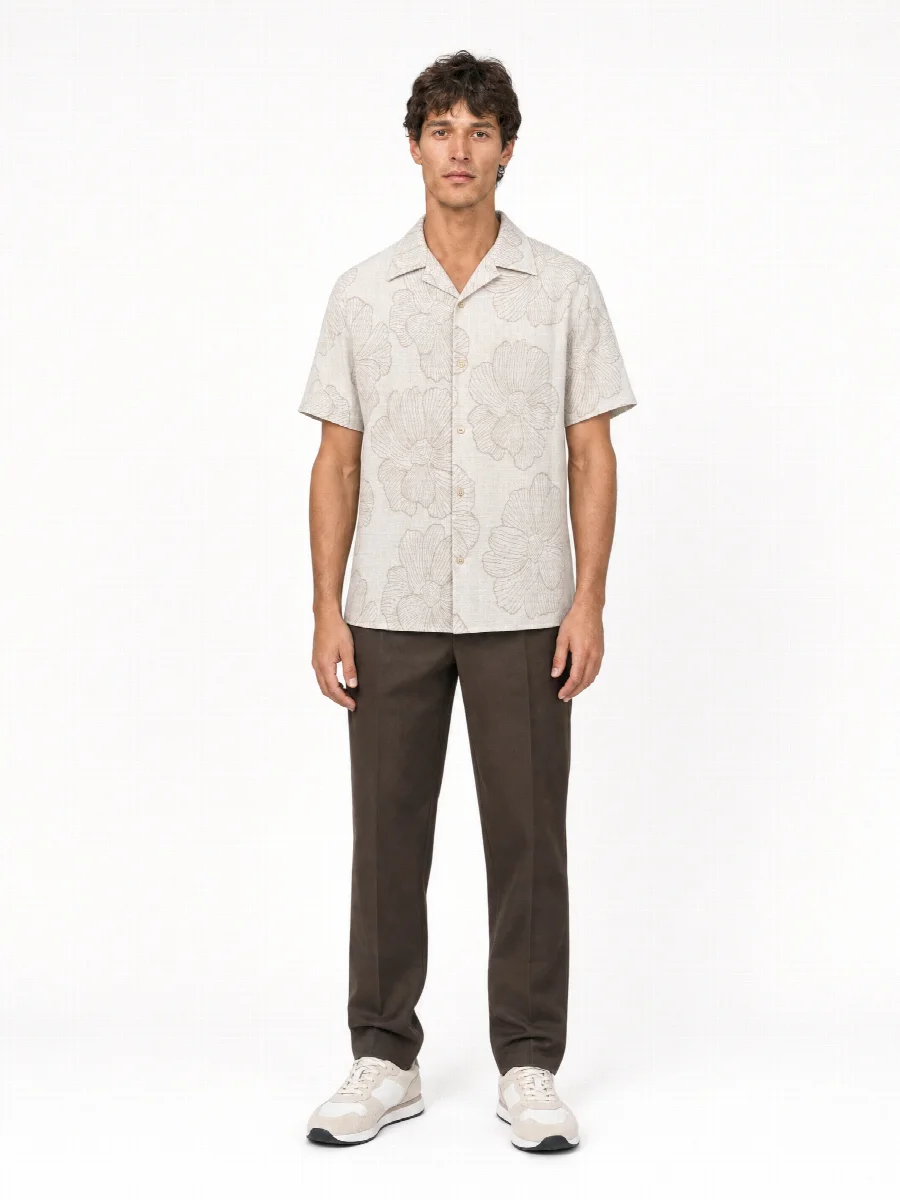
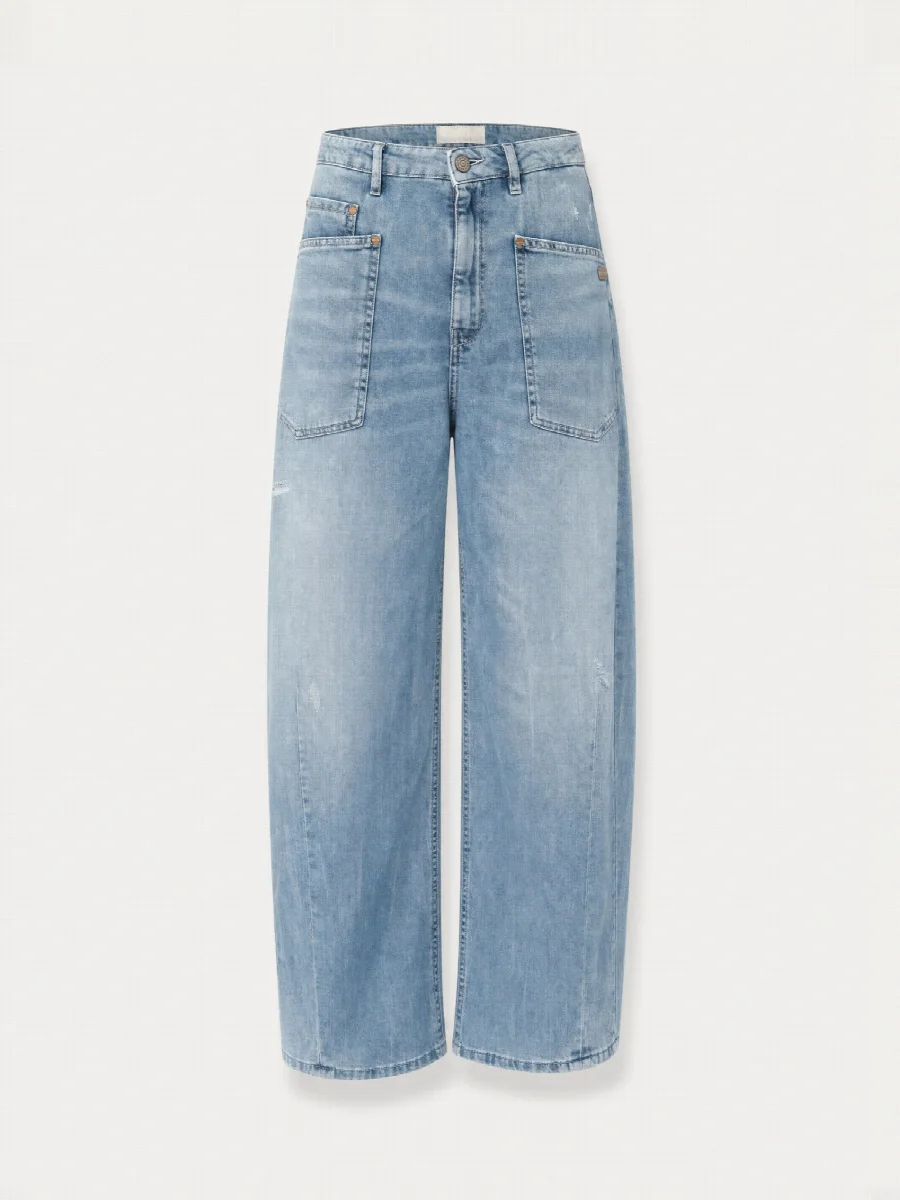
How does AI image generation for product photos work?
An image model has learned from a very large number of images what light, skin, fabric and spaces look like. When it creates a new image, it builds it up step by step, guided by a description and by reference images. The result is not a photo but a calculation that looks like a photo.
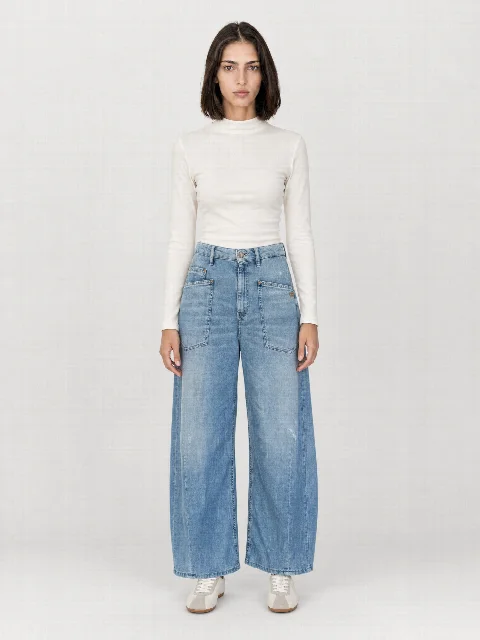
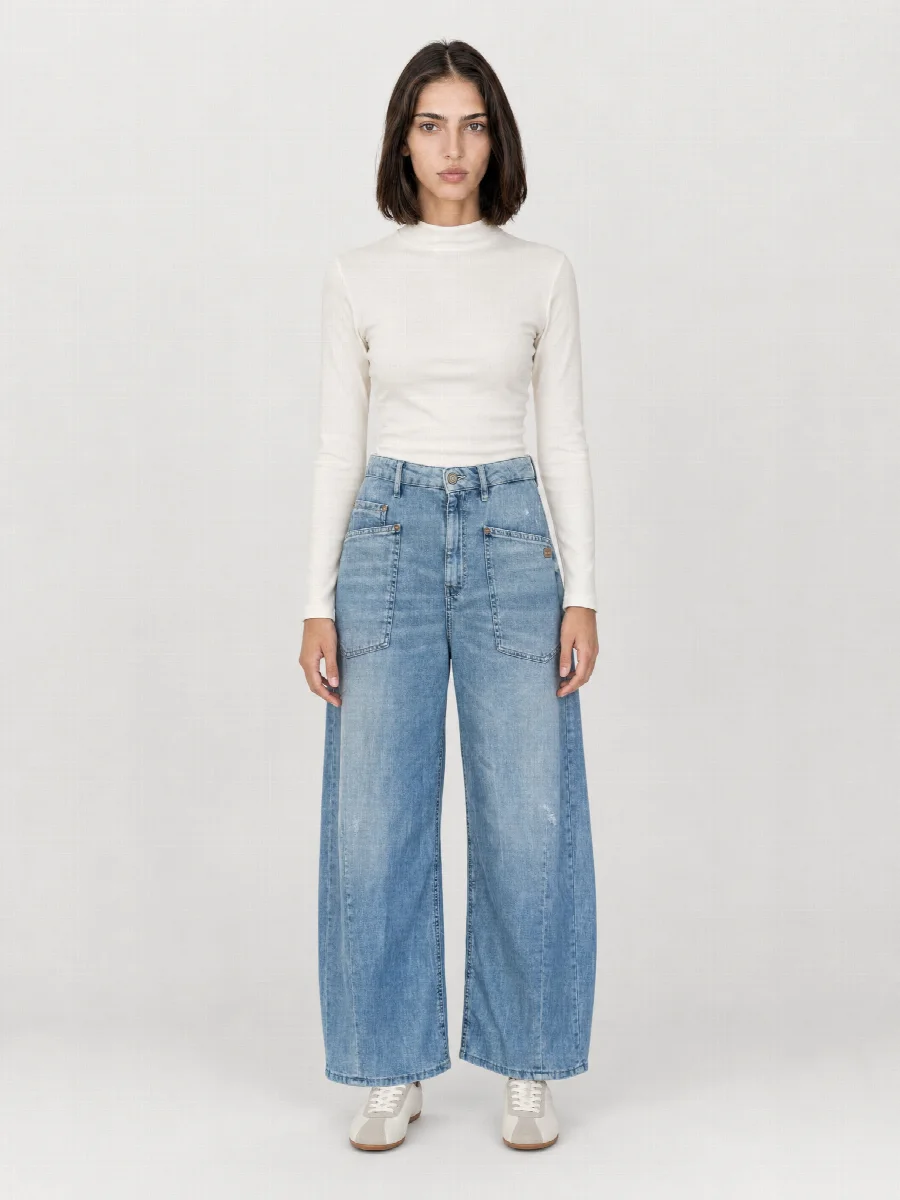
Product photos add a special requirement. The garment is not a suggestion, it is a specification. The AI may design model, set, pose and light, but not the item itself. It has to look in the image exactly as it does in real life, with the same colour, the same length, the same cut and the same details. Good AI image generation for fashion brings both together.
Why generic image generators fail with clothing
General image generators are designed to produce an attractive, believable image. Whether it shows your product is secondary to them. If you use one for clothing, you quickly see typical mistakes.
- The logo is altered, simplified or replaced with made-up lettering
- The colour shifts, sage turns into mint, navy into a light blue
- The length changes, ankle length trousers become full length, Bermudas turn into short shorts
- The cut is smoothed out, a wide leg becomes a straight leg
- Buttons, pockets and seams are added, left out or moved
- The model looks different for every item, face and figure change from image to image
In a shop, each of these mistakes leads to an image that does not match the goods delivered, and a category page with changing faces does not look like a brand.
What makes ultra-realistic AI images
You do not recognise ultra-realistic AI images by a single feature but by the fact that nothing feels off.
| Feature | What has to be right | Typical mistake |
|---|---|---|
| Light | One clear light direction, the same for model, clothing and set | Light from several directions, shine without a light source |
| Skin | Pores, fine irregularities, natural transitions | Smooth waxy skin as if over-retouched |
| Fabric | Texture and weave visible, denim looks like denim | Fabric looks like plastic |
| Drape | Creases where the fabric rests, pulls or bunches | Creases for no reason or too even |
| Proportions | Hands, arms, legs and garment length fit the body | Legs too long, misshapen fingers |
| Shadows | Contact shadows at the feet and under the collar, matching the light | The model seems to float |
Checklist: how to spot good AI product images
- Colour: put the image next to the original. The shade is right, in the shadows too.
- Length: the hem ends at the same point as on the real item, measured against knee or ankle.
- Cut: width, fit and shape are recognisably the same.
- Branding: logo, label, patch and lettering are readable and unchanged.
- Details: number and position of buttons, pockets and seams are correct.
- Model: face and figure are the same for all items in the collection.
- Light and shadow: one light direction, one contact shadow, no floating.
- Skin and hands: natural texture, five fingers, no misshapen joints.
How STYLEPOT STUDIO approaches AI image generation for fashion
STYLEPOT STUDIO comes from a real photo studio. That is why the system works with fixed studio sets, lighting setups and poses as in an e-commerce shoot. From your 2-3 phone photos the Studio detects item type, colour, material, length and branding and passes them to the image as fixed constraints.
You choose model and set once, and face, figure and light stay the same for all items. The first on-model image of each item is checked automatically, and so is the colour in the result. Still, check every image yourself. If something is not right, you regenerate that image individually and describe what should change.
Labelling AI images
Article 50 of the EU AI Act sets out transparency obligations for AI generated content. Anyone who publishes AI images in which people look deceptively real should disclose that they are artificially generated. You will find the details in our guide on labelling AI images. This section is not legal advice.
When a real shoot is the better fit
AI image generation is strong when many items need to be shown quickly and consistently: ongoing product images, pre-orders, line sheets and sample collections. A real shoot can be the better choice in these cases.
- For the B2C campaign or the hero image of a season
- For images with real people from your brand
- For highly reflective materials such as patent, metallic or sequins
- For very small details that have to be exactly right
Our photo studio in Munich still does real shoots today: packshot, ghost mannequin, model and still life. Many brands combine both, AI for ongoing product images and the real shoot for the campaign. The choice is yours.