- Home
- Guide
- Image formats in the online shop
Guide Image formats for product images: 3:4, 4:5, 1:1 or 2:3?
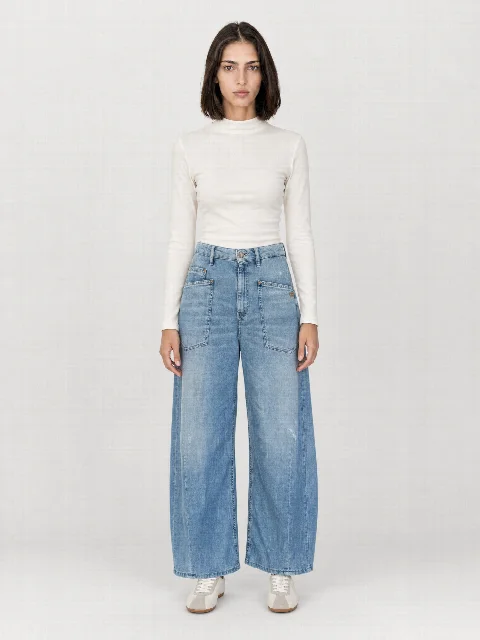
In fashion shops, the 3:4 portrait format is the most common because it shows a standing person well. 4:5 is slightly wider and suits social media, 1:1 matches many marketplaces and shop system standards, 2:3 fits especially slim grids. The key is a uniform format for all items and at least 2000 pixels on the long edge for the zoom function.
Formats compared
| Format | Typical for | At STYLEPOT STUDIO |
|---|
| 3:4 | Fashion shops, category pages | 1536 × 2048 px |
| 4:5 | Social media, some shops | 1632 × 2048 px |
| 1:1 | Marketplaces, shop system standard | 2048 × 2048 px |
| 2:3 | Slim grids, lookbooks | 1360 × 2048 px |
Resolution
For a good zoom function, the long edge should be at least 2000 pixels. STYLEPOT STUDIO delivers 2048 pixels on the long edge, optionally in 4K.
File format
- JPG for product images in the shop. Small and universally supported
- PNG when you need lossless files
- Many shop systems automatically generate WebP or AVIF for faster load times
Stay consistent
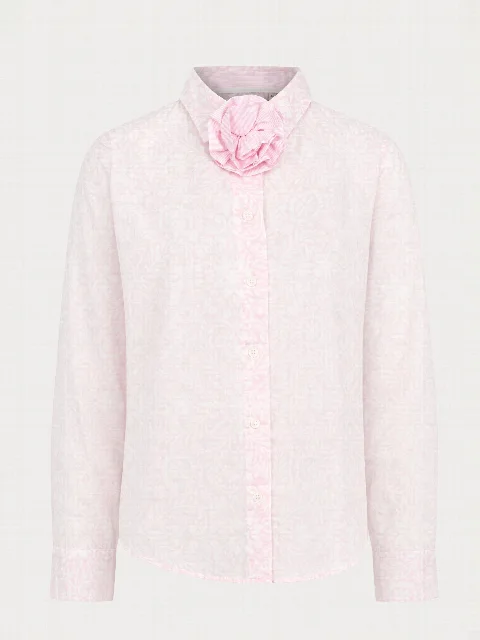
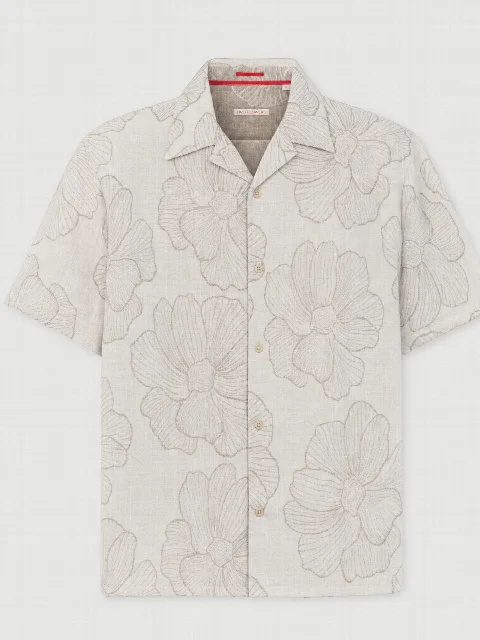
Mixed formats make category pages look messy. Define one format and use it for all items. In the Studio you can also download each image set later in other formats.
FAQFrequently asked questions
Which format is best for Shopify?
Shopify displays images in the format set by your theme. Many fashion themes use 3:4 or 4:5 portrait. What matters is that all images have the same format.
Your next product shoot starts with your phone.
Create an account, upload your product, download the image set. €20 starting credit is already there.
All people and product images on this website are AI generated with STYLEPOT STUDIO.