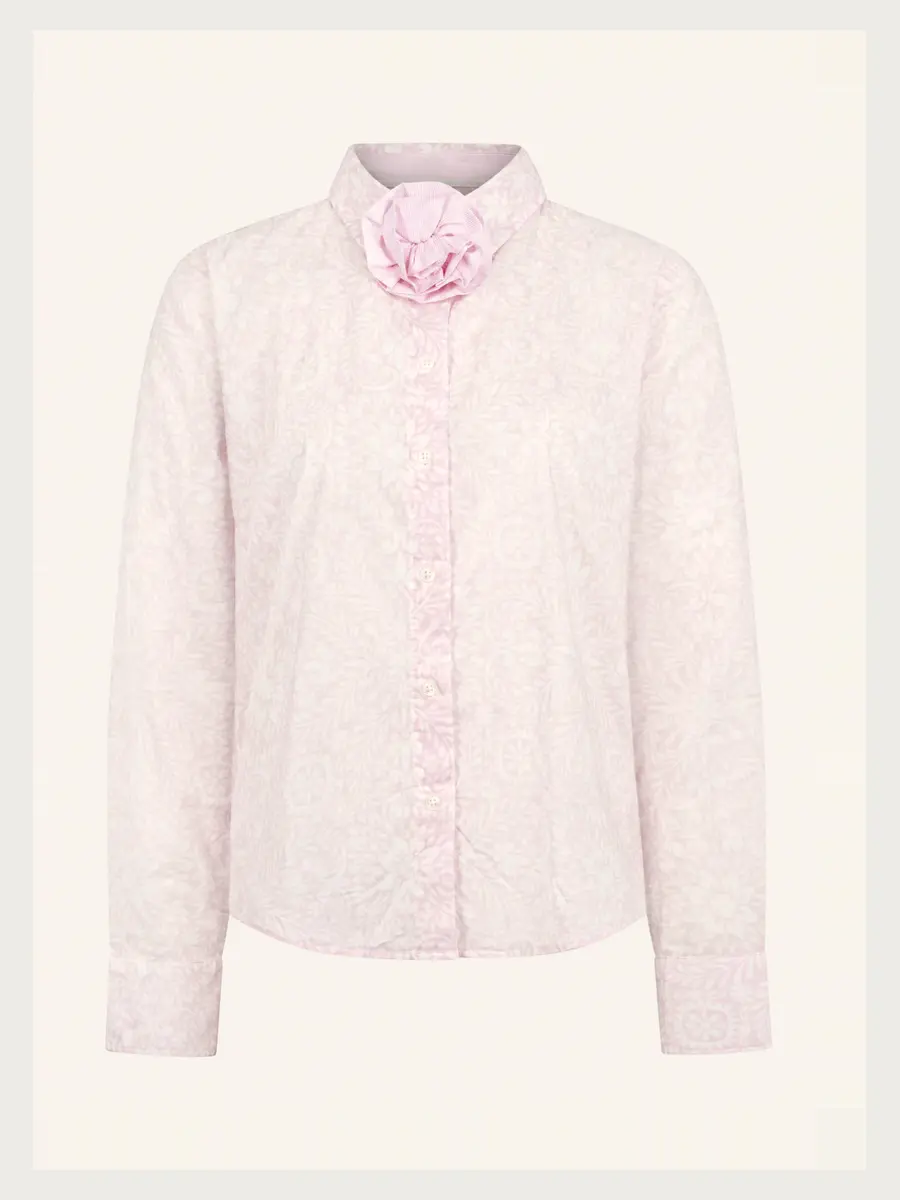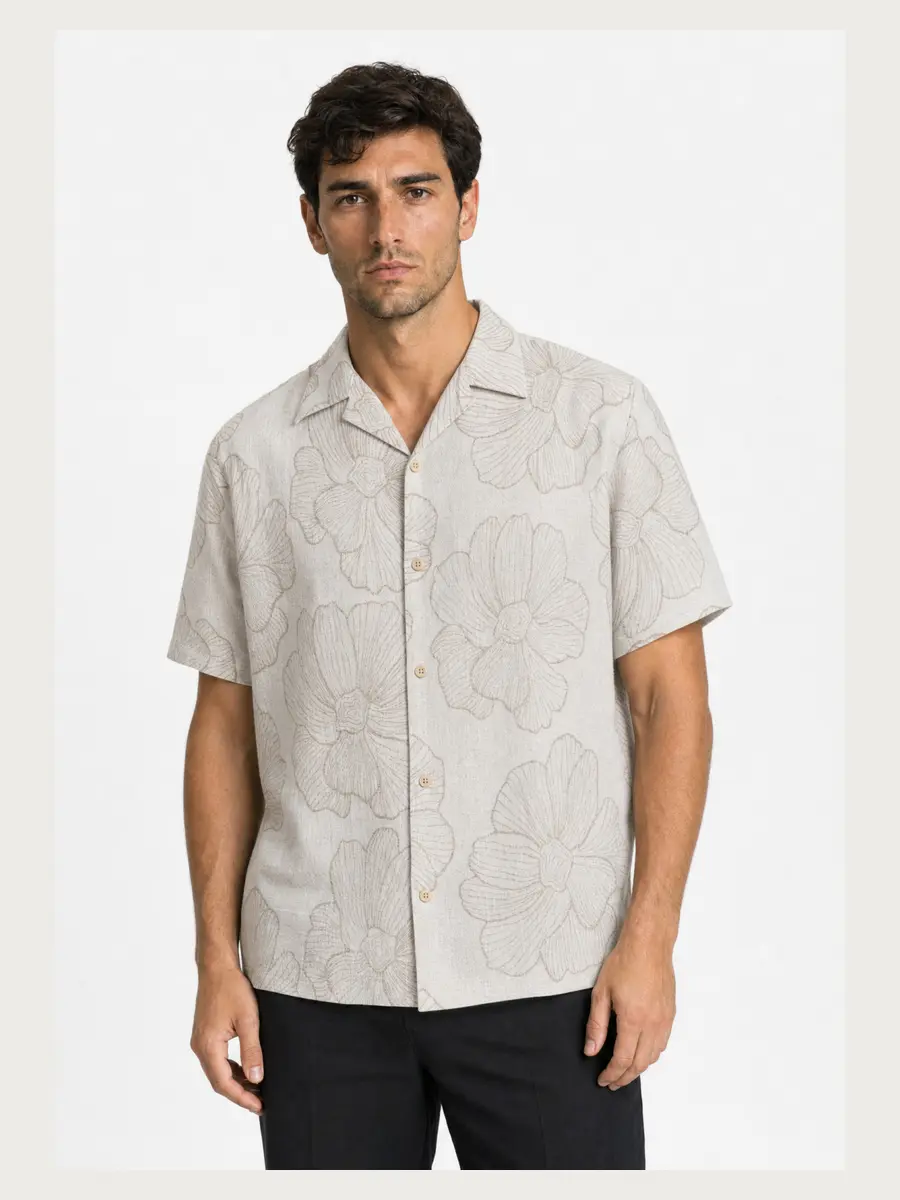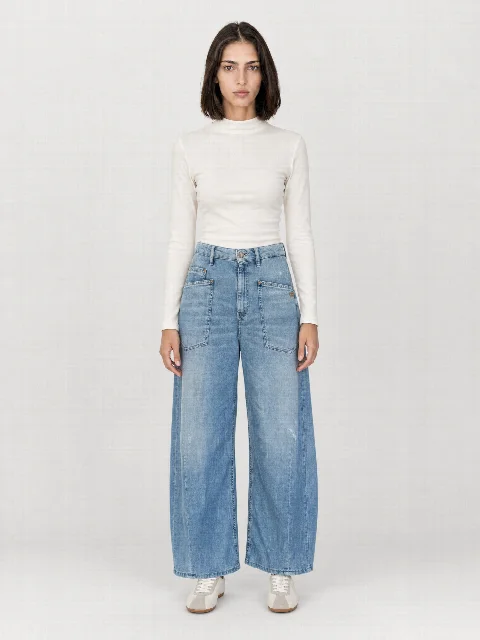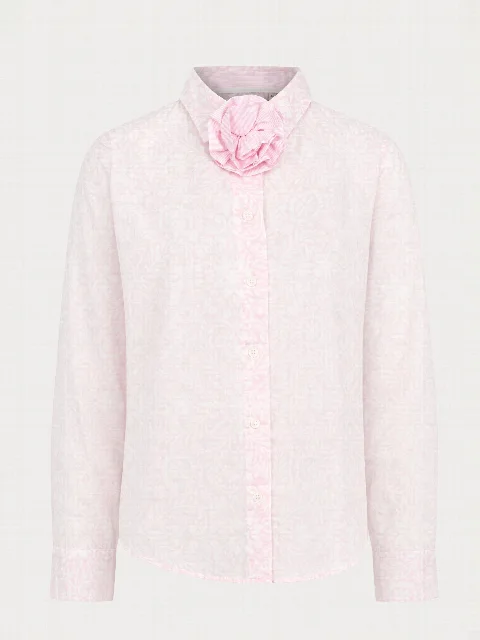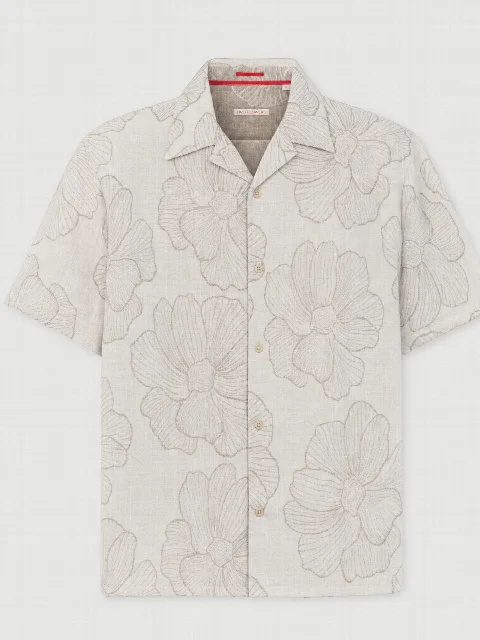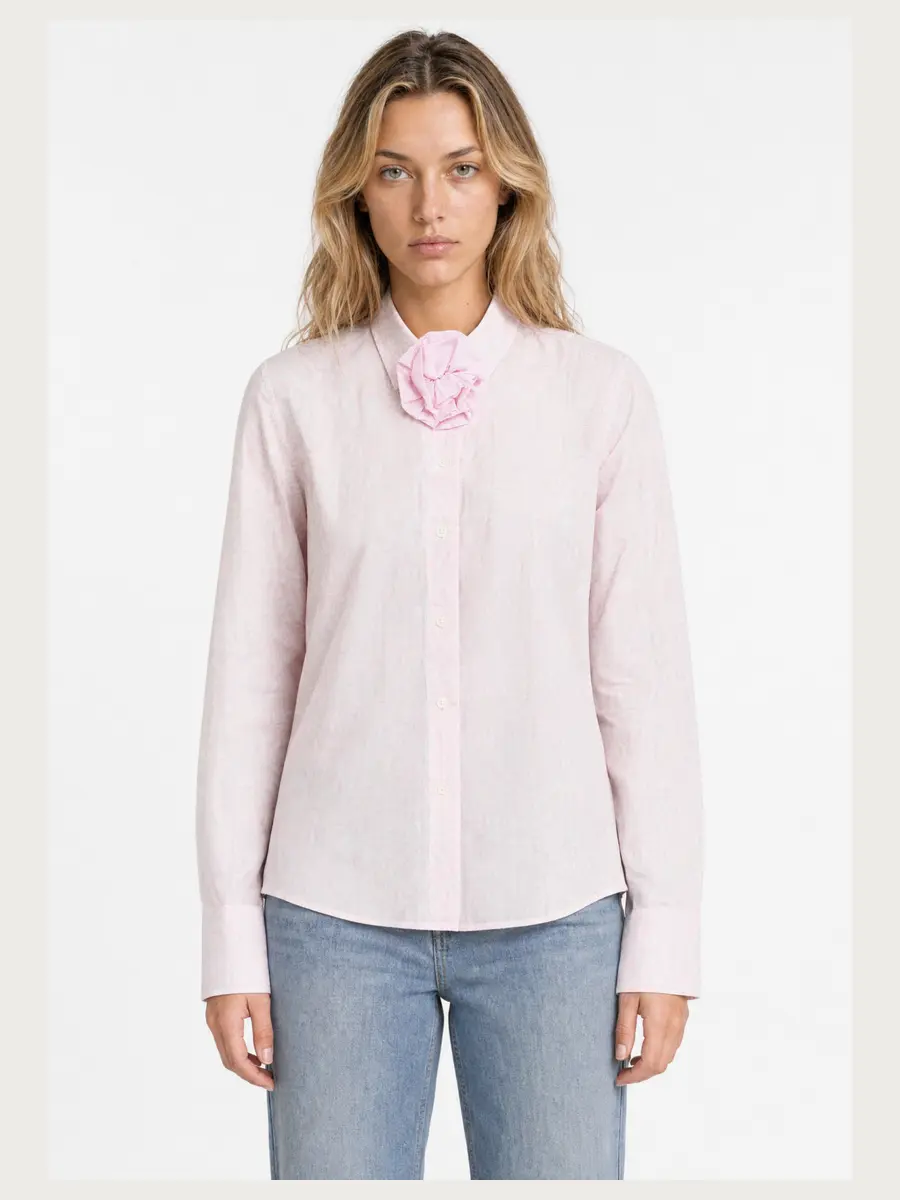
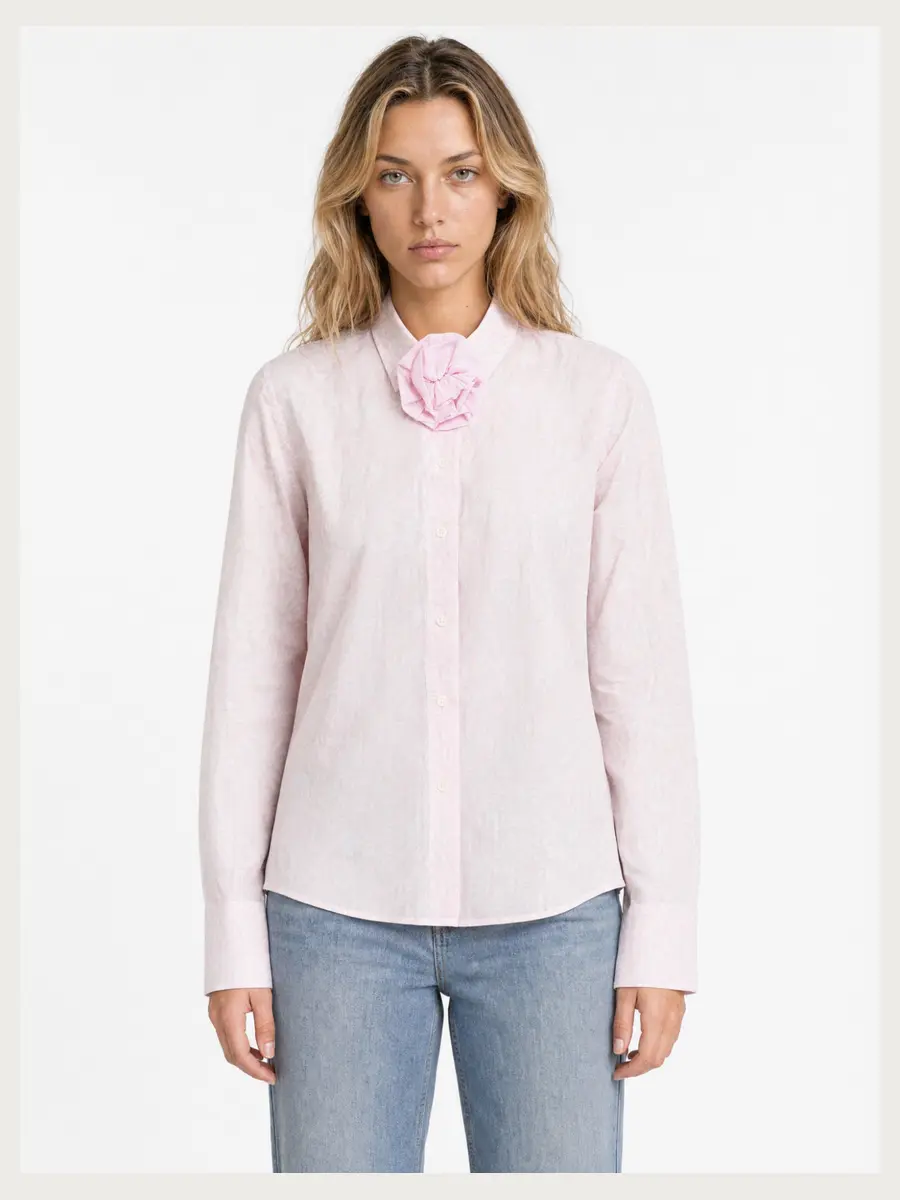
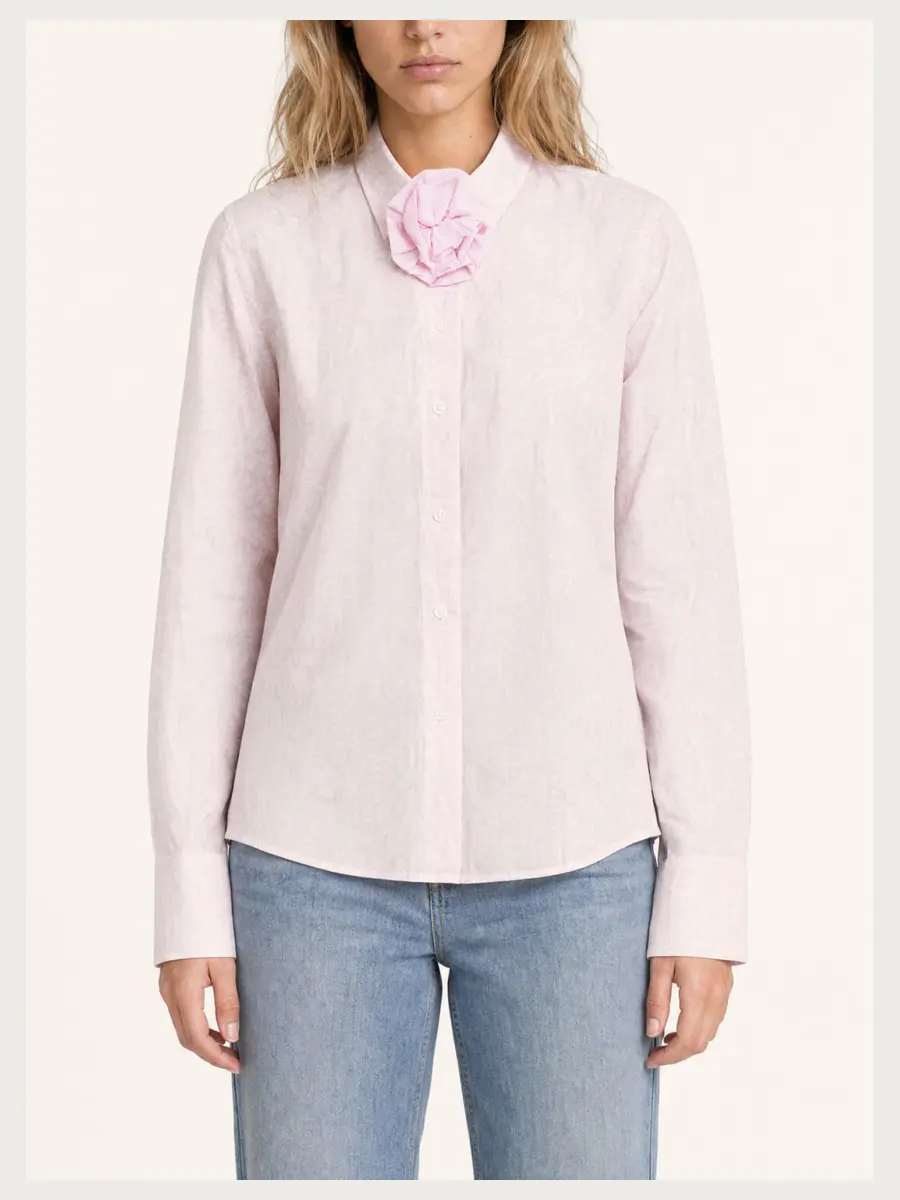
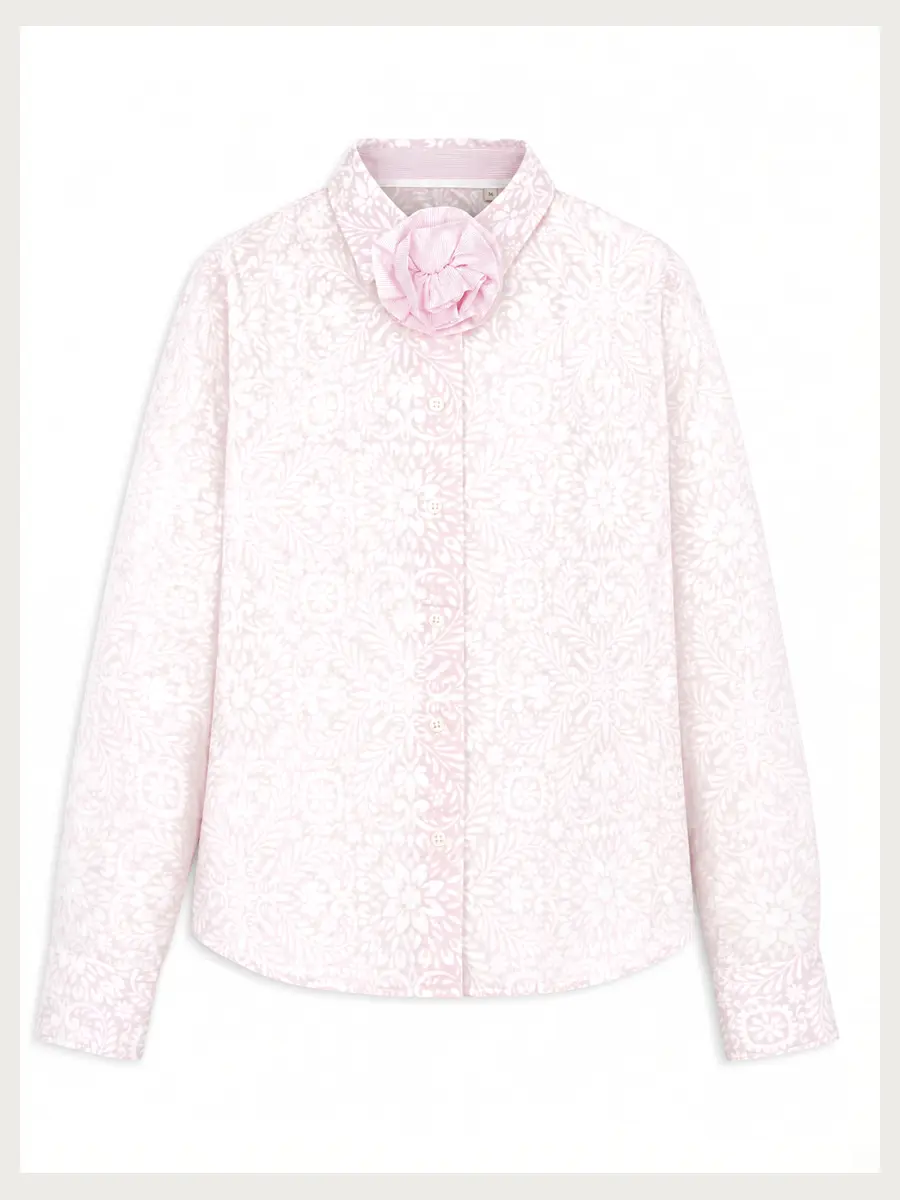
What almost all marketplaces require
- Main image on a light or white background
- No text, logos or watermarks over the product
- The item fills a large part of the image
- High resolution for zoom
- Images that show the real product
Image set templates: one shoot, every marketplace
In the studio you pick a template for Zalando, ABOUT YOU, Breuninger or OTTO before you start. The template decides which views are created and delivers the images in the marketplace specs when you download them: aspect ratio, pixel size, background colour, head crop and order.
So you photograph the item once and get the right set for every marketplace. Hollowman and flat lay are never cropped.
| Marketplace | Format | Background | Model |
|---|---|---|---|
| Zalando | 1:1.44 · 1801 × 2600 px | Packshot white, model light grey | Head visible |
| ABOUT YOU | 3:4 · 1500 × 2000 px | Bust white, model #F4F4F5 | Head visible |
| Breuninger | 1:1.37 · from 1122 × 1536 px | Creamy beige #F8F3ED | Cropped between eyes and nose |
| OTTO | Portrait · 2048 px | White, main image cut out | Head visible |
For your own shop there are also Premium, Portrait, Social and Product only. Under “My image style” you set format, head crop, background and product size yourself.
Marketplace requirements change. Check the current guidelines in your partner portal before you upload.
Main image: on-model, ghost mannequin or flat lay?
That depends on the marketplace and the category. With STYLEPOT STUDIO you get all three variants from one upload and can choose the right main image for each marketplace.
AI images on marketplaces
Some marketplaces have their own rules for AI-generated images. The images must show the real product. Check the current guidelines and label AI images if required.